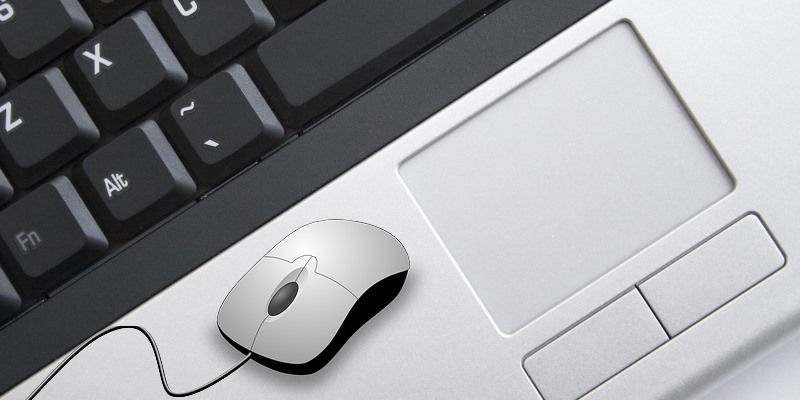
Windows 10’s Creator’s Update comes with a virtual touchpad that is hidden from view. Learn how you can make use of the virtual touchpad in Windows 10.
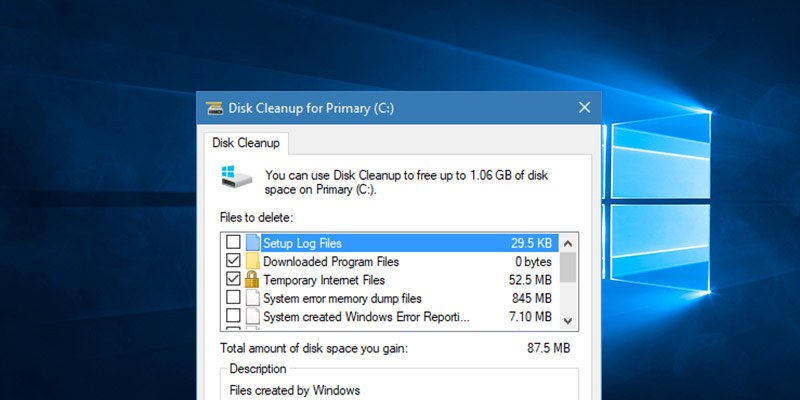
You probably don’t bother with computer maintenance because you are too busy. Follow these maintenance tips for Windows to prevent problems from piling up.
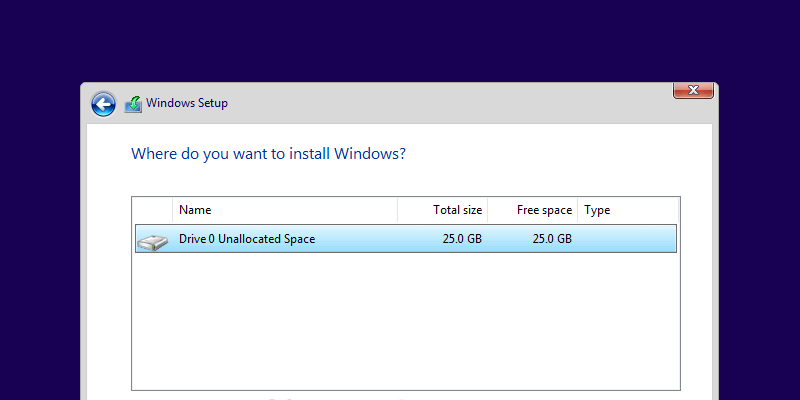
While installing Windows 10 is relatively straightforward, sometimes you might encounter the “We couldn’t create a new partition” error. Here’s how to fix it.
By default, the Note button in Windows 10 Action Center is mapped to the OneNote app. Learn how to modify the Note button to open other note-taking apps.
While a laptop touchpad doesn’t come with a middle button. If you are a fan of middle-click, here are a few ways to enable a middle click for your touchpad.
The system restore feature in Windows will take up a lot of storage space. Learn how you can easily delete system restore points to regain the lost space.
If you’re in the habit of changing your desktop wallpaper regularly, here are some apps you can use to change your wallpaper automatically in Windows 10.
Changing the default font in Windows is not as easy and require edits to the registry. Follow these steps to easily change the default font in Windows 10.
The Xbox One controller is a pretty solid option for PC gaming, and connecting it to a PC is easy. Here’s how you can connect an Xbox One controller to a PC.
You may have come across a “Hybrid sleep” option when poking around in Windows Settings. What is hybrid sleep, and more importantly, should you turn it on or off?
Have a new monitor but it’s not rendering well with your Windows 10? Follow these steps to fine tune your display in Windows 10 to get the best viewing experience.
Have you ever struggled with storage space on your computer? A new Storage Sense feature can automatically clean Windows 10 of unused files. Learn how to use it here.
Let’s say you want to edit a file, but Windows tells you that another process has “locked” it. How do you unlock “in-use” files in Windows? Let’s find out.
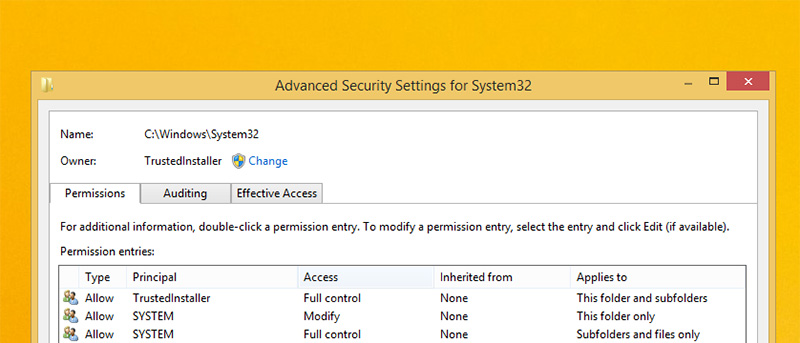
If you received the “Access denied” errors while modifying some system files in Windows, you can manually take ownership of files and folders to override the user permission.
Windows 10 likes to put the computer to sleep if you leave it idle for too long. Learn how you can stop Windows 10 from sleeping and locking up your computer.
Sometime you may just want to reset your Windows 10 to the factory settings. Here is how you can create a reset recovery image and use it to reset your PC.