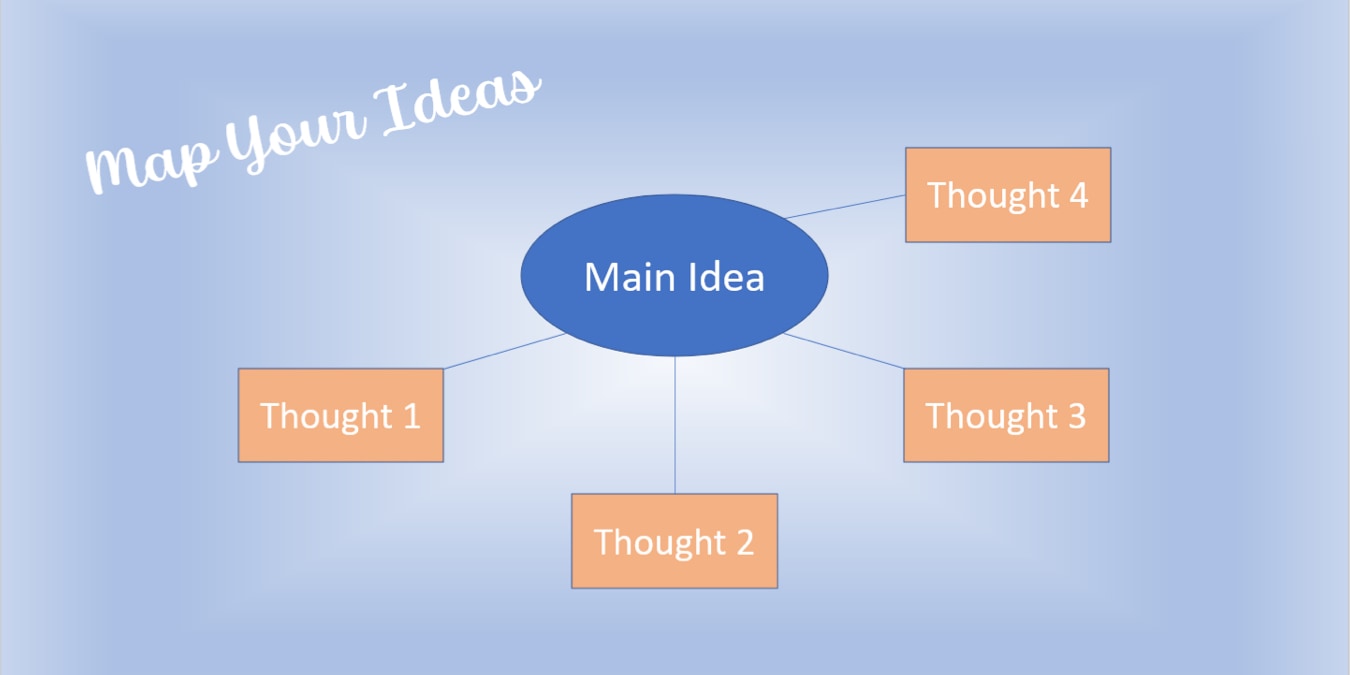
Create a visual display of your ideas, concepts, or other brainstorming topics by making a mind map in Microsoft Word, Excel, or PowerPoint.
By Sandy Writtenhouse – Jun 3, 2023

When considering Asana vs. Trello, which one really is the best? Is the grass greener on the other side? Find out whether you should migrate.
By Crystal Crowder – Jun 2, 2023

Notion is great, but there also plenty of other great choices. Here are some of the best Notion alternatives for you.
By Ojash Yadav – May 29, 2023
Received a presentation that has some great visuals? Learn how to extract images from PowerPoint without compromising the quality.
By Mustafa Ashour – May 24, 2023

If your method of project management isn’t working as well as you’d like, maybe it’s time to try the Kanban technique.
By Sandy Writtenhouse – May 22, 2023
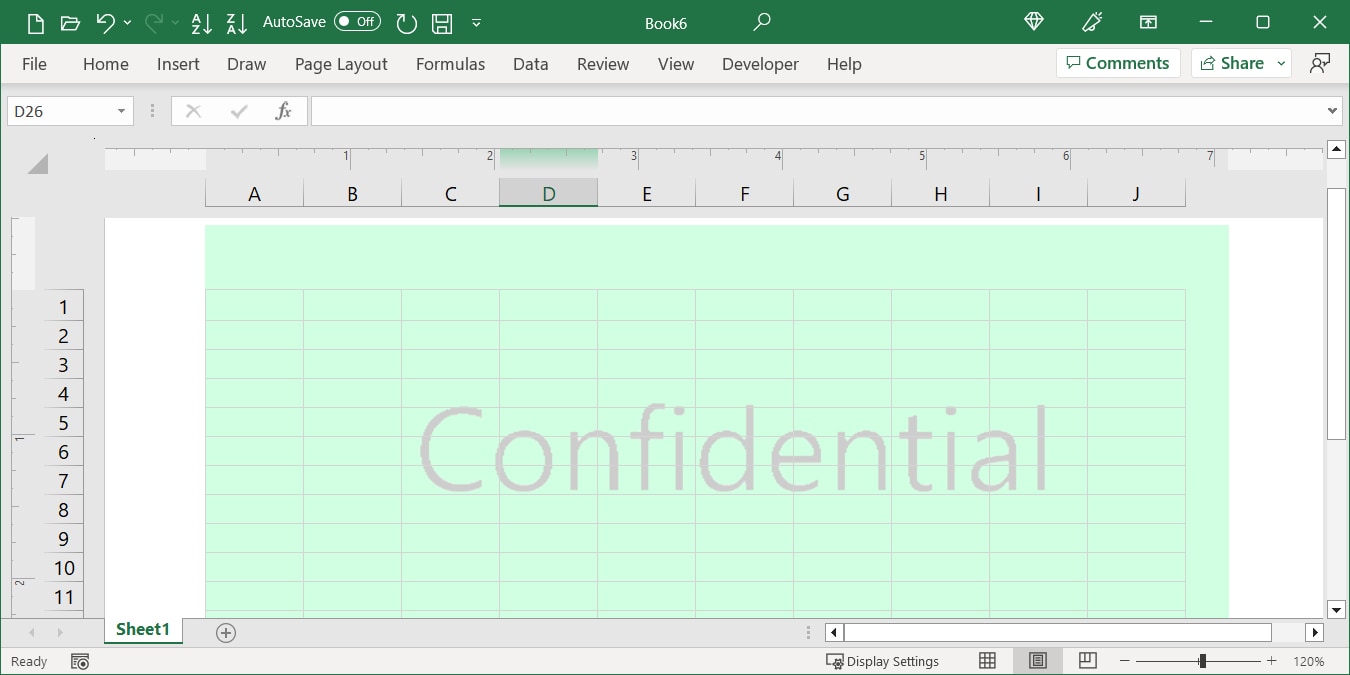
Searching for the Watermark button in Excel with no luck? There may not be a button, but you can still insert a watermark in Excel.
By Sandy Writtenhouse – May 18, 2023

To quickly and easily spot certain emails in your inbox, you can set up conditional formatting in Microsoft Outlook.
By Sandy Writtenhouse – May 12, 2023

Finding the data you need can be difficult on large spreadsheets. In Excel, you can use filters to locate that data quickly.
By Sandy Writtenhouse – May 11, 2023

Tired of the the high costs of Microsoft Project and using multiple tools for project management? Try these Microsoft Project alternatives.
By Crystal Crowder – May 10, 2023

You can do more with lists in Google Docs than you may think. You can create, customize, and edit five different list types.
By Sandy Writtenhouse – May 9, 2023

Make your calendar your own way. Create a daily or weekly schedule or a dynamic monthly calendar from scratch in Google Sheets.
By Sandy Writtenhouse – May 8, 2023

To visually display relationships between items that include similarities and differences, learn how to create a Venn diagram in PowerPoint.
By Sandy Writtenhouse – Apr 22, 2023

Manage both your tasks and your time with block scheduling. Learn how to set up this feature in the Microsoft Outlook Calendar.
By Sandy Writtenhouse – Apr 20, 2023

Instead of manually moving, flagging, or marking emails, find out how to use Microsoft Outlook rules to manage your inbox automatically.
By Sandy Writtenhouse – Apr 13, 2023
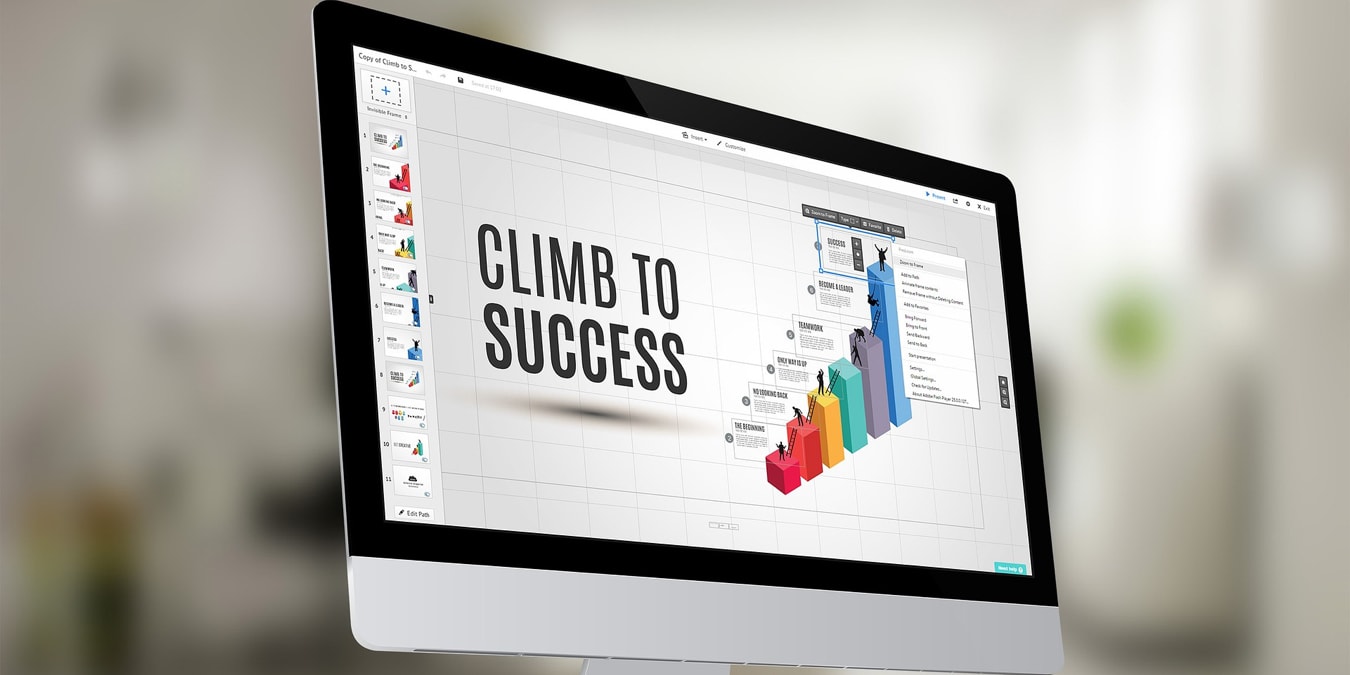
Add a helpful visual to your slideshow that attractively displays your company’s data. This guide shows how to create a chart in PowerPoint.
By Sandy Writtenhouse – Apr 12, 2023
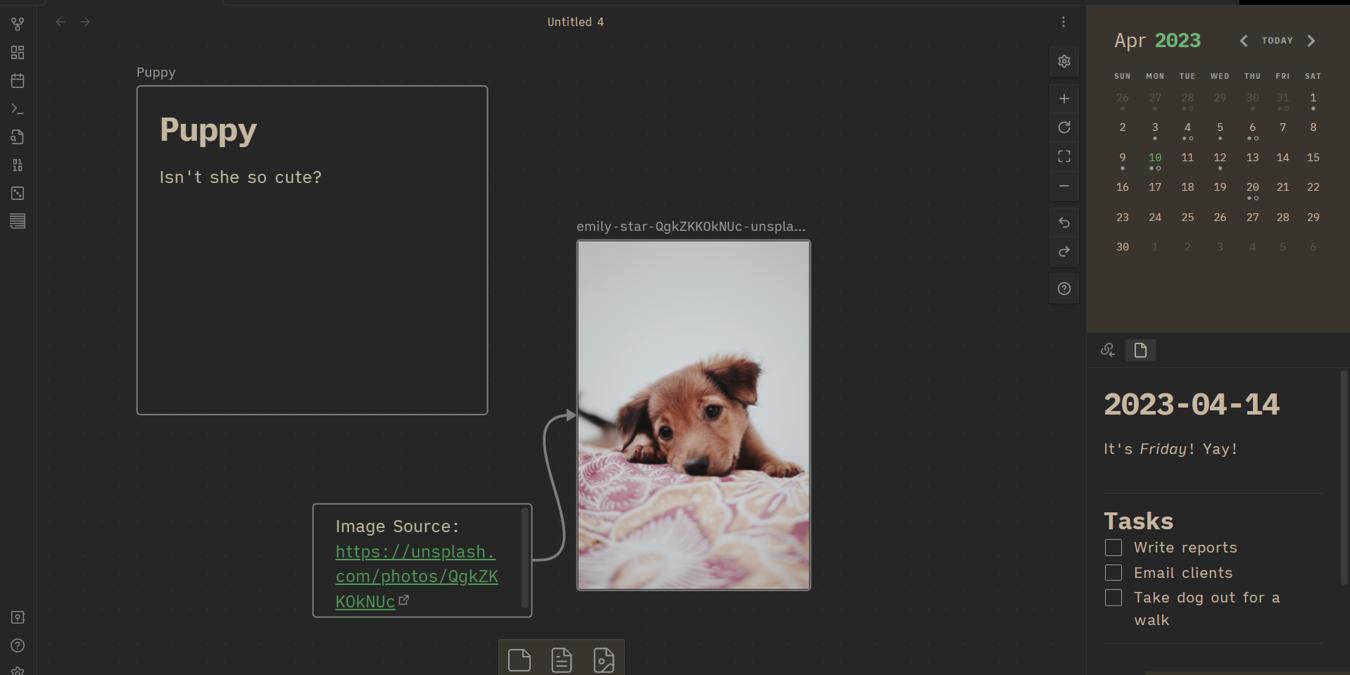
Take better notes with these Obsidian tricks that are sure to make anything you jot down much more pleasing to the eye!
By Terenz Jomar Dela Cruz – Apr 11, 2023

Save time by creating email templates in Outlook. You can reuse your templates by making slight changes, then send the messages on their way.
By Sandy Writtenhouse – Apr 7, 2023

Do you want a better way to organize your inbox and spot emails at a glance? Learn how to use color-coded categories in Microsoft Outlook.
By Sandy Writtenhouse – Apr 6, 2023

Want a visual display of your data but don’t have room for a large chart? Take advantage of sparklines (tiny charts) in Excel.
By Sandy Writtenhouse – Apr 3, 2023

Tired of having to use numerous communication tools to manage remote teams? This review shows how Teamly helps with team and project management.
By Crystal Crowder – Apr 3, 2023
Affiliate Disclosure: Make Tech Easier may earn commission on products purchased through our links, which supports the work we do for our readers.





