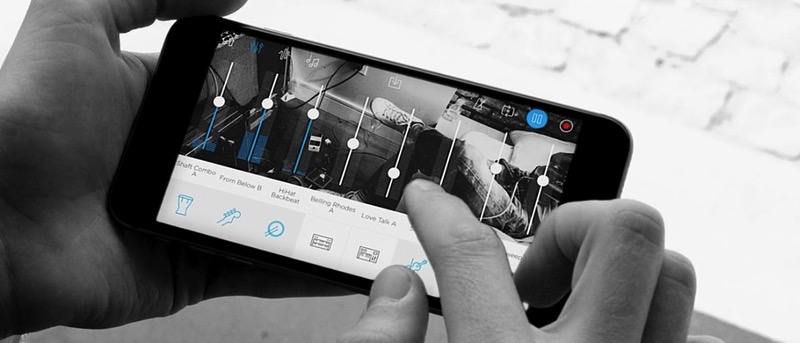
If you are just starting on your musical journey, Music Maker Jam is an easy-to-use app for Android, iOS and Windows mobile that helps produce great music.
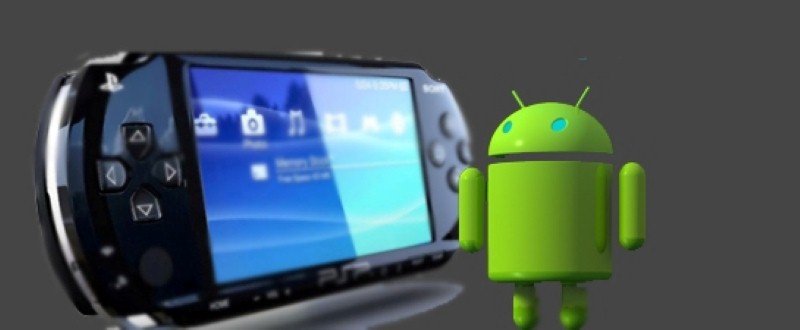
PPSSPP is one of the best PSP emulators that supports almost all platforms, including Android. The emulator is open-source and completely free to use. Here’s how to play PSP games on Android using PPSSPP.
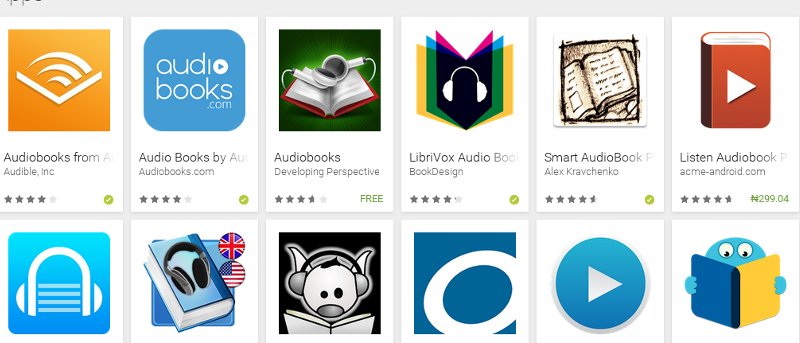
If you love reading audiobooks but don’t want them taking up space on your iOS device, here are some ways to play audiobooks from alternative locations.
One of the big debates among smartphone users, after the Android vs. iPhone debate, is the argument over screen size. Do you think there is Do You Think There still a market for smartphones with smaller screens?
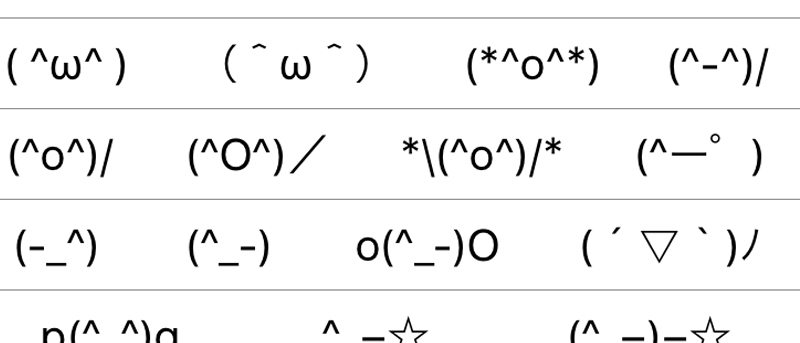
Did you know the Japanese keyboard on iPhone offers a secret Emoji keyboard called “Kaomojis?” Kaomojis are face emotions made using letters, numbers & symbols. Here’s how it works.
QuickClick is an Android app that will help you do all sorts of things by only using your device’s volume buttons. You can take a picture, record a video, turn on the flashlight, and more.
Wouldn’t it be great to have your Android automatically turn on whenever you pick it up? If you like this idea, then you’ll love the Gravity Screen Off app.
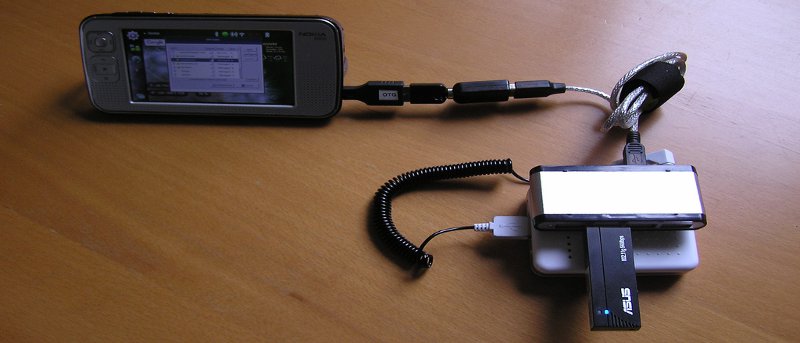
An OTG cable (on the go) is a very useful tool that allows devices to communicate with each other and extend functionality. Here are some uses for a USB OTG cable on Android.
While Google Music is a great app for Android, many of us have music players installed which we are partial to. Here is how you can access your Google Music library in other music players.
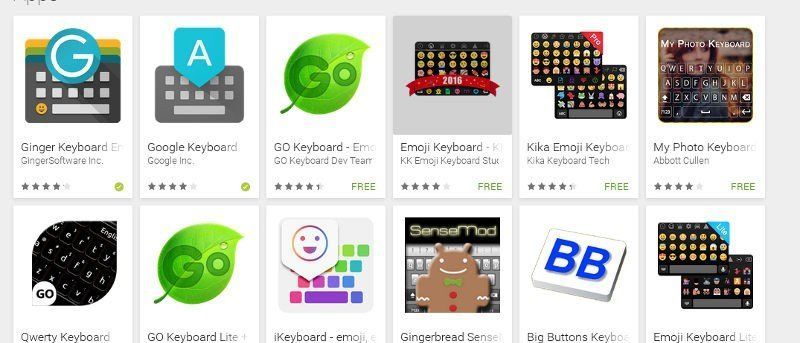
Another one bites the dust! Microsoft has purchased Swiftkey keyboard, and now many are searching for alternatives. If you’re one of those people, here are some worthy Swiftkey alternatives.
There are many iPhone apps that help take selfies, and now we have a new one from the long time rival of Apple: Microsoft. The app is called Microsoft Selfie. Let’s check it out.
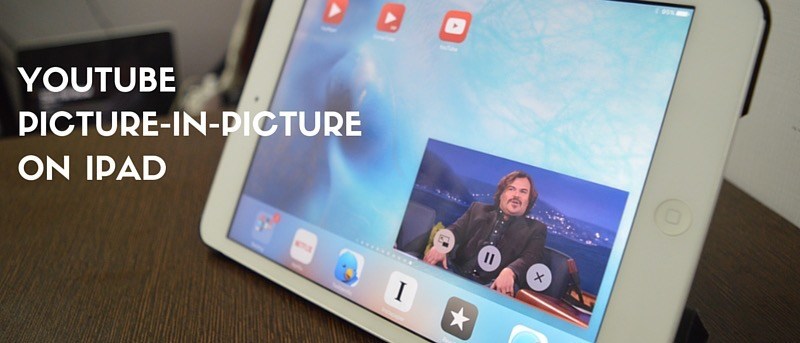
iOS 9 introduced a PIP mode, Picture-in-Picture. However, it doesn’t work in the YouTube app. Luckily, there are some tricks around this which you’ll learn in this article.