With the new HTTP/2, let’s find out what this new protocol version does, how it can improve the loading speed of webpages and how you can benefit from it.
What if you could press a single button and have it do anything you wanted? Now you can with the Bttn. Come read more about it and win one of your own!
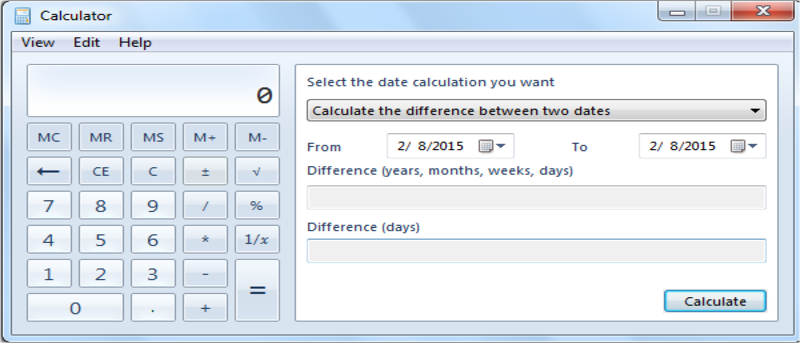
If you are using the built-in Calculator and Microsoft Excel regularly, why not add the calculator to Excel for quick access? Here’s how you can do it.
Most modern browsers come with a password manager for us to save our passwords. This article will take you through the steps to manage your saved passwords in various browsers.
There are many productivity apps that can help us become more efficient. The following apps make use of Google services and are particularly handy as Chrome apps. Check them out.
You probably have an online banking account. What if someone decided to hack into your account and steal from it? How secure do you think your bank account is?
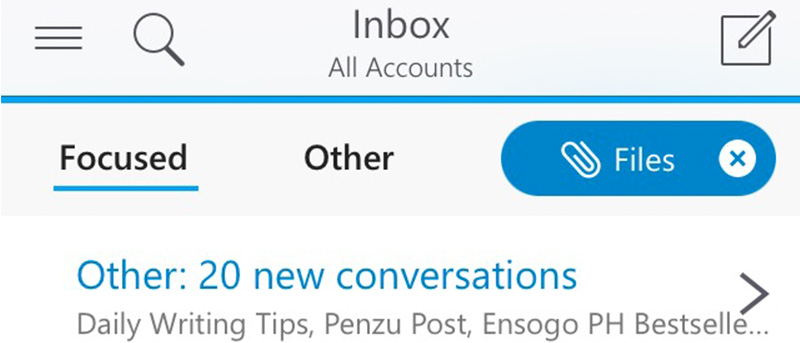
Microsoft recently updated the Outlook app for iOS and Android. Can the major revamp entice you to switch from your stock email client? Let’s check it out.
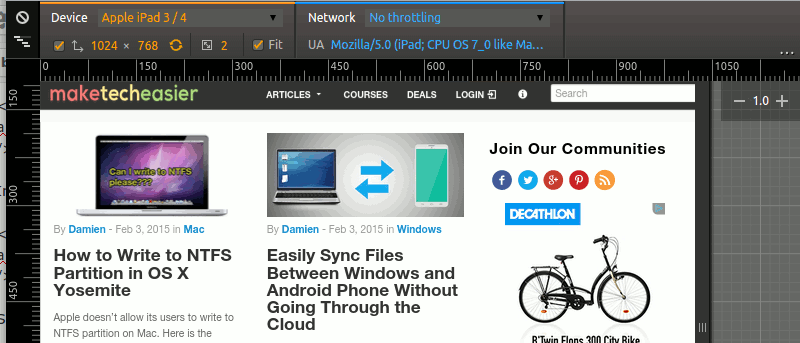
Google Chrome comes with a nifty tool that allows you to test how your website render in various mobile device. Here is how you can use the device mode in Chrome.
Have you ever wondered what large companies do to ensure that their websites stay up, and why websites sometimes go belly-up for a few hours? It’s time to speak about both of these things!
While surfing the web, you probably have come across error codes like 404, 502, etc. Here are some of the most common browser errors that you should know.
Microsoft spearheaded a product that blends augmented reality with virtual reality. This product is known as the HoloLens. Here is what you need to know about it.
A network in space to provide internet access throughout the world sounds good, but is it feasible? Here are the answers to some of the major questions asked.
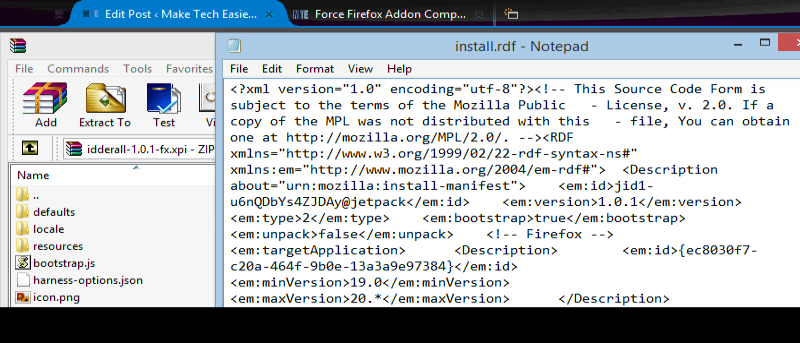
Sometimes, you are not able to install old extensions as they are not compatible with your current version of Firefox. Here is how you can force compatibility and make them run.
There’s so much in store for tech enthusiasts this year with all thee new toys for big boys and girls – it’s difficult not to gloat over them on screen. Let’s check them out.