While many might think setting up a smart home is easy, it’s really anything but. If you are going to spend money, make sure you know why you are spending it.
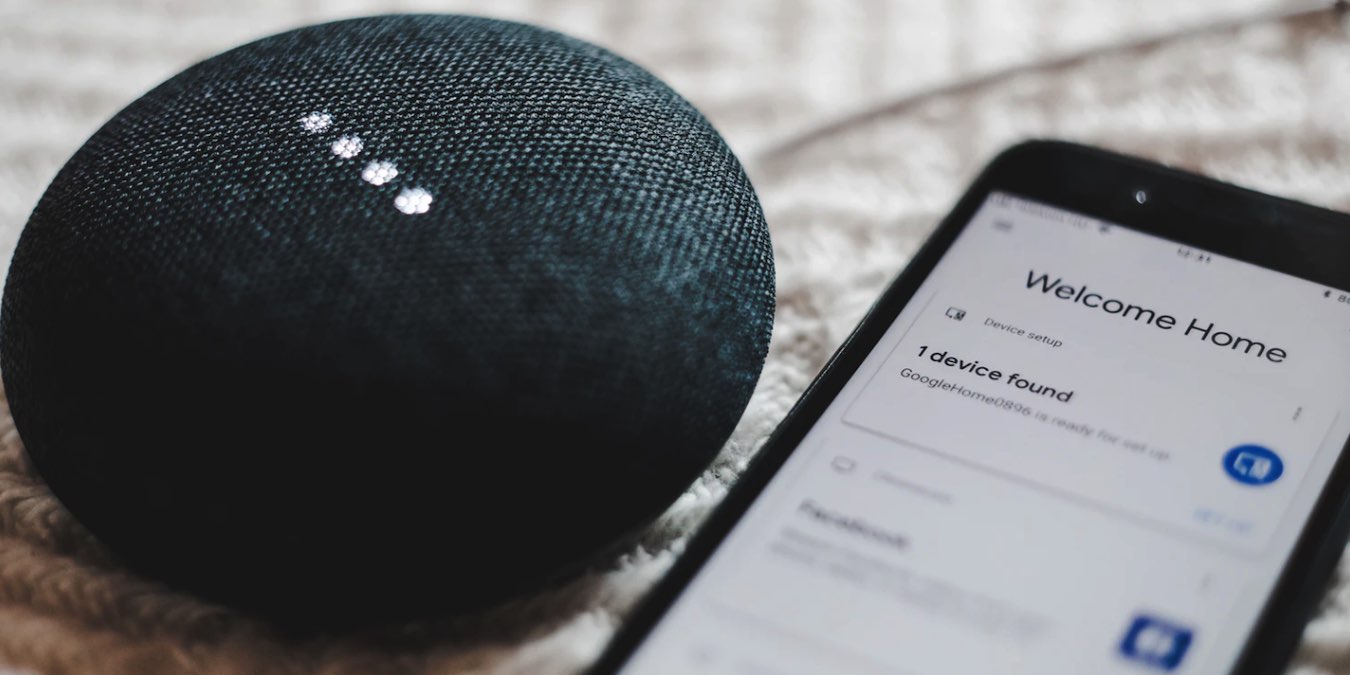
Want more than just a digital assistant? Need amazing sound with your smart speaker too? Find out who wins in the smart speaker sound quality showdown.
Smart home technology has found new ways to stop the spread of germs. Here are smart smart home devices you can buy to help stop the spread of bacteria.
Want a smarter bathroom that knows all your preferences? Try some of these smart bathroom devices for the perfect shower, a warmer toilet and much more.
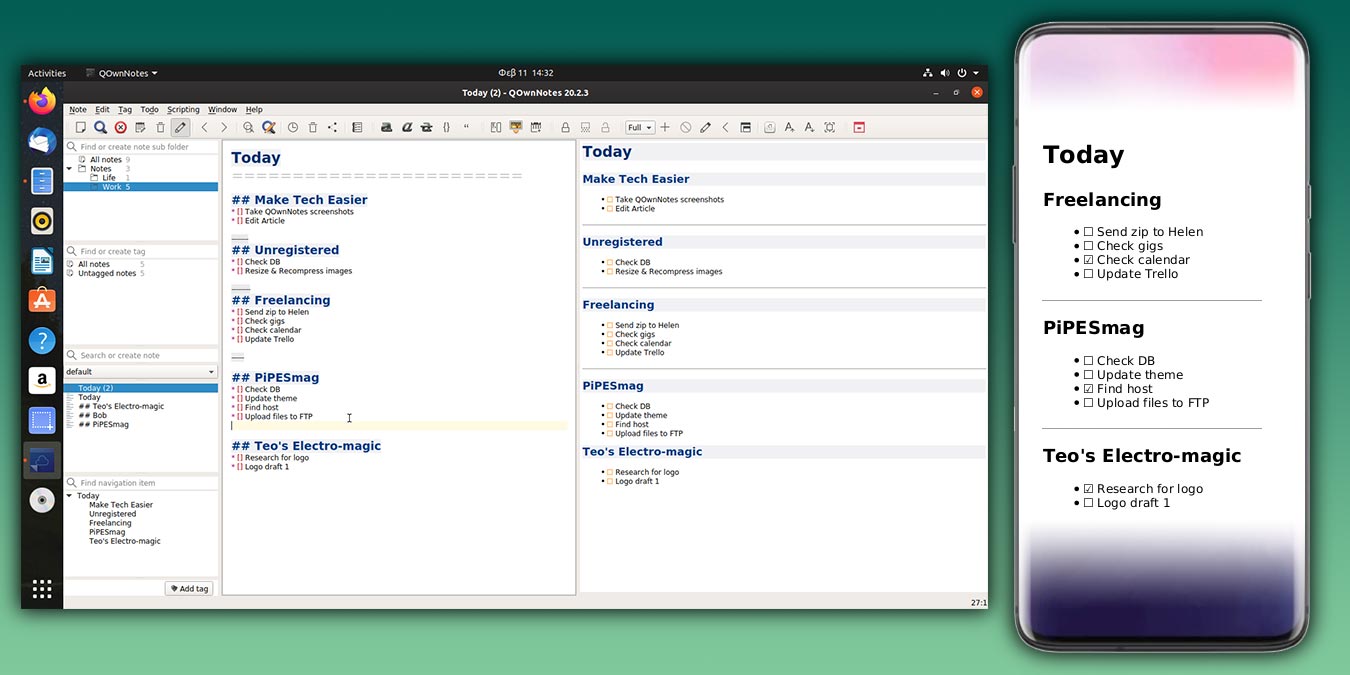
QOwnNotes is a free, open-source, multi-platform, and feature-rich notepad that allows you to manage your notes, tasks, and edit documents in markdown.
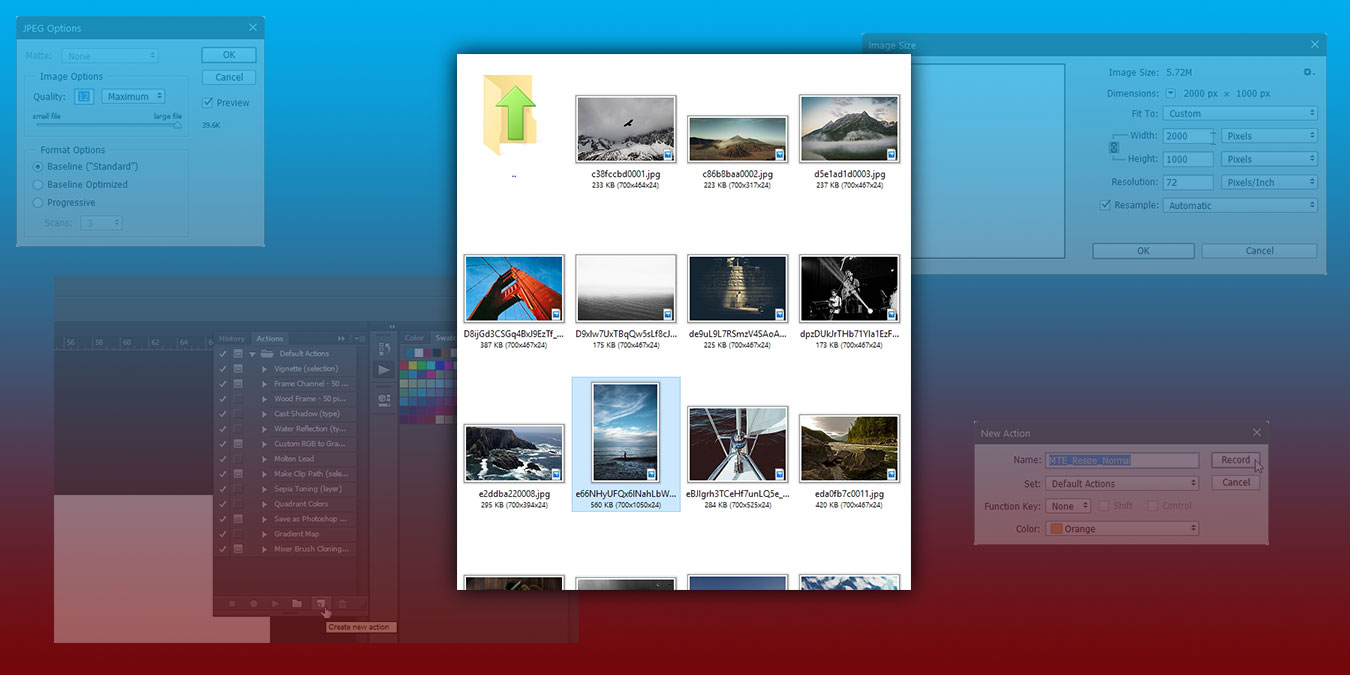
Adobe Photoshop has included automation features for more than a decade. Here we will show you how to set up automation to batch-process files in Photoshop.
As popular as smart home devices are, they are vulnerable to hackers. Here we compiled the latest list of smart home security problems and their fixes.
If you have vision problems, Microsoft Edge has a built-in reading tool to makes reading webpages easier. Learn how to make use of this reading tool in the Edge browser.
Did you know you can use a Google Nest to find your phone? It doesn’t matter what kind of Nest you have as long as you set it up correctly and give the right command.
Using one browser for all your browsing activity makes you easy to be tracked. Here is why you should use two (or more) browsers for your daily browsing.
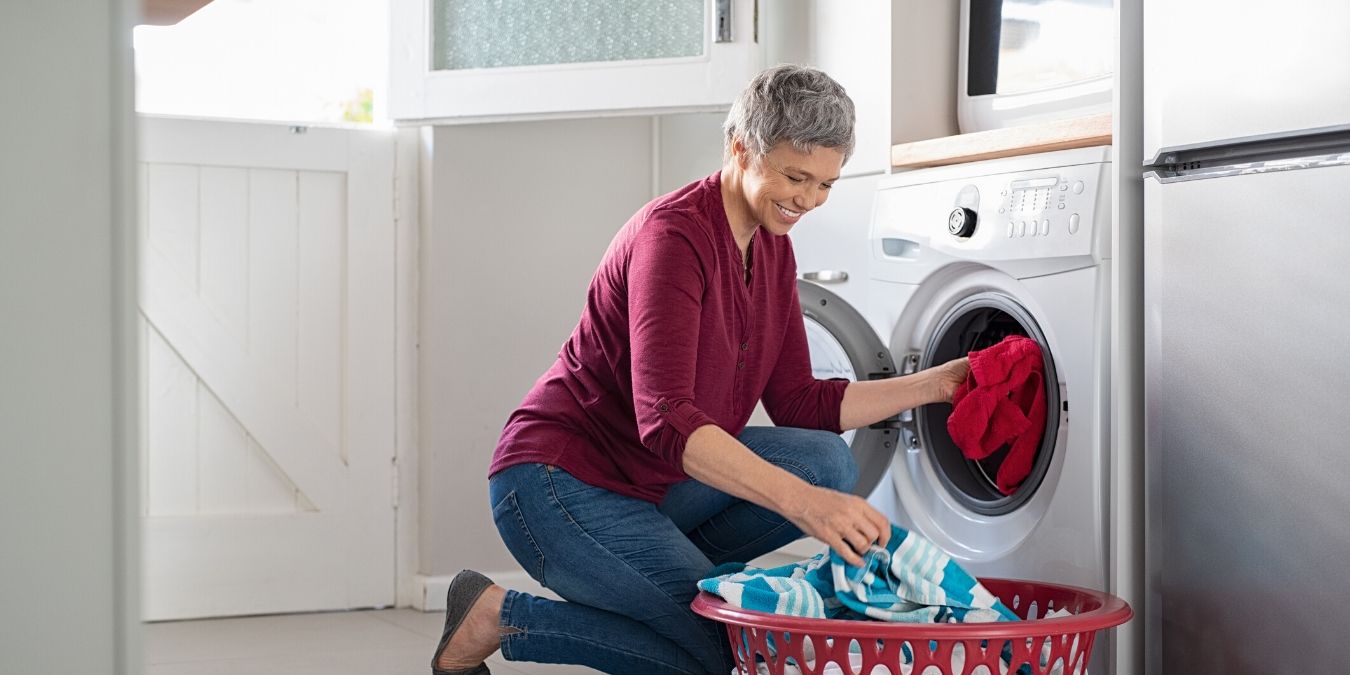
Smart washers are among the new class of smart devices that link to your mobile device to have data transmitted about the washer’s operation in real time.
SmartThings can automate your home, and you can now control it using your voice as well by connecting Amazon Alexa with SmartThings. Here’s how to do so.