After updating Windows, you have 10 days to revert to the last build of Windows 10 installed on your PC. Here are the steps to revert to previous builds in Windows 10.
Microsoft has recently released Windows 10 S with the aim to rival both MacBook Air and Chromebook. Here’s everything you need to know about Windows 10 S.
A Windows 10 system image is useful in the event of a system-smashing disaster. Here is how you can back up and restore Windows 10 from a backup system image.
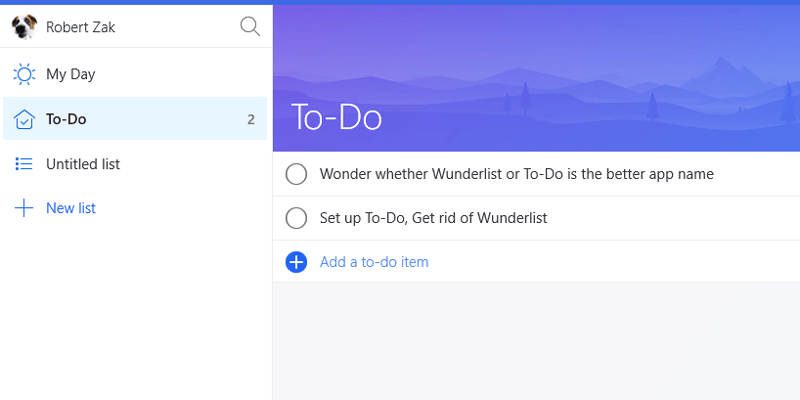
Microsoft acquired Wunderlist and transformed it into a new app called To-Do. Is To-Do any good? What happened to your Wunderlist account? Here are all the answers.
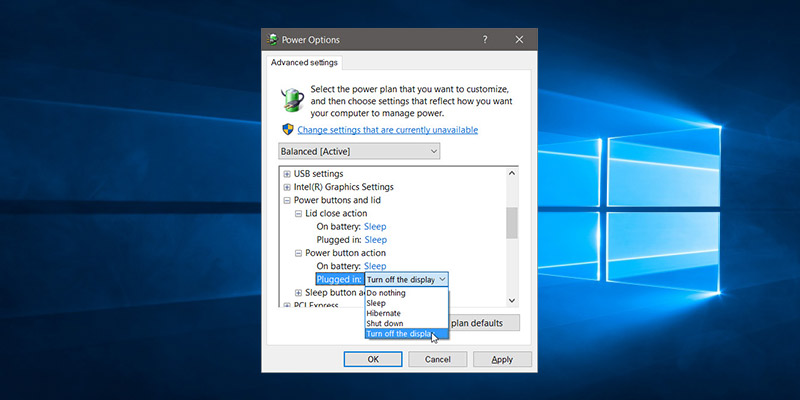
One of the settings buried deep down in Windows’ Control Panel is the ability to change the Power button to turn off the display rather than sleep. This setting can be easily configured in the Power Plan options for your laptop.
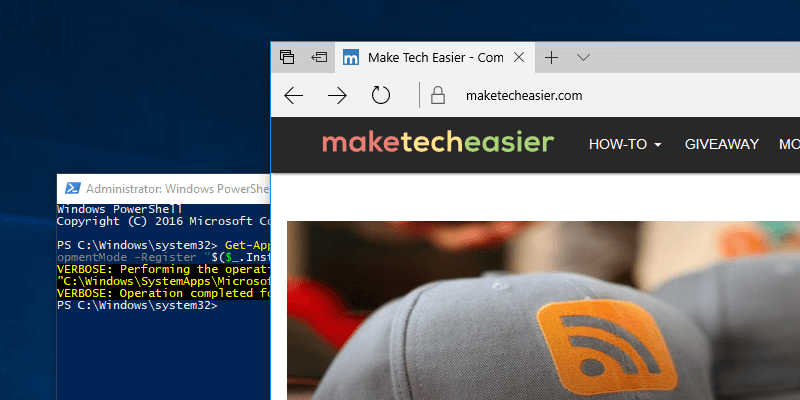
If you’re having issues with the Edge browser and can’t fix it, one solution is to reset it and start from scratch. Here’s how to reset the Edge browser.
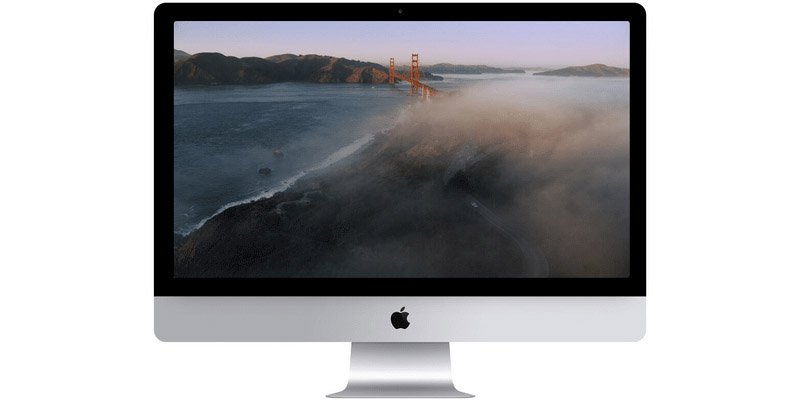
The Apple TV ships with plenty of beautiful screen savers of the wonders of the world. Learn how you can get Apple TV screen savers on your Mac or Windows PC.
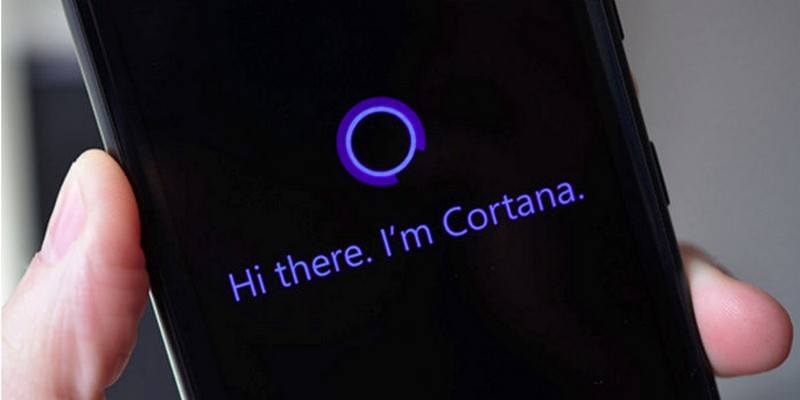
While it works from the search bar, Cortana in Windows 10 can also work in the Microsoft Edge browser. Here’s how to set up and use Cortana in Microsoft Edge.
Have you ever found yourself locked out of a Windows account? PCUnlocker allows you to unlock user accounts, from Windows 10 all the way back to Windows 2000.
If you’re coming to Windows from macOS or Linux, you might miss the powerful shell. Learn how you can install zsh and Oh My Zsh and get a shell running in Windows 10.
In some cases your folder icons in Windows will show a black background that cannot be removed. Here’s how to fix the black background behind folder icons in Windows 10.
In addition to providing online storage, OneDrive also allows you to remotely access files on your system. Here is how you can use OneDrive to remotely access your files on Windows 10.