• Computing
  • Mobile
  • Lifestyle
  • PC Guides
  • Reviews
  • Tech Explained
    • Windows
    • Linux
    • Mac
    • ChromeOS
    • Android
    • iOS
    • Gadgets
    • Productivity
    • Smart Home
    • Social Media
    • Gaming
  • Internet
  • Tech Explained
  • News

More from us

  • Reviews
  • Cheatsheets
  • Buying Guides
  • Deals
  • Newsletter

How to Lock PC Remotely on Windows 10

Windows 10 has a neat little feature that lets you track your device and lock your PC remotely. This feature is very helpful when your device is stolen.

By Vamsi Krishna – Jan 22, 2019

Windows 10 Will Soon Reserve 7GB Of Space For Updates

Windows 10 has had issues with update space before, and that is why it will now automatically reserve 7GB of space dedicated just for update downloads.

By Simon Batt – Jan 19, 2019

win10-shortcuts-featured

20 Windows 10-Specific Keyboard Shortcuts That Every User Should Know

If you are an avid keyboard user, then you will love all the new keyboard shortcuts that are introduced in Windows 10 to access all the new features easily. Take a look.

By Vamsi Krishna – Jan 13, 2019

4 Windows Sticky Notes Tips For Better Productivity

Windows Sticky Notes is not as feature-rich as Evernote, but that doesn’t mean it’s useless. Here are 4 tips to master Wndows Sticky Notes.

By Robert Zak – Jan 12, 2019

5 Biggest Things to Look for on Windows 10 in 2019

2018 wasn’t the most glamorous year for Windows 10. Here are five major updates and events that are likely to come to Windows 10 in 2019.

By Robert Zak – Jan 11, 2019

Chromebooks Will Soon Be Able to Dual-Boot with Windows 10

Chromebooks don’t naturally support Windows, but that could change after Google announced they will support dual-booting Windows 10 on their Chromebooks.

By Simon Batt – Jan 5, 2019

How to Download Fonts from the Microsoft Store in Windows 10

Did you know that you can download fonts from the Microsoft Store? it’s a useful feature for easily grabbing some more fonts for your Windows machine.

By Simon Batt – Jan 4, 2019

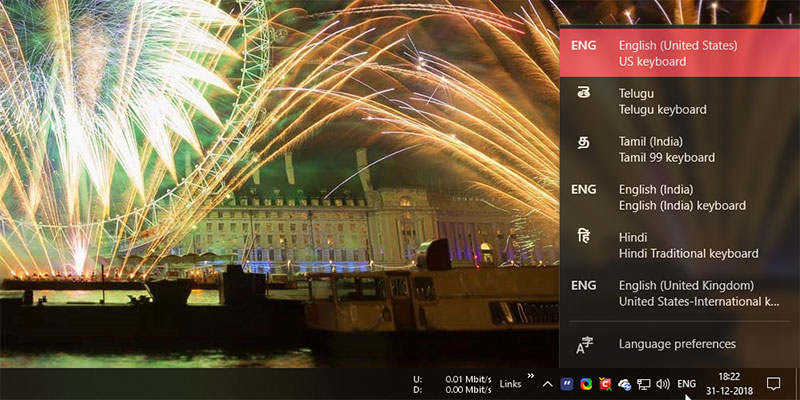
How to Show or Hide Input Indicator and Language Bar in Windows 10

If you are using different languages on your Windows 10 machine, enabling the input indicator or language bar allows you to easily switch between languages.

By Vamsi Krishna – Jan 3, 2019

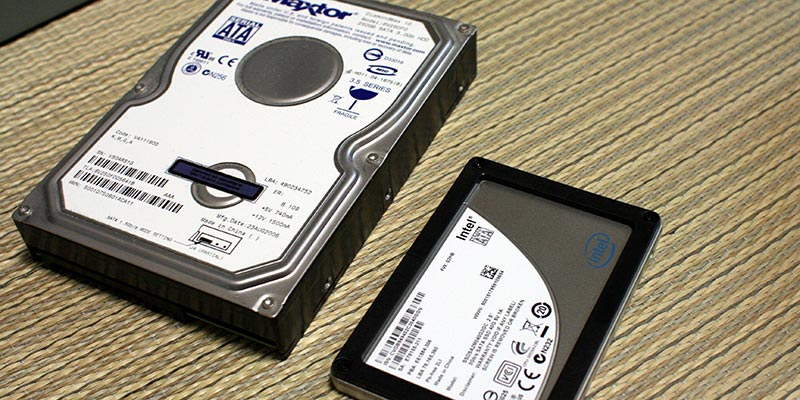
How to Find Out If Your Windows System Has SSD or HDD

If you are wondering if your Windows system is running SSD or HDD, here are a few ways to find out without physically open the computer case.

By Vamsi Krishna – Dec 24, 2018

How to Uninstall Adobe Creative Cloud Products from Windows 10 PC

Are you facing problems uninstalling Adobe Creative Cloud products from your Windows 10 PC? Here is a simple method you can use to banish Adobe CC from your PC.

By Sayak Boral – Dec 20, 2018

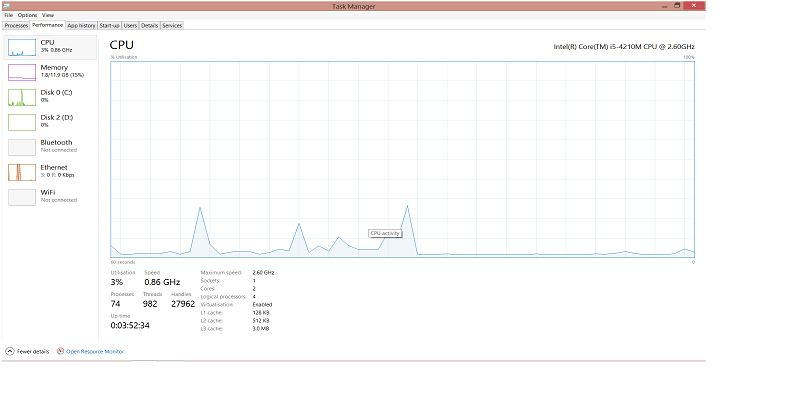
What Is the Windows Shell Experience Host and Why Is It Taking Up So Much Memory?

If “Windows shell experience host” is taking up a lot of memory on your computer, this shows how you can fix it and reduce its memory intake.

By Afam Onyimadu – Dec 18, 2018

What’s Coming Up in the Windows 18298 Update

With the October update just rolling out after months of constant hiccups, let’s take a look as to what Microsoft has in store for 2019.

By Simon Batt – Dec 17, 2018

Featured Windows Movie Maker Graphic

The Beginner’s Guide to Windows Movie Maker

Windows Movie Maker is a simple-to-use tool for editing video. Follow this guide to brush up on your Windows Movie Maker skills and create professional-looking videos.

By Sayak Boral – Dec 15, 2018

Host your own email server Featured

How to Set Up Your Own Email Server on Windows PC

You can set up your own email server and protect your emails from prying eyes. Here is how you can host your own email server right in your Windows PC.

By Sayak Boral – Dec 12, 2018

How to Optimize Delivery Optimization Cache in Windows 10

Windows 10’s Delivery Optimization feature lets you transfer updates to and from other PCs on your network. Here’s how you can manage the delivery optimization cache.

By Vamsi Krishna – Dec 6, 2018

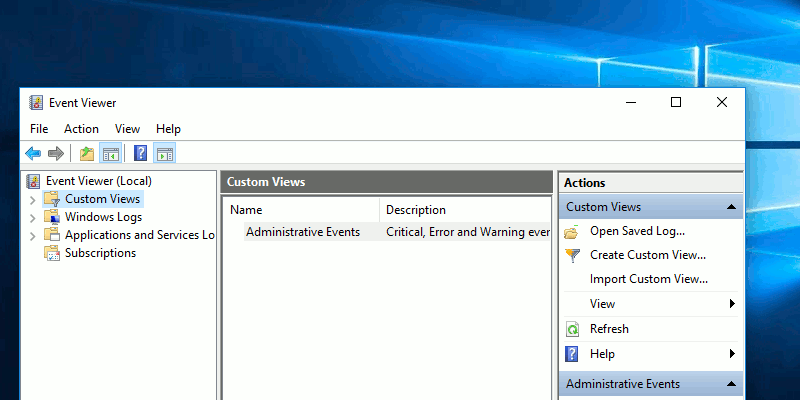
windows-custom-views-featured

What Are Custom Views in Windows Event Viewer and How to Create One

Custom Views in Windows Event Viewer is a special showing where you only see the warnings that interest you. Learn how to create a custom view in Windows.

By Fabio Buckell – Dec 5, 2018

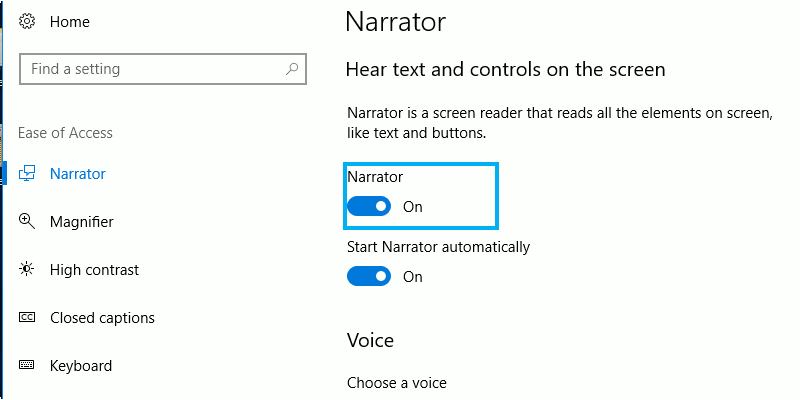
windows-narrator-featured

How to Use Windows Narrator to Convert Your Text to Speech

Windows Narrator make it easier for those with vision problems by reading what’s on the display. Here are some tips to get the best out of Windows Narrator.

By Fabio Buckell – Nov 27, 2018

Microsoft Experiments with Ads in Windows Mail

Without warning, the Windows Mail app began to display advertisements. Users can only go “ad-free” by getting a copy of Office 365. Here’s the full details.

By Simon Batt – Nov 24, 2018

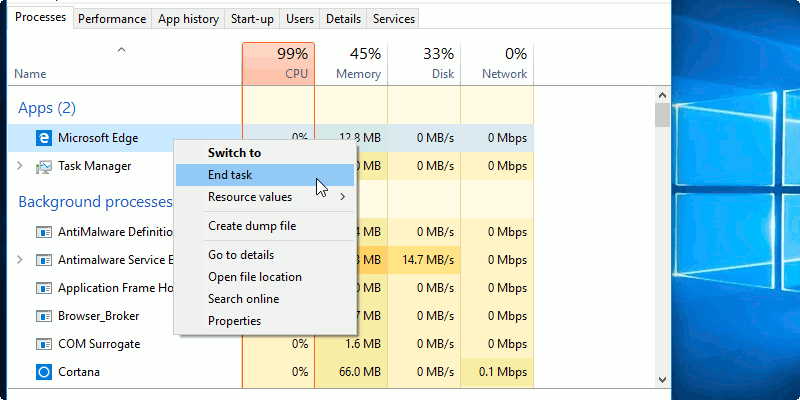
windows-end-task-featured

How to Close Unreponsive Apps in Windows 10

You can’t just close an app when it freezes. The following methods will help you to close the unresponsive app in Windows 10 so you can move on.

By Fabio Buckell – Nov 24, 2018

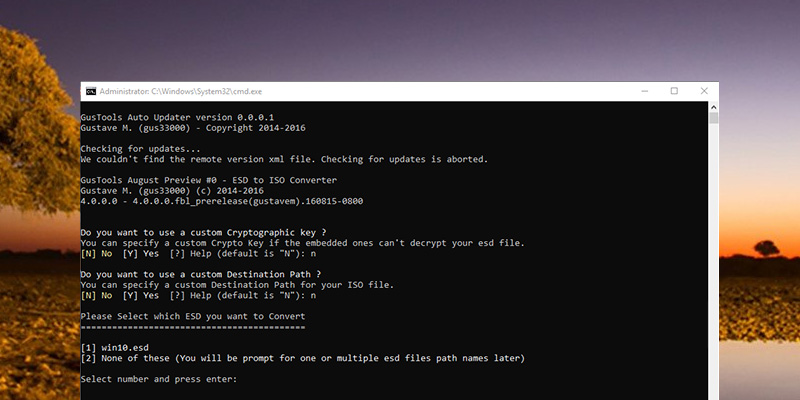
How to Convert ESD Files to ISO in Windows

Microsoft uses the ESD image file format to supply Windows upgrades, updates, and other components. Learn how to convert ESD files to ISO in Windows 10.

By Vamsi Krishna – Nov 23, 2018

Pagination

<1…55565758>

Trending

Twitch Vs Youtube Gaming Vs Facebook Gaming Featured

Twitch vs. Facebook Gaming vs. YouTube Gaming: What’s the Best Live Game Streaming Platform?

Mar 31, 2026

Anytype Android

I Swapped Notion for Anytype on Android, And I’m Not Going Back

Mar 31, 2026

What Is Emulation Featured

What is Emulation? Benefits, Downsides and More

Mar 31, 2026

Play Legend Of Zelda Pc Featured

How to Play The Legend of Zelda on PC

Mar 31, 2026

Nvidia Dlss Featured

What Is NVIDIA DLSS? Upscaling and DLSS Alternatives Explained

Mar 30, 2026

Featured Image depicting the latest Windows10 and 11 Update Problems

Latest Windows Update Problems and How to Fix Them

Mar 30, 2026

More Posts >

Affiliate Disclosure: Make Tech Easier may earn commission on products purchased through our links, which supports the work we do for our readers.

Uncomplicating the complicated, making life easier

Make Tech Easier provides tech tutorials, reviews, tips and tricks to help you navigate the complicated world of technology. We aim to uncomplicate the complicated, making your life easier.

  • About
  • Contact
  • Advertise
  • Editorial Guidelines
  • Terms of Use
  • Privacy Policy
  • RSS Feed Terms

© 2026 Uqnic Network Pte Ltd.
All rights reserved.