In this tutorial, we show you how to add and manage users in Ubuntu, change their privileges, and set up a common folder for file sharing.
By Andy Channelle – Sep 30, 2020
If you’re the only one using your computer, you can disable the login screen. Here’s how you can disable the lock screen in Ubuntu.
By Odysseas Kourafalos – Sep 28, 2020
Raspberry Pi is widely used as a home server. Here is how to install CentOS on your Raspberry Pi to create a rock-solid home server.
By John Perkins – Sep 25, 2020
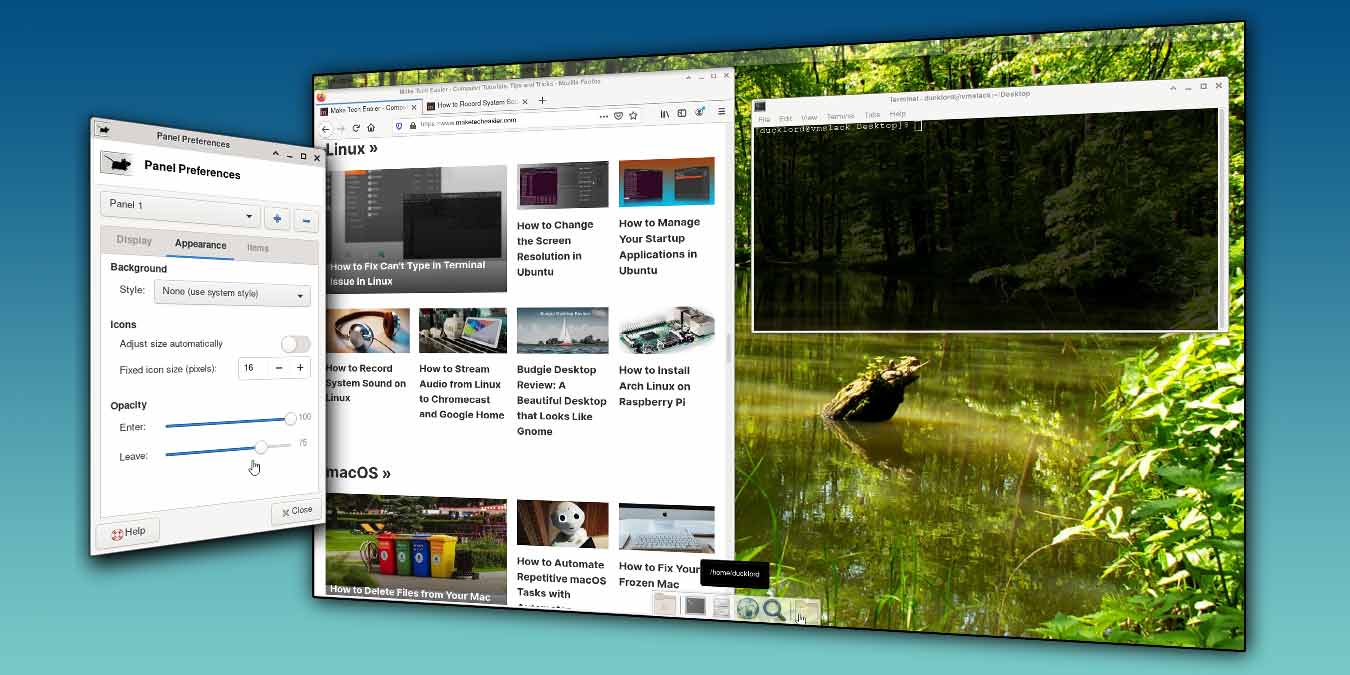
XFCE is very customizable, and you can easily change the color of the panel. Here is how you can make the XFCE panel and terminal transparent.
By Odysseas Kourafalos – Sep 23, 2020
Windows 10 is getting constant updates with new features. We’re here to keep you up to date on the new features in the latest Windows version.
By Robert Zak – Sep 22, 2020
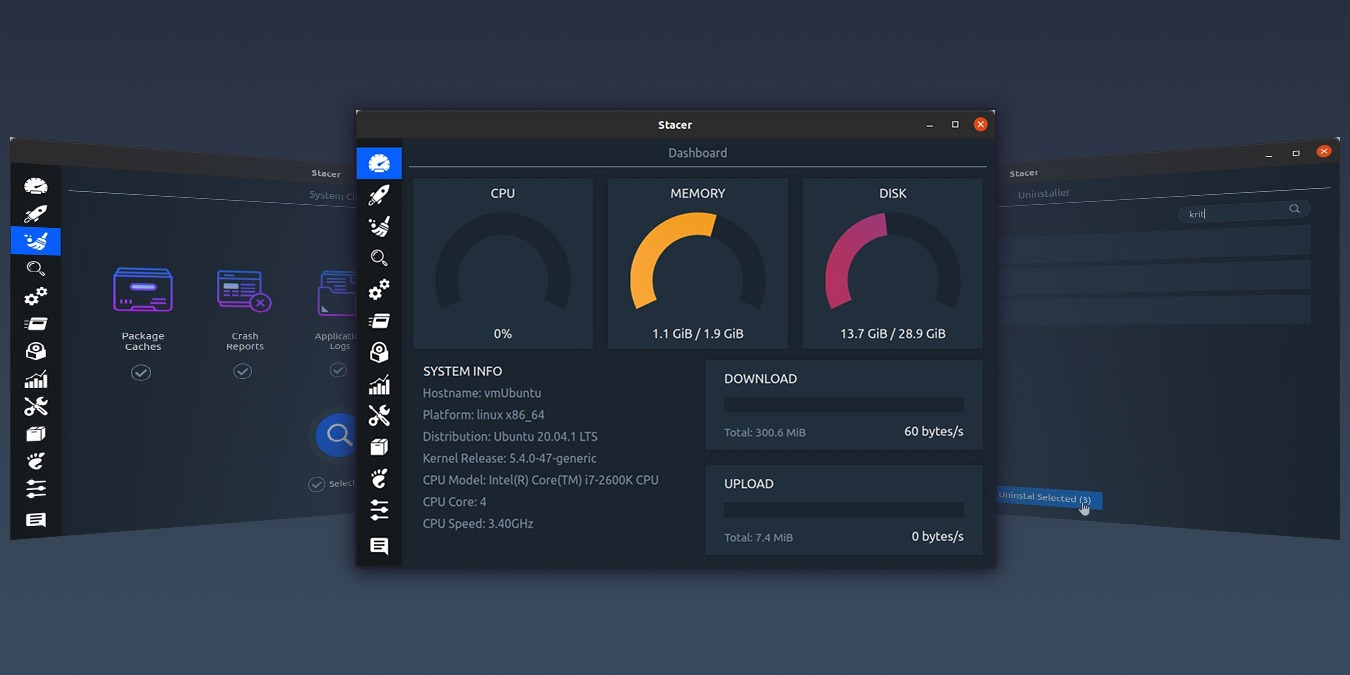
Are you looking for ways to optimize your Linux system? Stacer includes everything you need to monitor, clean, and optimize your Linux system.
By Odysseas Kourafalos – Sep 21, 2020
Instead of still images, did you know you can add animated and live wallpaper to your desktop in Windows? Here’s how you can do so.
By Ruben Circelli – Sep 18, 2020
As a Windows user, you may need to run multiple instances of a program. This guide shows a few ways for you to run the same application simultaneously.
By Sayak Boral – Sep 16, 2020
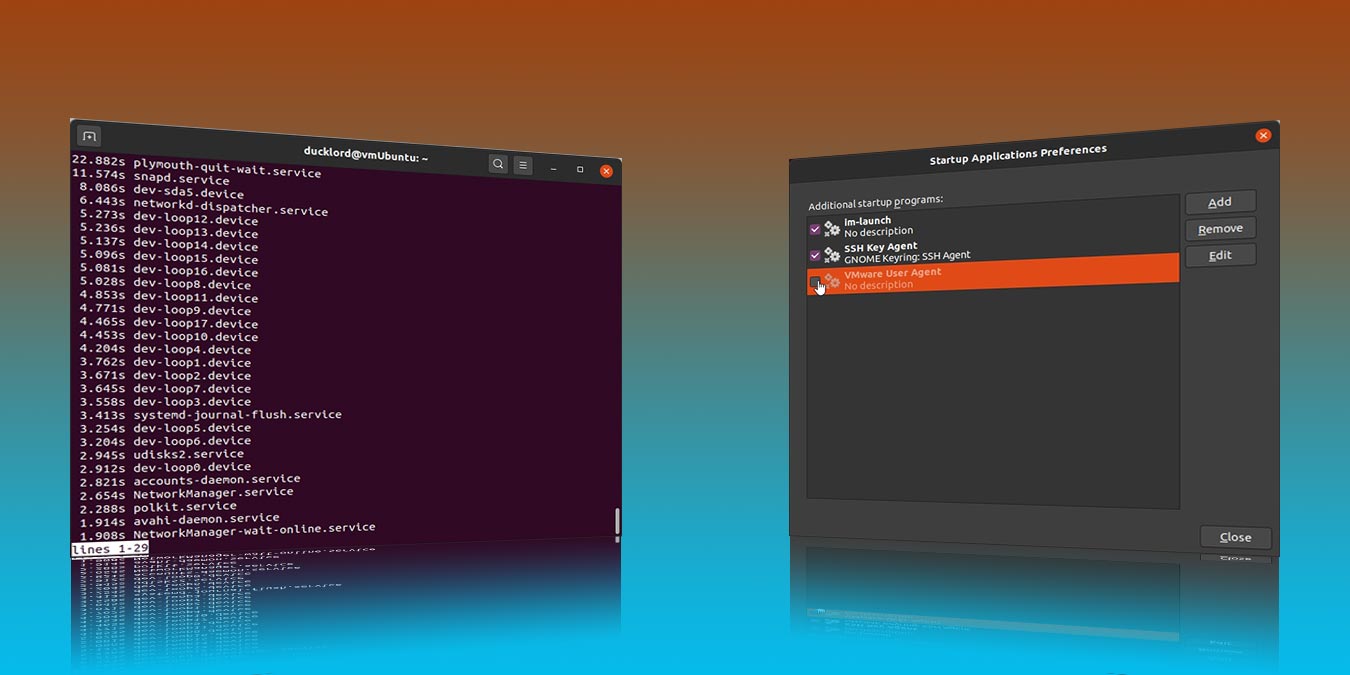
It is easy to manage the startup applications in Ubuntu and clean out those apps and the process that you don’t need during bootup. Here’s how to do it.
By Odysseas Kourafalos – Sep 15, 2020
Ever wanted to record whatever you played on your speakers directly to an MP3 file? Here is how you can record system sound in Linux.
By John Perkins – Sep 14, 2020
Casting your audio from Linux to another speaker is easy. Here we show you how you can stream audio from Linux to Chromecast.
By Andy Channelle – Sep 11, 2020
Budgie is a beautiful desktop that aims to provide sane defaults and a beautiful interface. Find out more in this Budgie desktop review.
By John Perkins – Sep 10, 2020
Do you find yourself performing the same tasks over and over again? Learn how to use automator to automate the repetitive tasks in macOS.
By Jessica Thornsby – Sep 9, 2020
Raspberry Pi can work with different operating systems. Let’s take a look at how you can install Arch Linux on Raspberry Pi.
By William Elcock – Sep 8, 2020
Did you connect your Android device to Windows but nothing happens? Find out what to do when Windows won’t recognize Android devices.
By Crystal Crowder – Sep 4, 2020
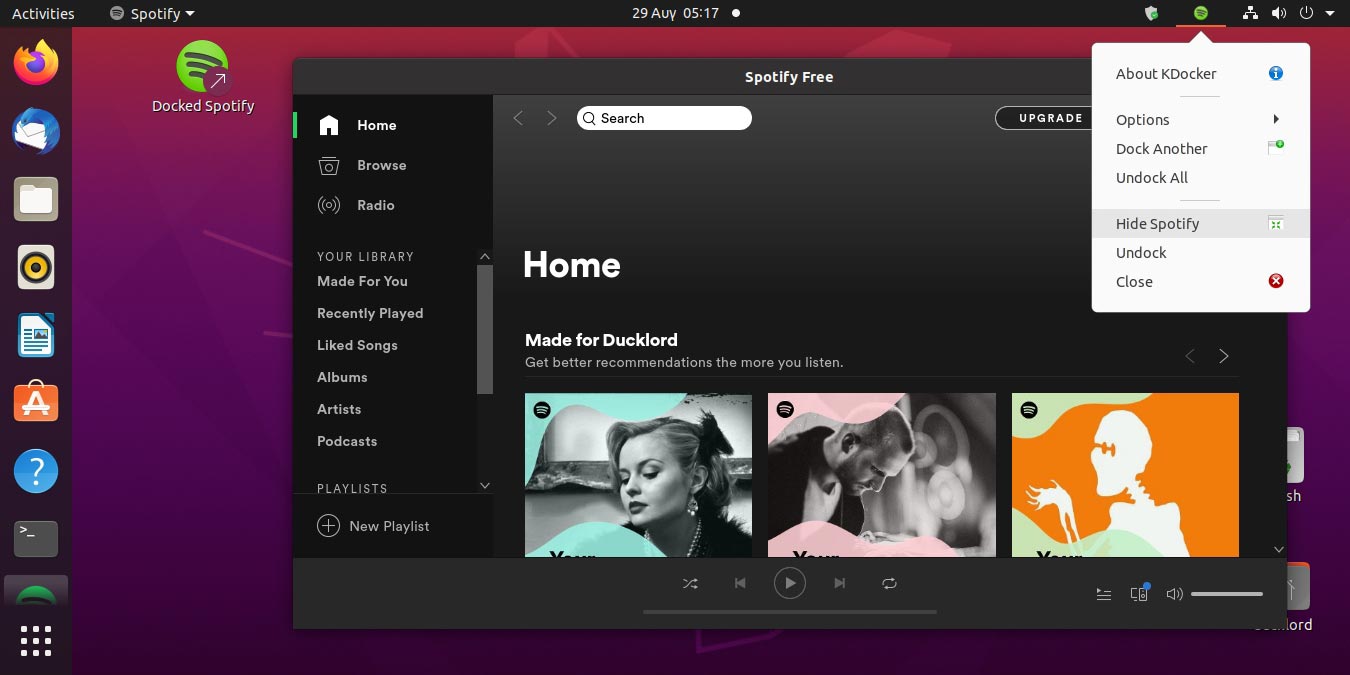
Recent versions of the Spotify client for Linux don’t have the minimize ability. Follow this to minimize Spotify to the system tray in Linux.
By Odysseas Kourafalos – Sep 2, 2020
If you are already using Evolution and want to try Thunderbird, here’s how you can migrate your data from Evolution to Thunderbird in Linux.
By William Elcock – Sep 1, 2020
Users looking for extreme performance in a Desktop Environment can look no further than LXQt. This LXQt review will discuss who should use LXQt and why.
By John Perkins – Aug 31, 2020
If you are having issues with your Linux computer, we’re here to show you how to be your own Linux tech support and solve tech problems on Linux.
By John Perkins – Aug 28, 2020
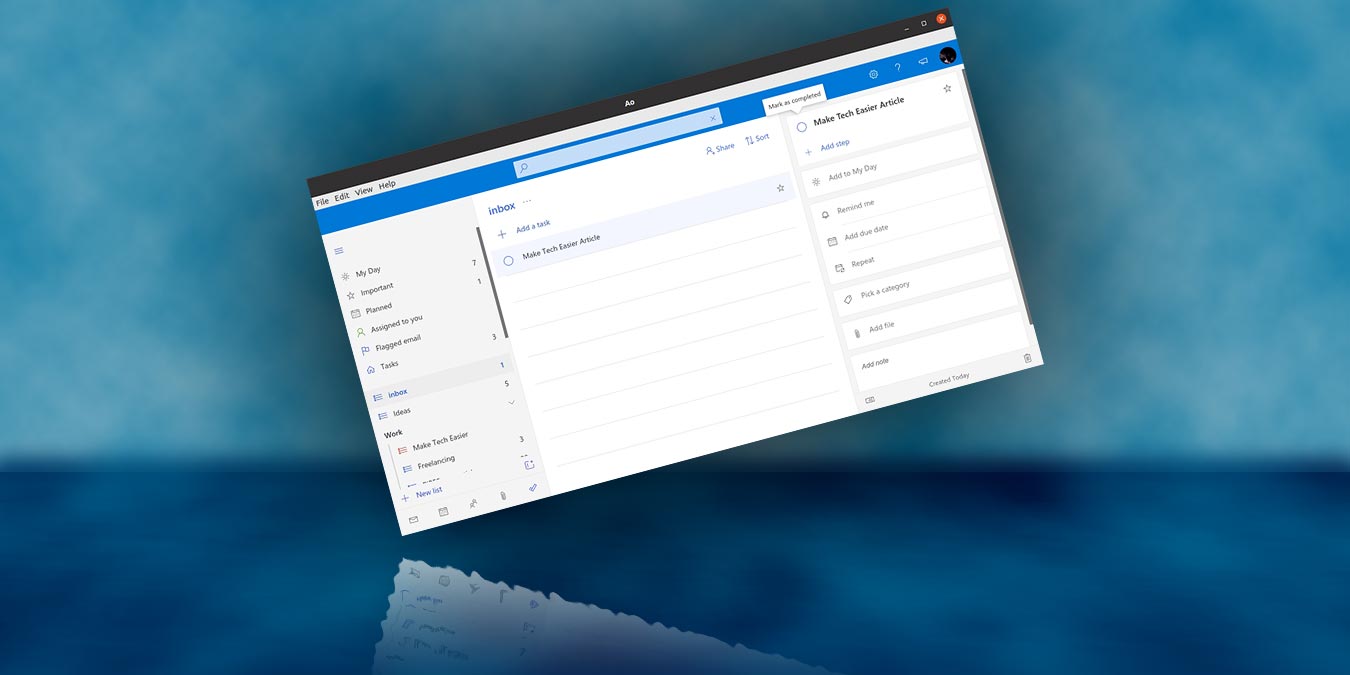
Do you use Microsoft’s To-Do for managing your tasks? Learn how you can now manage Microsoft To-Do from Linux desktop with Ao.
By Odysseas Kourafalos – Aug 27, 2020
Pagination
Affiliate Disclosure: Make Tech Easier may earn commission on products purchased through our links, which supports the work we do for our readers.