You may have come across a “Hybrid sleep” option when poking around in Windows Settings. What is hybrid sleep, and more importantly, should you turn it on or off?
macOS’s default screenshot function is good, but limited in features. If you need to take a lot of screenshots, here are some of the best screenshot apps for Mac you should check out.
While iMovie on iOS is great, it just can’t do stuff that needs to be done on a desktop. Learn how you can easily export an iOS iMovie project to your macOS desktop.
Have a new monitor but it’s not rendering well with your Windows 10? Follow these steps to fine tune your display in Windows 10 to get the best viewing experience.
Have you ever struggled with storage space on your computer? A new Storage Sense feature can automatically clean Windows 10 of unused files. Learn how to use it here.
Let’s say you want to edit a file, but Windows tells you that another process has “locked” it. How do you unlock “in-use” files in Windows? Let’s find out.
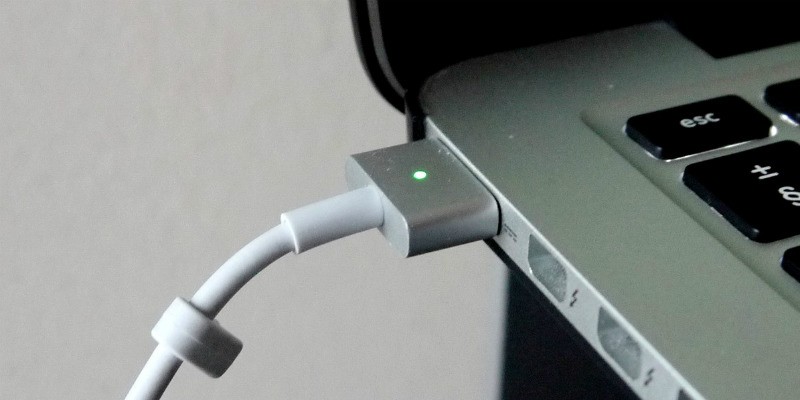
There are occasions where your Macbook won’t charge. Before you start yanking your hair out in frustration, try these potential fixes to take care of it.
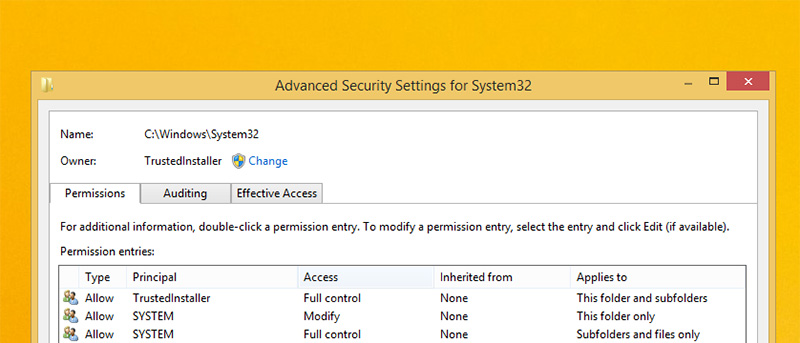
If you received the “Access denied” errors while modifying some system files in Windows, you can manually take ownership of files and folders to override the user permission.
Windows 10 likes to put the computer to sleep if you leave it idle for too long. Learn how you can stop Windows 10 from sleeping and locking up your computer.
Sometime you may just want to reset your Windows 10 to the factory settings. Here is how you can create a reset recovery image and use it to reset your PC.
Are you looking to test macOS High Sierra public beta without it replacing your existing OS? Follow this guide to install High Sierra public beta on a separate partition.
When dealing with lots of media files, you can increase the icon cache in Windows so the File explorer won’t freeze while generating preview thumbnails.