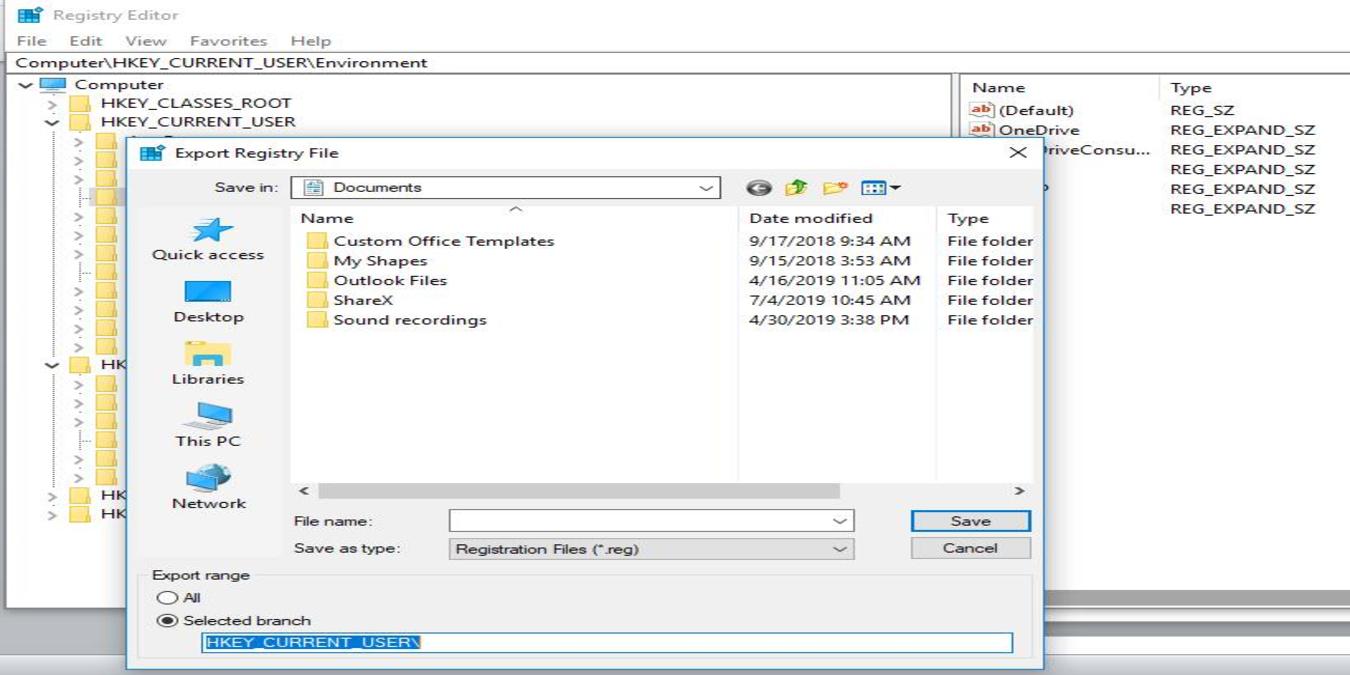
Microsoft recently announced that they no longer back up the system registry automatically in Windows 10. Here is how you can restore the registry backup functions in Windows.
If you ever use pipes and redirections in Linux, chances are you will also need to make use of the tee utility. Here’s how to use the tee command in Linux.
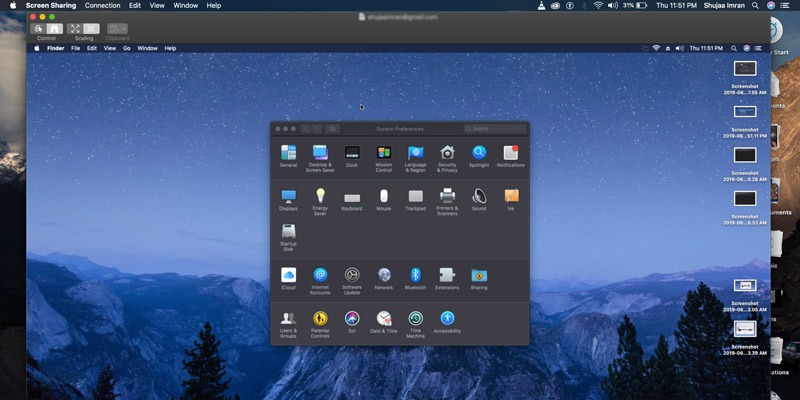
The Messages app in macOS comes with an additional feature that allows users to share their screen with others. Learn how to do this with your Mac’s Messages app.
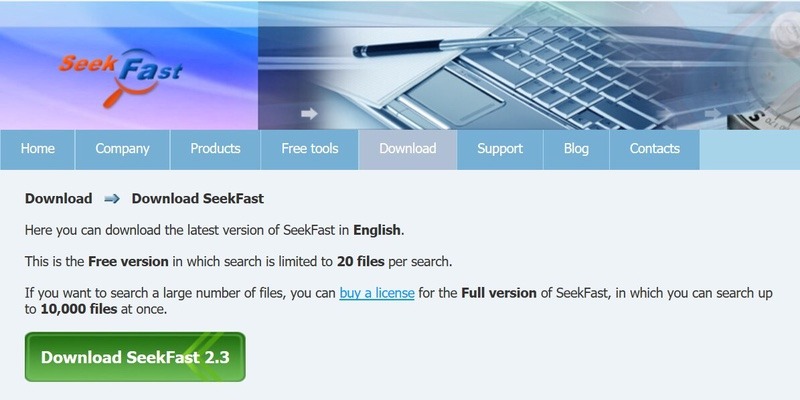
Finding specific content within files can be fairly difficult. SeekFast is a simple, but powerful, tool that helps you find text inside files. If you can put words in it, SeekFast can search it.
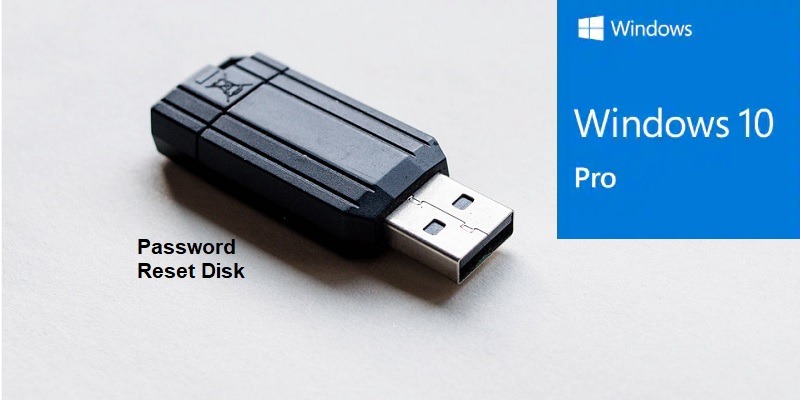
In Windows, you can create a password reset disk just in case you lose your password or can’t remember it. Learn the easy way to create a password reset disk.
If you’re considering giving Linux a try, you might be put off by the risk of a steep learning curve. Here are 5 of the best Linux distros for beginners.
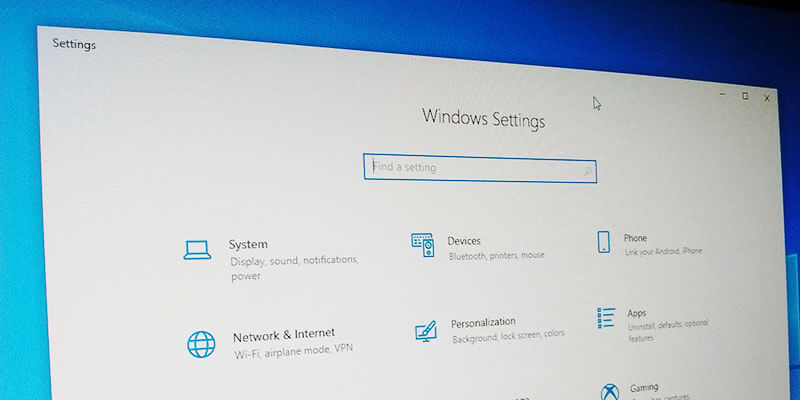
Installing Windows 10 is easy. The main work starts after its installation. Here are the Windows settings you need to optimize for a better user experience.
If you are using multiple LXD containers on the same system, it makes sense to limit the amount of resources each component can use. Here’s how you can do so.
If you recently updated your Windows device and noticed that some of your Bluetooth devices have stopped working, this is a deliberate decision by Microsoft for the sake of your OS security.
You can easily carry portable apps in your USB drive and use them on any computer. Here are some of the best portable apps you can carry in your pocket.
When your PC fails to boot, one of the issues you should check for is bad sectors on your hard disk. Use these tools to check and repair bad sectors on SSD.