

In the last couple of years websites have gotten heavier and heavier. It’s not uncommon for a web page from a mainstream tech news site like The Verge to weigh 10 MB. And we’re talking about a simple news article here – nothing fancy, just a couple hundred words and an image or two. And this is not just limited to The Verge. If you have a slow internet connection or if you’re tethering while on a vacation, it would take more than a minute to load a news article. I know because I tried it.
And if you are using a limited data plan (say 500MB per month), and if every web page takes 10 MB to load (caching would help of course), you can blow through your 500 MB of data just by visiting 50 websites. Mind you, that is the monthly quota. I am sure you visited more than 50 websites per day.
But you can make things better. Let’s talk about how.
1. Disable Trackers, Ads, and Images
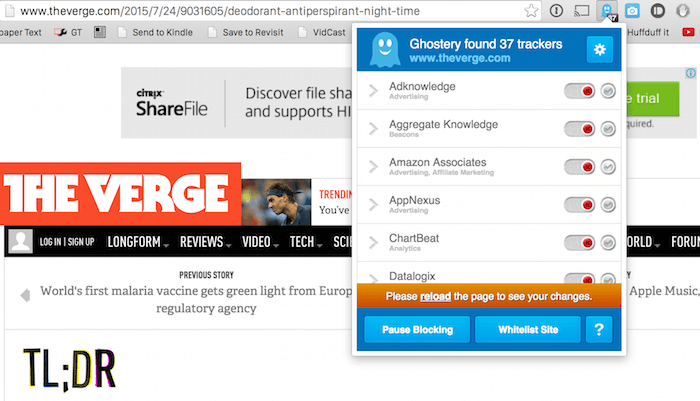
Disabling trackers is literally the best thing you can do to improve your browsing. After installing Ghostery extension for Chrome and disabling all of the thirty-seven trackers (trackers are collecting your personal information and your movements across the Web), including ads, the same Verge article loaded in just twelve seconds on the same 2G connection. Just disabling trackers and ads will go a long way. And you don’t need to stick with Ghostery. I like it because it’s really simple to use. You can use Firefox’s Lightbeam or any ad blocker like uBlock or something like Noscript.
To take it even one step further, disable images in your browser. In Chrome you can do this by going to “Settings” -> “Show advanced settings” and from “Privacy” click “Content Settings.”
From here select “Do not show any images.” Below you’ll see a “Manage exceptions” button where you can add websites that will always load images.
2. Using Readability View
In my experience, disabling images on the Web doesn’t make the best experience. Plus, when I tested that same news article without images, I wasn’t able to see much of a savings (it loaded in ten seconds which was only two seconds faster).
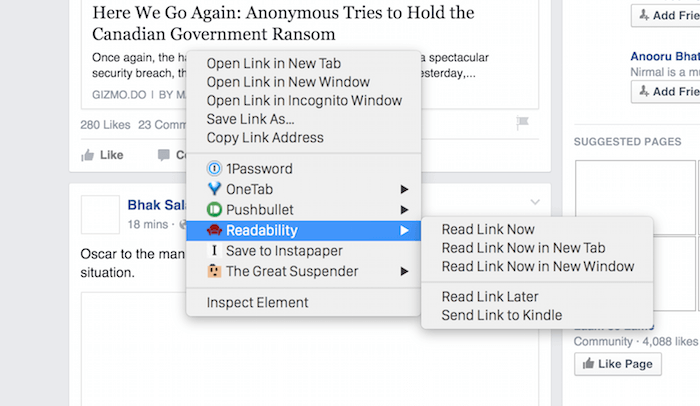
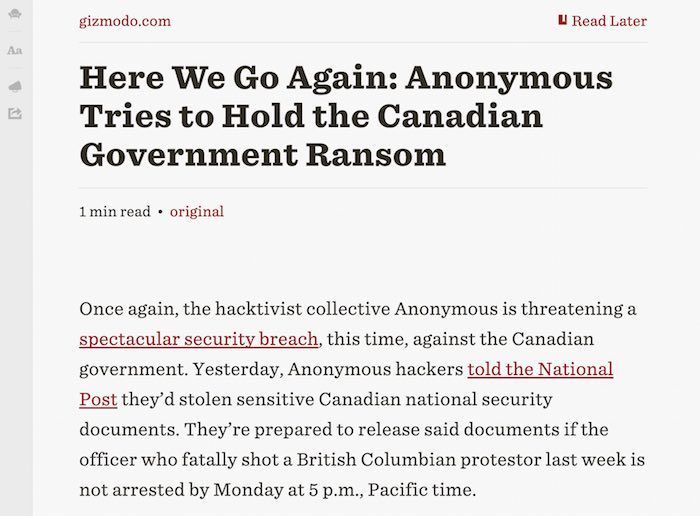
My suggestion would be to use the Readability extension or a bookmarklet. What Readability does is it strips all the unnecessary formatting and images from the article and presents it as just text only. Once the extension is installed, you can open links directly in Readability mode using the right-click menu or the keyboard shortcut.
3. Minimal Reader and Inoreader with Images Disabled
If you’re on a slow connection and need to stay updated with news across several websites, the answer is clear – RSS. Why open all those websites when RSS will deliver just the text and images to you in one location.
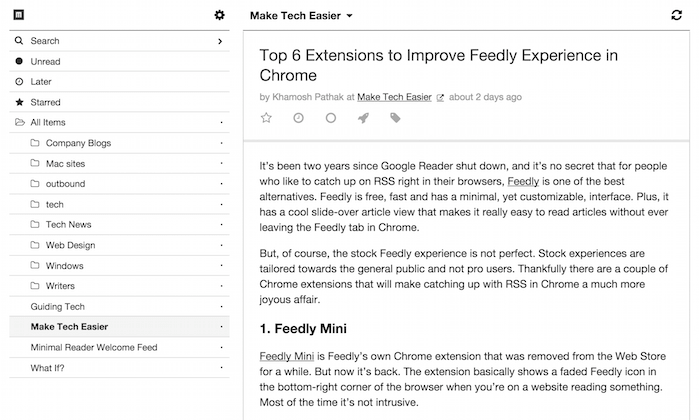
And if you’re trying to be as lightweight as possible, try Minimal Reader. It’s a free-to-use (limited to twenty-five subscriptions) online RSS reader that is beautiful and minimal. It’s really fast to get around, and you can import your existing OMPL file. When I signed up, the website told me I was 200-something in the queue, but I got a confirmation email in minutes.
While Minimal Reader is already fast, you can make it even faster by basically going text-only. Go to the Preferences and turn off images altogether.
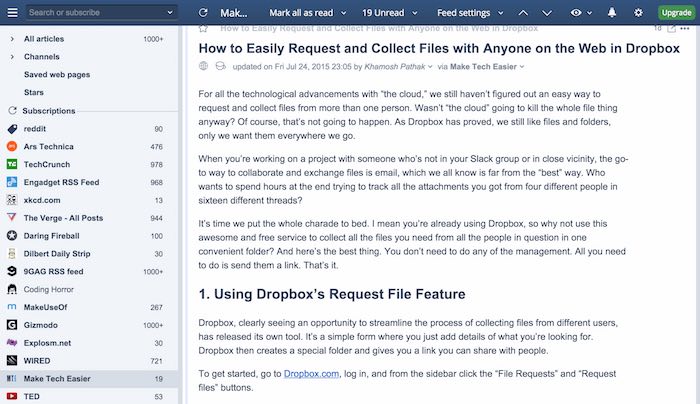
A similar functionality also exists in Inoreader, one of the best feature-rich RSS readers. And you can do this with RSS readers on Android as well.
4. Use News Aggregators
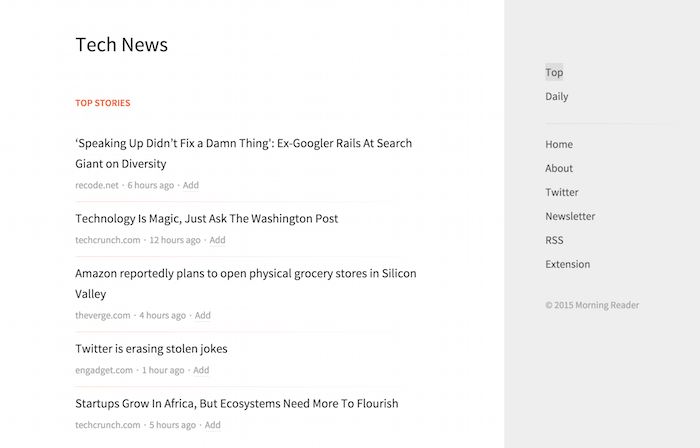
Sometimes all you want to do is read the headlines. In that case just use a news aggregator for the industry you’re interested in, and skip the long loading times for Web pages. For tech, Techmeme does a great job. You can also try Morning Reader and The News. We’ve covered news aggregators that help you discover new content previously.
Now it’s your turn. Tell us how you catch up with news online or engage in general Internet browsing when you’re stuck with a terrible internet connection.