BitTorrent might be a good way to share and download files, but if you are not careful, you can easily expose your identity online and attract many government agencies, special interest groups, corporations, and hackers who are looking for people to catch, sue, or attack. There are plenty of ways to secure your torrents download and one of them is through the use of a VPN connection.
However, a VPN connection also has its own problems. Not many VPN providers provide support for torrents download as this activity tends to take up plenty of bandwidth. CactusVPN is one of the few VPN providers that support P2P/BitTorrent at a low monthly rate. And yes, we have a giveaway for CactusVPN, so read on to win your free VPN license.
CactusVPN setup
Setting up Cactus VPN is very easy. Once you have signed up for CactusVPN (there is a free trial available) and received the login detail, all you have to do is to go to this setup page and follow the details for your OS. There are support for Windows, Mac, Linux, Android, iOS device and proxy settings for various browsers. For Windows users, there is even a desktop client that you can install and connect to the VPN with a single click.
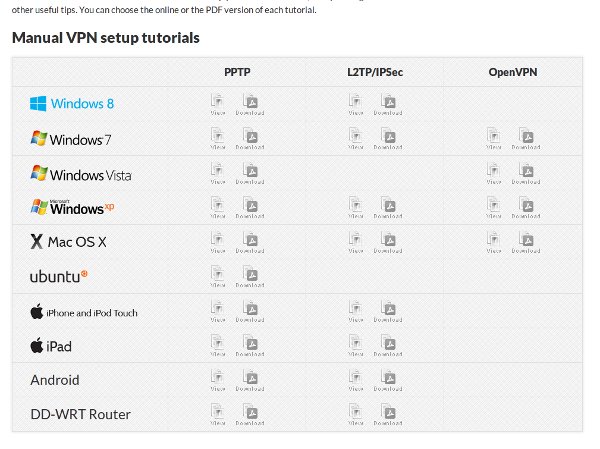
CactusVPN supports the PPTP, L2TP/IPSec and OpenVPN protocol








