

If you are a Gmail user, you might have noticed the new email compose window that Google rolled out about a year ago. It is a simple small window that appears in the bottom-right corner as soon as you hit that Compose button. The reason behind it was to improve the user-experience and enable users to easily and quickly compose new emails. While it was welcomed by a large group of Gmail users, some users preferred the old-style compose interface.
Unfortunately, Google does not let you roll back to the old compose window, thus you do not have any option but to stick to the one you have been provided with.
Fortunately, you now have a third-party option to get back the old compose window in Gmail. The solution comes in the form of browser extensions that you can install inside your preferred web browser to still enjoy the old email compose experience you loved a lot. As of this writing, the extension is only available for Google Chrome and Mozilla Firefox. So if you use one of these browsers, here’s how you can install the extension and enable the old compose window.
Bring Back the Old Compose Window using Chrome
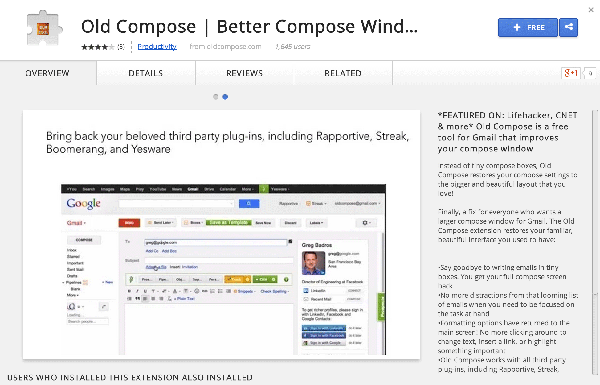
1. Head over to the Old Compose page on the Chrome Web Store website.
2. Click on the “FREE” button given in the top-right corner.
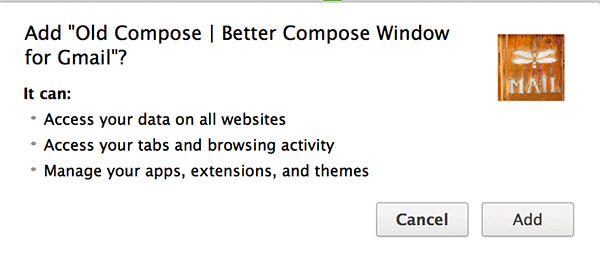
3. A pop-up should appear asking if you really want to add the selected extension to your browser. Click on the “Add” button and the extension will be added to your browser.
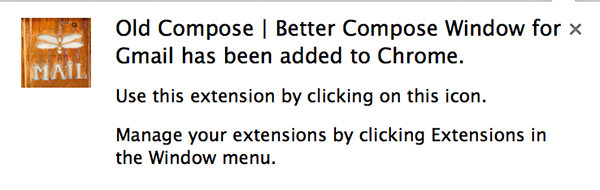
4. When your browser has installed the extension, a success message will appear on your screen that looks something like the below image. You should also be able to see the extension icon in your extensions bar.
5. Now visit the Gmail website in your browser and click on the “Compose” button. You should see the fully-sized new email window rather than the small one that used to appear in the bottom-right corner of your browser.
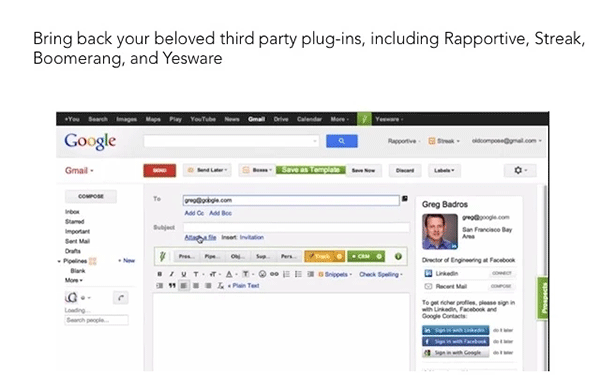
If you ever wish to go back to the smaller window, just uninstall the extension and it should do the job for you.
Bring Back the Old Compose in Firefox
Make sure you’re using the Firefox browser to do the following steps.
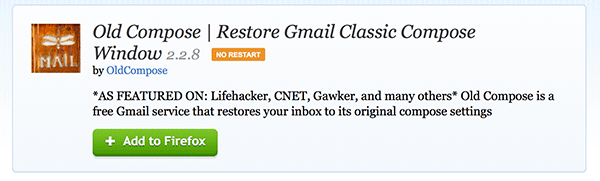
1. Head over to the Old Compose extension page on the Firefox add-ons website.
2. Click on the “Add to Firefox” button given on the page. It should begin downloading the extension for you.
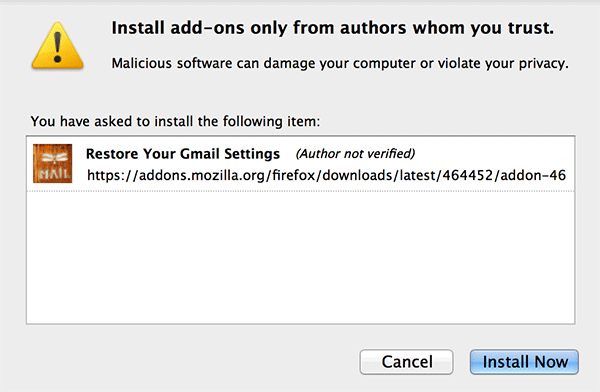
3. When the extension has been downloaded, it should ask you to install it. Click on the button that says “Install Now,” and it should install the extension in your browser.
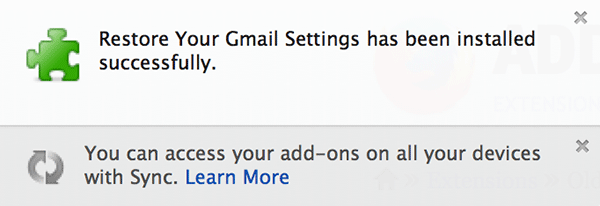
4. A confirmation message should appear on your screen saying the extension was successfully installed.
5. Now visit the Gmail website and check out the old compose window for yourself.
That’s all there is to it.
Conclusion
The simple tip given above will surely help thousands of Gmail users who are used to the old compose window and would prefer sticking to the same because of the simplicity, and of course, the larger area it provides you for writing emails.