Without a doubt, AI is the topic of the year. Whether you like it or not, companies are shoving AI into everything you do or own, and it will become an integral part of our daily lives. From the moment you wake up to the moment you go to bed, AI is subtly influencing your experiences – whether through your smart home devices, personal assistants, or even the websites you visit on your mobile phone. Now, even the browser that you use every day, comes with AI features to browse the web for you. If you are ready to embrace AI as your daily companion, these AI browsers will come in handy.
What Is An AI browser?
An AI browser is basically a smarter version of a regular web browser. It comes with built-in AI tools (also known as AI agent) to help you do more with less effort. It can summarize articles, answer questions, pull out key information from pages, or even write messages for you.
Some can go further and handle tasks on their own, like comparing products, managing tabs, or automating small workflows. Some of the most popular options right now are Perplexity’s Comet and The Browser Company’s Dia, while traditional browsers like Chrome and Brave are also working on turning themselves into AI browsers.
1. Comet
Platforms: Windows, macOS
If you’ve ever wished your browser could do more than display webpages, Comet has your name written on it. Comet (from the folks at Perplexity) is an AI-first browser that comes with a built-in AI assistant that can read and interact with whatever’s on your screen.
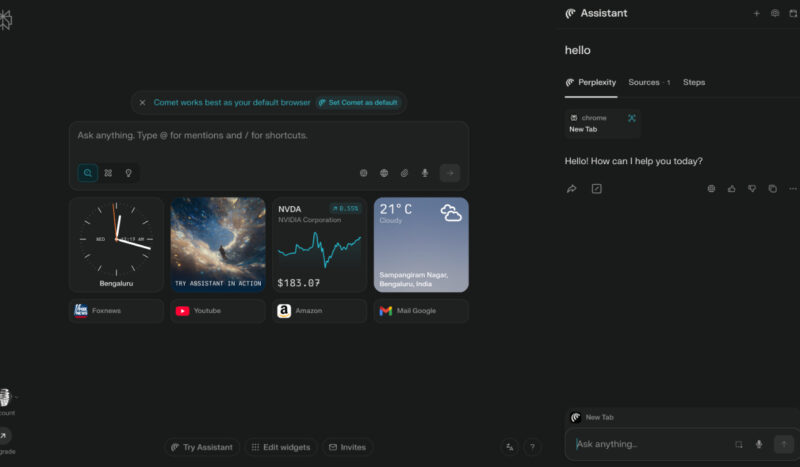
I have used Comet for some time, and it’s quite useful. The sidebar assistant can summarize content, manage web pages, and even navigate sites on your behalf. For example, you can open a cluttered email inbox and have Comet instantly pull out the key points for you. It can suggest adjustments to your calendar if it sees a meeting invite, find specific data buried in a dense webpage, or pop up with clarifying questions as you browse.
What really sets Comet apart are its agentic capabilities. It can execute multi-step tasks autonomously. You could tell Comet to draft an email reply, add the cheapest concert tickets to my cart, and find the best flight for my trip. Comet was supposed to be a paid browser, but Perplexity recently made Comet free for everyone.
2. Opera
Platforms: Windows, macOS, Linux, Android, iOS
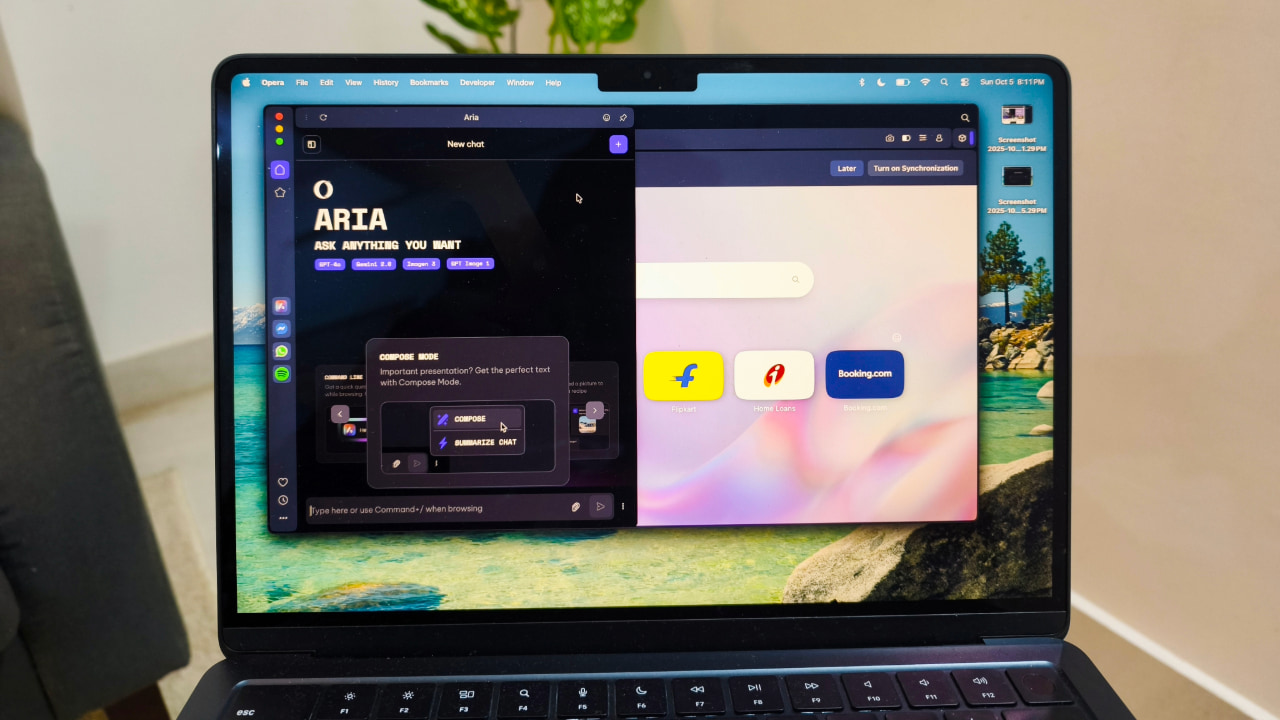
Opera has been quietly transforming into one of the most AI-focused browsers available today. It builds on its reputation for speed and customization by integrating several powerful AI features directly into the browsing experience. The standout addition is Aria, Opera’s built-in AI assistant, which is available across desktop and mobile versions without requiring any extensions.
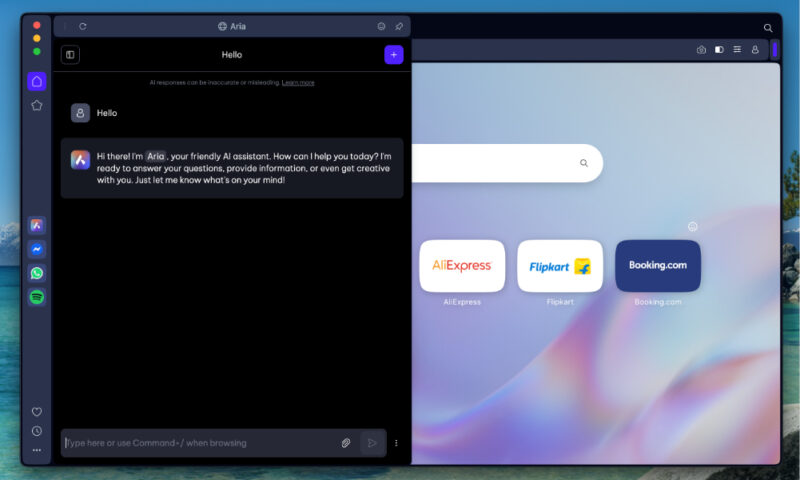
Aria can summarize articles, explain complex topics, draft messages, and even write code on demand. Unlike many browser assistants, it also has live access to the web, so its answers are always current rather than limited to older training data. This makes it especially useful for research, checking the validity of news, or pulling quick comparisons from different sources.
The sidebar lets you chat with Aria while browsing, use AI to generate text in any text box, and translate or rephrase content instantly. You can also ask it to organize your tabs, create to-do lists, or pull key highlights from lengthy documents.
The company has also recently announced Opera Neon, which will cost $18 a month. I still find it hard to believe many people would pay for a browser, which is generally free. Opera defines Neon as “the browser built to act.” Much like Comet, it works on your tasks, interprets the web, manages tabs, and more.
3. Dia
Platforms: macOS
Dia is what you get when a browser is designed from the ground up with AI at its core. Created by The Browser Company (previously known for the Arc browser), and now acquired by Atlassian, Dia is currently in beta.
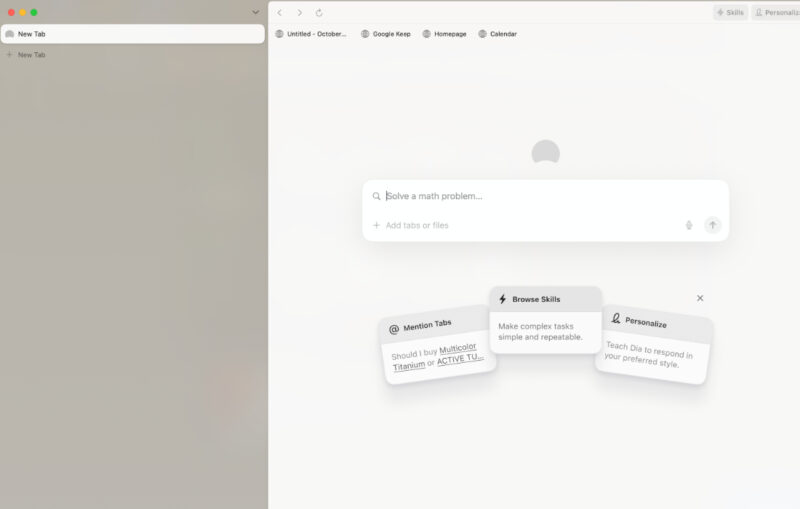
It’s a lot like Comet, but I find it to be a lot cleaner and user-friendly. It can do almost everything Comet can do. For starters, Dia’s address bar doubles as a chat interface with its built-in AI. You can type natural language prompts right where you’d normally type a URL.
The AI can search the web for you, summarize PDFs or webpages you open, and even answer questions by looking across all your open tabs. For example, if you have 10 articles open for research, you could just ask Dia for help, and it will synthesize the key points or even draft a summary using the combined info from those tabs.
Dia also introduces features like Skills, which are a bit like custom AI-powered macros. You can “teach” the browser a new skill via a simple natural language instruction or a snippet of code, and then reuse that skill anytime. For example, you might create a skill to instantly rearrange a webpage into a reading mode, or a skill that, say, extracts all the contact info from whatever page you’re on.
4. Google Chrome
Platforms: Windows, macOS, Linux, Android, iOS
Google Chrome is no longer a boring browser. It is evolving into an AI-powered productivity tool thanks to integration with Google Gemini. The upgrade brings smarter search, better automation, and improved security directly into the browser without requiring extra extensions.
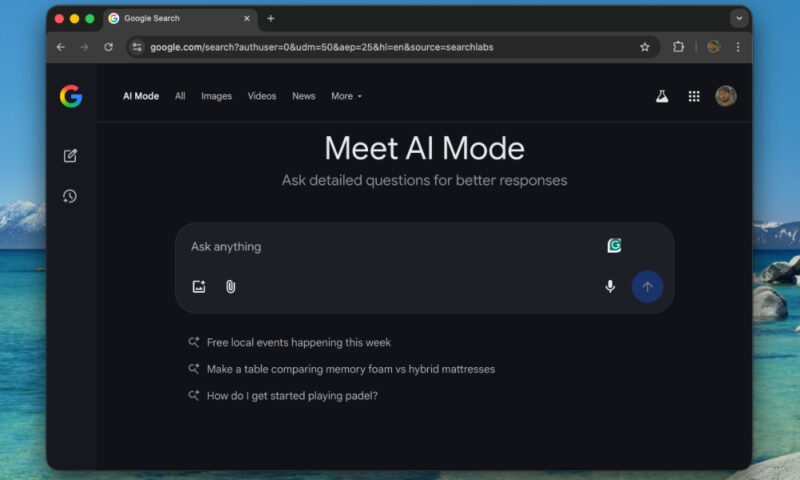
Like other browser assistants mentioned in this list, Gemini can summarize complex information on any page, answer questions in context, and even handle actions such as booking appointments or managing online tasks on your behalf. It can also compare data from multiple tabs into one clear summary. If you are trying to revisit something you saw earlier, Gemini can recall past pages based on simple prompts.
Chrome’s AI also works seamlessly with other Google services. You can schedule events in Calendar, jump to specific moments in a YouTube video, or check directions in Maps without leaving the tab you are on. A new AI Mode built into the address bar lets you ask complex questions and get richer search results directly from the omnibox.
5. Brave
Platforms: Windows, macOS, Linux, Android, iOS
Brave is best known as a privacy-focused browser, but it’s now evolving into an AI-powered productivity tool that doesn’t compromise user data. Its AI efforts focus on speeding up search and information handling rather than building full agent-like assistants.
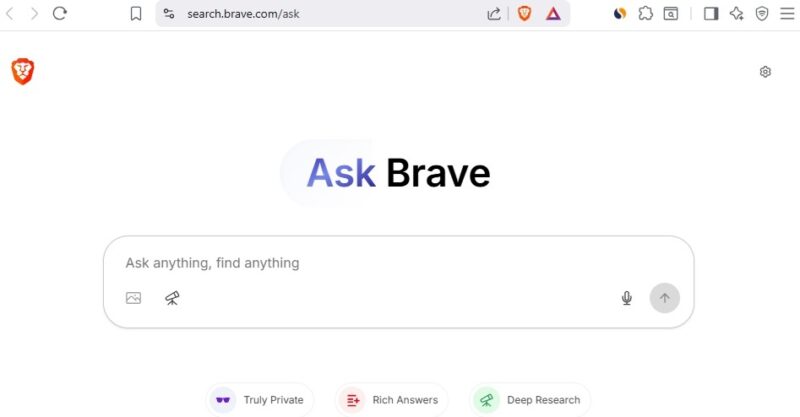
They recently added a new Ask Brave feature, which is an AI-powered search tool that gives you direct, structured answers with embedded videos, news, or product links instead of just a list of results. It runs multiple queries and uses “deep research” methods to ensure reliable answers, and you can switch to a chat mode for follow-ups or alternate formats like bullet points and summaries.
Brave’s built-in AI assistant, Leo, can summarize articles and PDFs, draft emails or posts, and integrate with other features like Brave Talk to generate real-time meeting summaries and action items. It now pulls live web results through Brave Search and cites sources in its answers.
What I like about Brave is your prompts are encrypted, auto-deleted after a short time, and never used to train external models.
6. Microsoft Edge
Platforms: Windows, macOS, Linux, Android, iOS
Microsoft Edge has quietly evolved from a basic default browser into a capable AI-powered tool. Its new Copilot Mode integrates Bing’s latest AI directly into your browsing experience, living in a sidebar and on new tabs to help with tasks like summarizing pages, comparing content, and drafting responses.
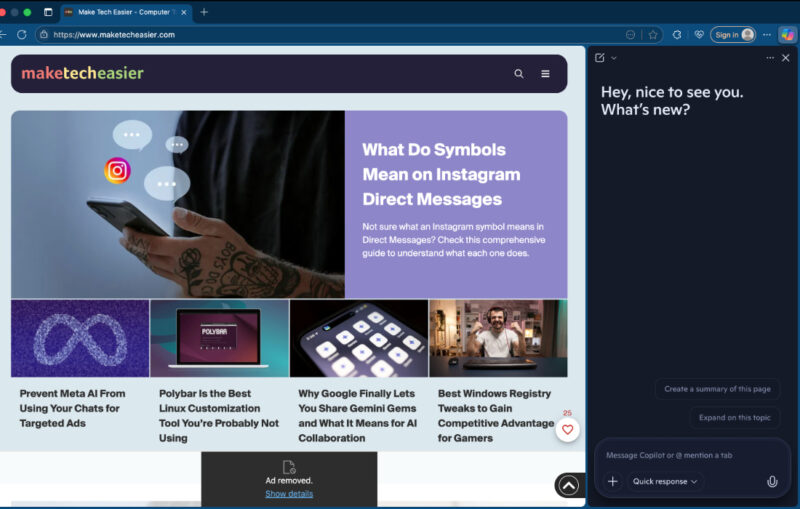
One of Copilot’s standout features is its ability to analyze multiple open tabs. For example, if you are comparing hotels, you can ask it to scan all your tabs and give you a breakdown of the best options based on price or location. This means you no longer have to copy information manually or switch between tabs repeatedly.
Copilot also works directly on the page. You can highlight any text to get an explanation, summary, or paraphrased version. You can also use the Compose feature to generate emails, posts, or code snippets from a short prompt. There’s also voice support, which you can ask to perform searches or open tabs hands-free.
Which browser works best for you depends on your use case. If you already have AI subscriptions, chances are you’re better off sticking with a traditional browser. Plus, AI browsers aren’t very privacy-friendly right now. You can also check out these 8 underrated specialty web browsers if you’re looking for more options.








