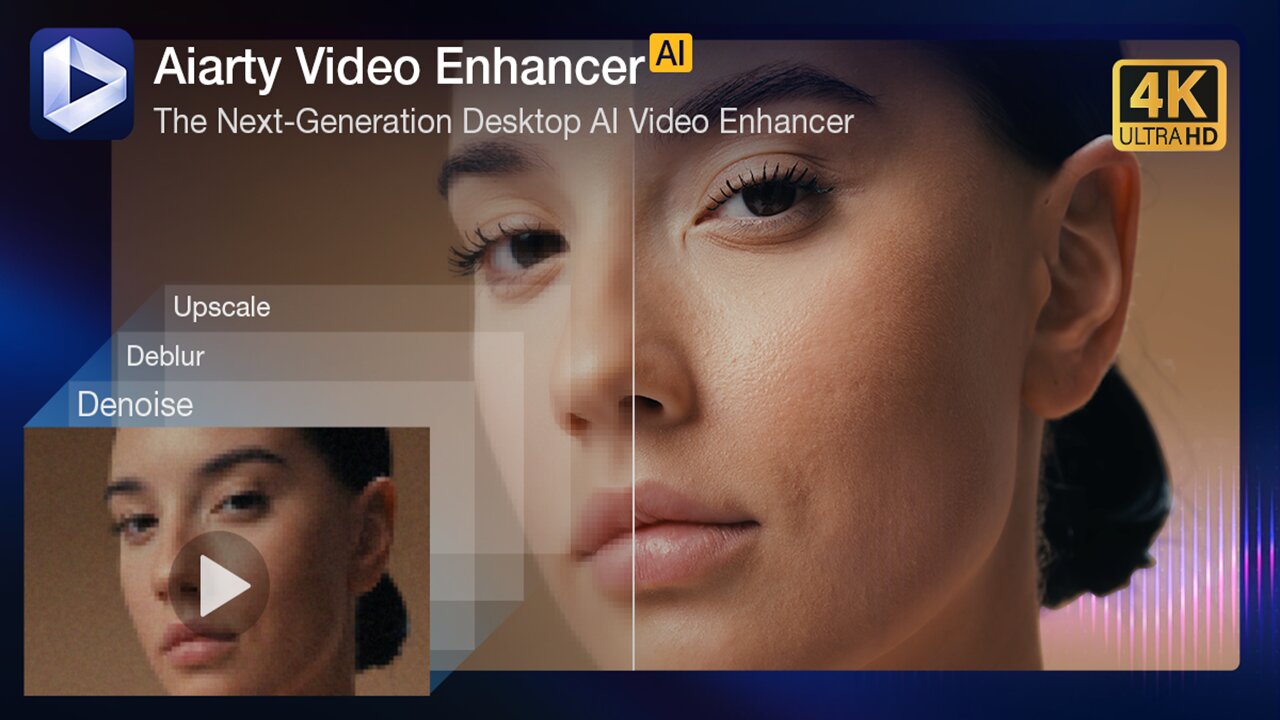
Video standards move with the times, so that sparkling quality 720p video you shot of your grandma’s 100th birthday 10 years ago will not cut together with 15-year-old holiday videos and your modern 4K-to-camera introduction. In recent years, technology has moved forward, and we can enhance and consolidate legacy video assets using AI, and with the new Aiarty Video Enhancer, you can get started for free.
This is a sponsored article and was made possible by Aiarty. The actual contents and opinions are the sole views of the author, who maintains editorial independence even when a post is sponsored.
Useable Upscaling
Aiarty Video Enhancer does what it says in the headline here: it enhances videos using a variety of AI models to add data that wasn’t there before. Using the same tech you find in still image enhancers and upscalers, it gets blown up, increasing the horizontal and vertical resolution to add sharpness and definition.
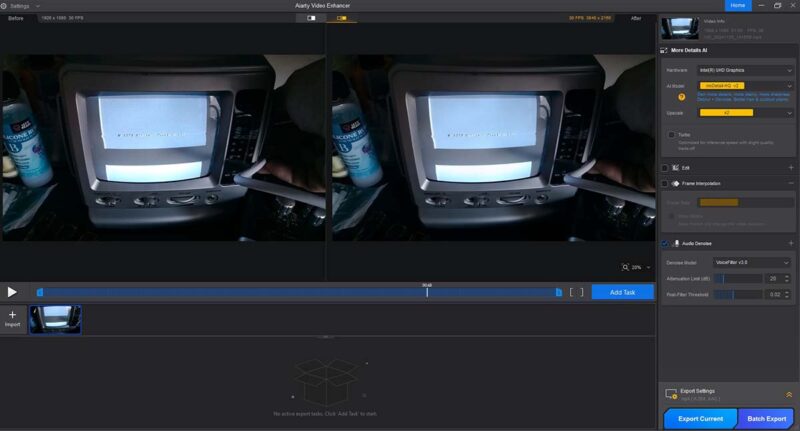
This is not a one-trick pony – it’s a suite of tools that can be used for a range of tasks to renovate, update, improve or restore a video, even one that was professionally created. It can also be used to match videos of differing resolutions – for example, 720 × 480 pixel NTSC DVD footage to HD, or HD to UHD 4K.
In addition to upscaling, it also has modules for creating slow-motion clips and enhancing noisy audio soundtracks. Its missions are to denoise, deblur, analyze and enhance texture, add frames for smooth slow motion, and remove background noise from audio.
Easy Setup
Setup is very simple: just download the software from the website (a trial version is available) and install it on your machine. It’s available for Windows or Mac.
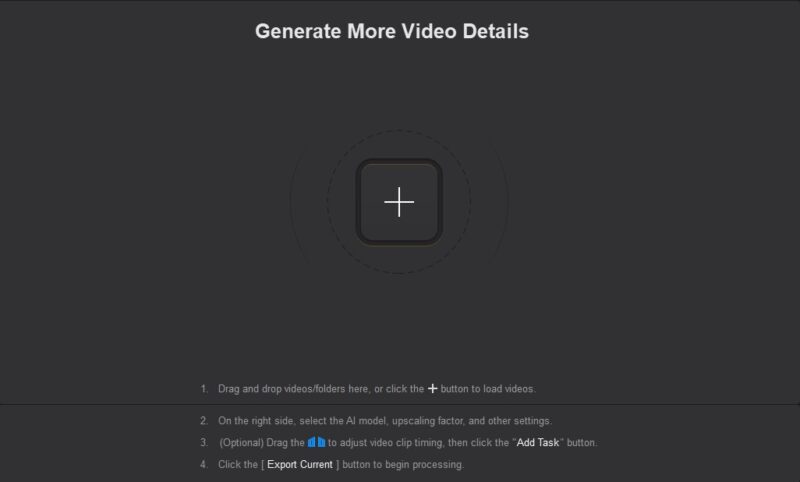
The trial version of Aiarty Video Enhancer allows you to explore its AI capabilities without any upfront cost. You can test out all the full features, but you can only process videos under 120 seconds. Additionally, it places a watermark on the output. There are no other limitations to the trial.
To process videos of any length, use batch export, remove the watermark, and receive free updates, you have to register and pay for a subscription. After you have downloaded and installed the trial version, you can buy the software and add a registration key to the software, which unlocks any limitations, making the software fully functional.
Once the software is installed, in either a full or trial version, just load or drop a video onto the interface to begin processing.
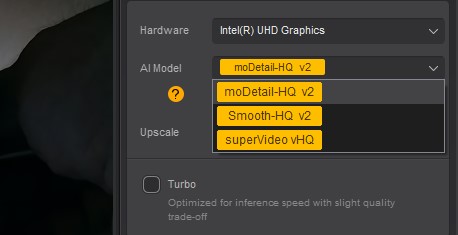
After you choose the AI model down the right side, the model is loaded, and processing can begin. Choose the CPU or any GPU you have installed. Obviously, it works much faster with a GPU.
The three visual AI models are as follows:
moDetail-HQ v2: this is a Diffusion plus Generative Adversarial Network (or GAN) model that adds sharpness, detail, and clarity. It is designed for human faces or animals and is balanced for hair, skin, plants, and texture. You can use x1 enlargement, which leaves the resolution alone but employs the sharpening and texture enhancements. This would be used when you just want to enhance a video and not upscale it. You can also enlarge it, with either x2, x4, 1K, 2K, or 4K resolution.
Smooth-HQ v2: a Diffusion-only model, it’s balanced for faithful video restoration: smooth deblur, denoise, and efforts to maintain the color fidelity. It works best with more damaged videos and scales to x1, x2, x4, 1K, 2K, and 4K.
superVideo vHQ: this is another Diffusion plus GAN model, a bit of a hybrid designed to wrestle the most tricky source material and get some fidelity out of it. It’s good for noisy, low-light, and dark interior videos and only has a standard x2 upscale.
Loosely speaking, the difference between Diffusion and GAN models is as follows: diffusion models add noise to the source, then take it away again to learn how to add detail, whereas GANs pass the image between two competing networks, the Generator and the Discriminator. That’s a very general summary, but obviously it’s more complex than that, as AI experts will tell you.
The three models do a slightly different job depending on the source material, and I would recommend trying all three before you plump for one to process your whole video. See which one does the best job.
The Results
I tested the software on a variety of what posh tech journalists call “use cases.” I figured I’d throw some camcorder footage at it, some DVD, and if I could find any, a low-light 1080p clip.
First up, the camcorder video was a VHS video that was shot in the 90s on my grandfather’s 80th birthday, which I digitized. I used the moDetail-HQ v2 model (at x2 resolution). A you can see, the results are surprising.
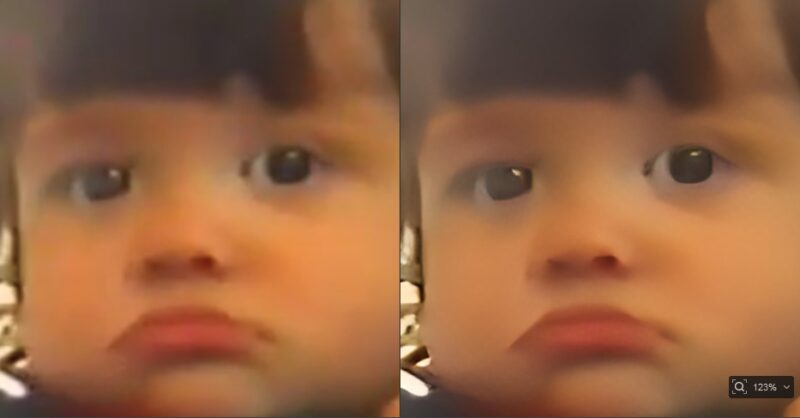
The image of my daughter Hati is smoothed and sharpened but not excessively. The colous seem more vibrant because they are not grainy (especially note the smoother background), and although the contrast is still very VHS-like, it could be tweaked in an editing software to make it more punchy. You would probably like it to remain looking vintage, though, because … it is. It’s smoother and much less blocky, so it stands up very well at the new size.
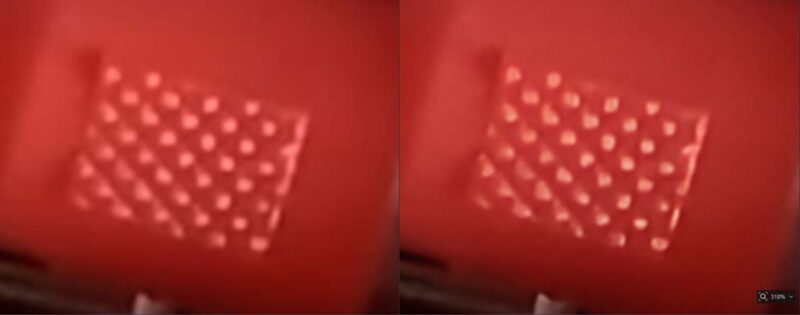
Aiarty has, of course, their own results that they are proud of. They supplied this sample image that shows a before and after view of a ferris wheel. You can see how the lights became much cleaner.

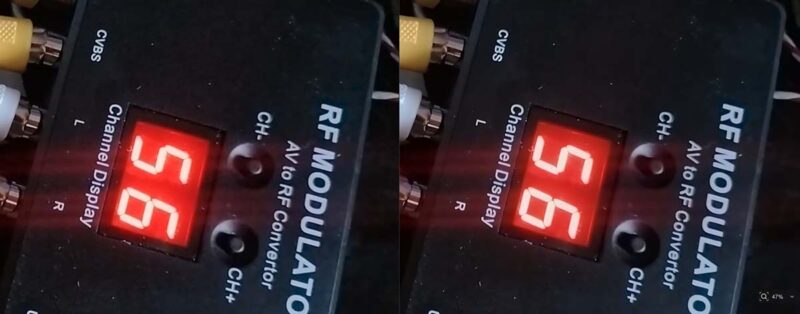
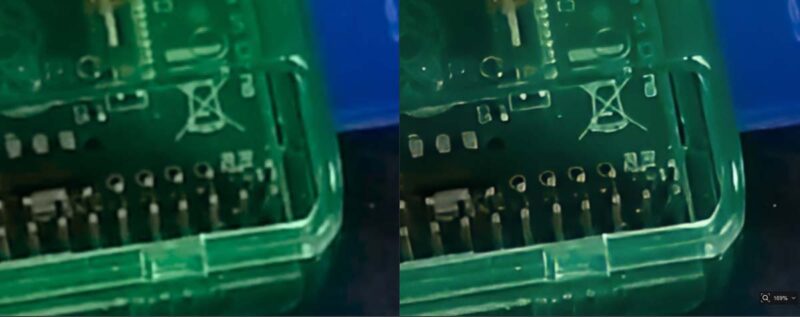
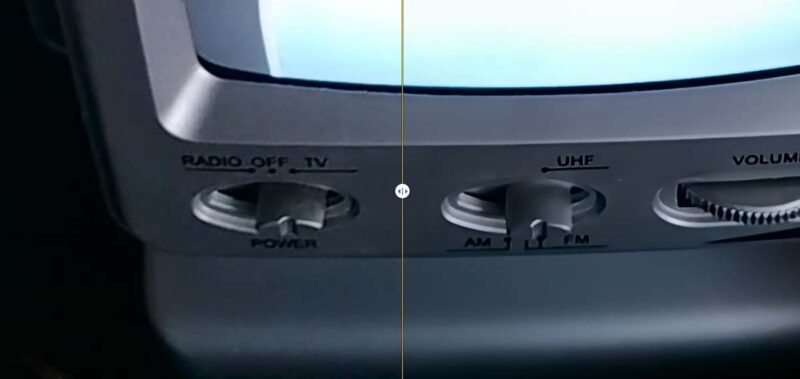
FInally, I took a 1080p clip which was a little dark to test the low-light capabilities of the superVideo vHQ model. This is a super slow model, but the highest quality, and as you can see that it does a great job of pulling out shadow detail and reducing noise.
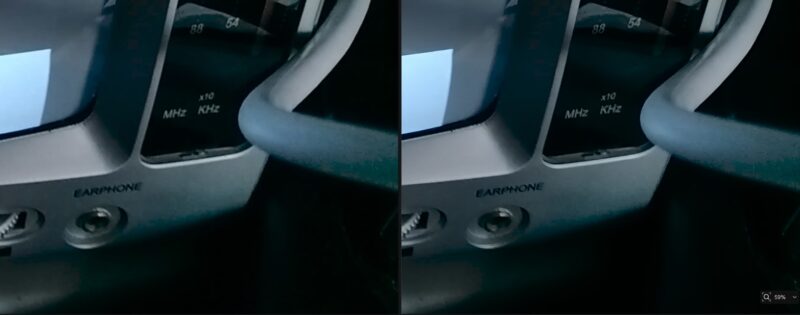
It didn’t make the clips look like I lit the scene better (I didn’t and it can’t make that up), but it at least made it usable on a base level. Plus, it’s smoother and sharper, even at the double resolution.
Pricing
Aiarty Video Enhancer is a great toolkit for renovating your old videos and dragging them screaming into the 21st Century. The Standard License is billed annually, and currently, there is a special offer that allows you to buy it for $79.00. For those that hate subscription models, there is also a Lifetime License option that carries a one-time fee, including free lifetime updates. It is currently on sale for $165.00.
Final Thoughts
AI technology does much better than the traditional sharpening and smoothing that was the norm before AI. At least with AI, it can subtly add “in between” images and guess the texture of the input material. But as with all AI tools, if you ask it to guess too much, the results will be at best suboptimal, and at worst, crazy looking and weird.
Aiarty Video Enhancer can provide surprisingly accurate guesses of missing data and does a great job of making bad video good – if not good, then much more watchable. If you give it great material, what it produces is impressive.