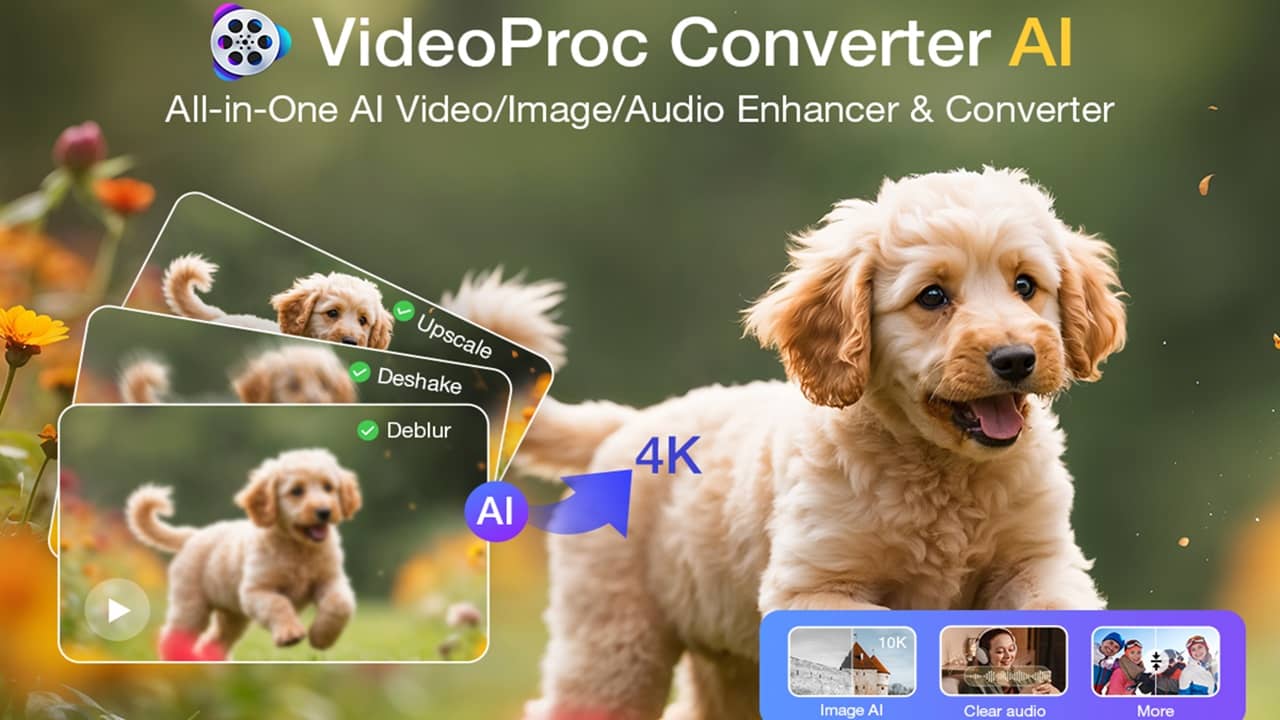
Transform old and low-quality videos and images with VideoProc Converter AI. See how this all-in-one tool works in this hands-on review.
By Crystal Crowder – Mar 24, 2026
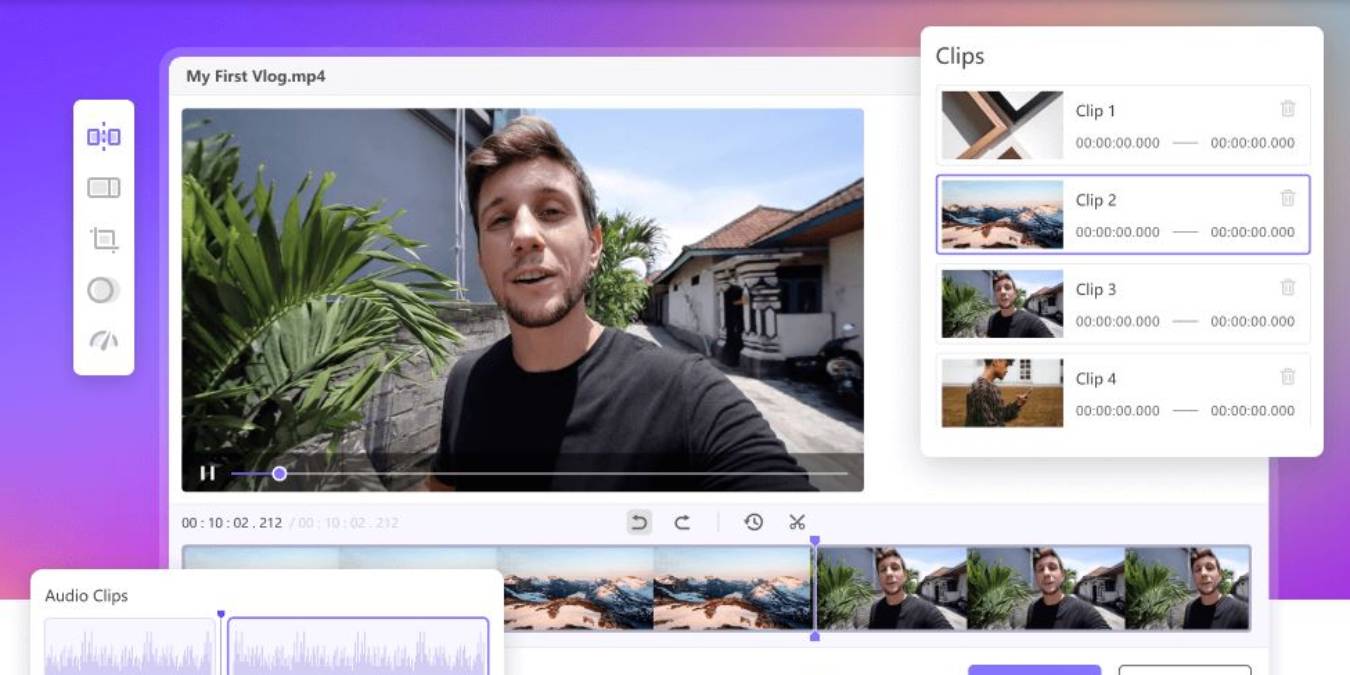
This review takes a look at Icecream Video Converter. This review shows it to be fast, lightweight, and uncomplicated.
By Phil South – Dec 19, 2022
If you’re looking for an easy-to-use drag-and-drop video converter, you’ve found it.
By Phil South – Mar 28, 2022
WinX HD Video Converter Deluxe helps you compress 4K and HD videos of any size without affecting quality.
By Sayak Boral – Nov 24, 2021
If you’re not a tech expert, converting videos can take much time, unless you have a clever tool. Check out the Movavi Video Converter review.
By Phil South – Apr 5, 2021
Need a video converter that can handle most any file format? Find out how Movavi Video Converter 20 Premium does in this test and review.
By Crystal Crowder – Jun 25, 2020
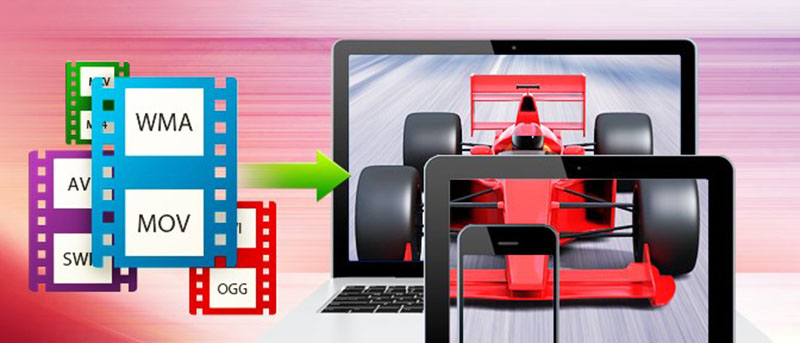
Converting videos is easy if you have the right software. Here are some of the best free video converters for Windows to convert your videos in minutes.
By Robert Zak – May 16, 2017
If you are looking to create fun videos on your desktop, Movavi Video Suite has everything you need to create your own home movie master. Check out its review and participate in the giveaway.
By Vamsi Krishna – Jan 9, 2015
Affiliate Disclosure: Make Tech Easier may earn commission on products purchased through our links, which supports the work we do for our readers.