


Have you ever had the need to show your screen to someone because it was too hard to talk them through something? Whether it is for school, work or just to show someone what you are doing on your computer, screen sharing is a great way to show someone exactly what you you want them to see.
Yuuguu give us a free and easy way to hold our very own spur of the moment web conference. In just a few minutes, you are ready to share your screen with anyone connected to the internet.
The Basics
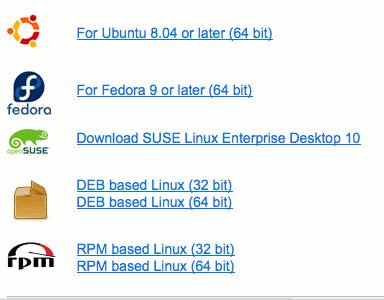
Yuuguu installs like most other Windows programs; follow the steps in the installation setup wizard. It is also available for Mac (10.4 and higher) and Linux.
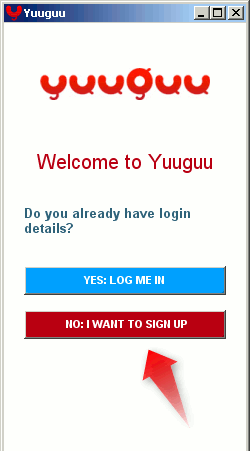
What you will see in the Windows version is a window like many instant messengers have. Click on [No: I Want To Sign Up]
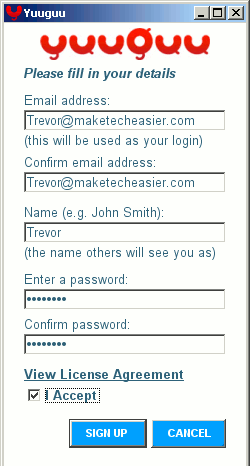
You will need to fill in your basic info to start up an account.
Once you are all signed up and confirmed, you should see a window like this:
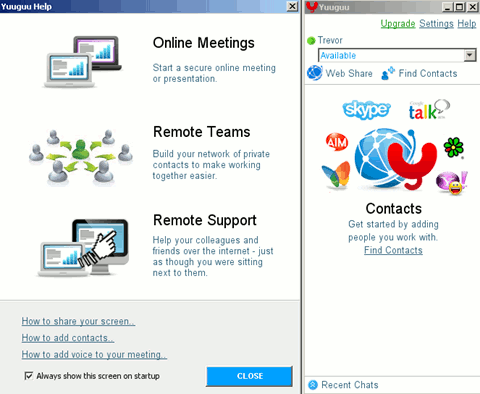
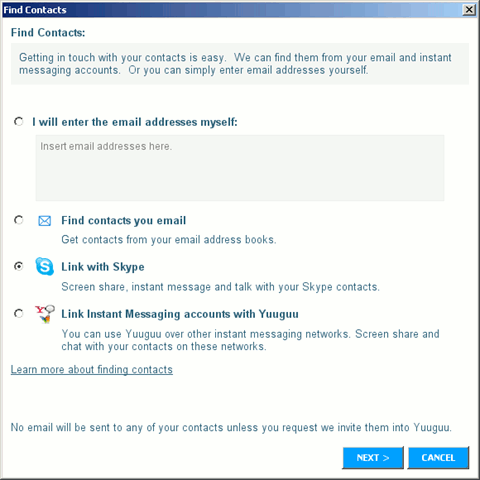
Like many applications, you can search your email to find contacts. Yuuguu lets you link your Skype and other instant messaging accounts like AIM and Yahoo and a couple others. While Skype currently offers a screen sharing feature, most instant messaging services do not.
Linking with Skype
Linking your Yuuguu account with your Skype account only takes a few steps. Adding an instant messaging account is a little easier.
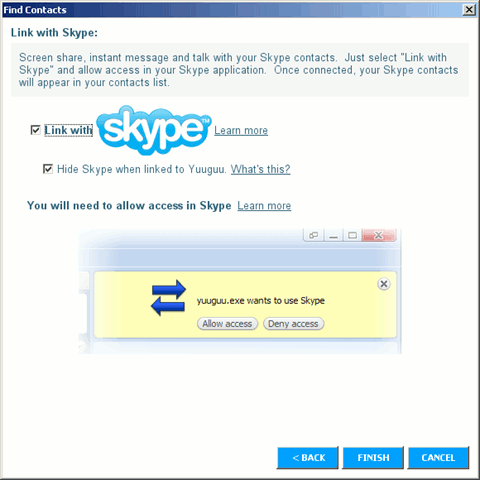
Once you choose Skype as the account you want to link to Yuuguu, you will need to grant Yuuguu access then click finish.
Using Sharing Your Screen
There are a couple ways to share your screen. The most obvious way is via Skype or instant messenger. When you send an offer for them to view your screen, this is what they see.

The other method is for people not in your contact list. You can share your screen with anyone who has a computer with a web browser and an internet connection.
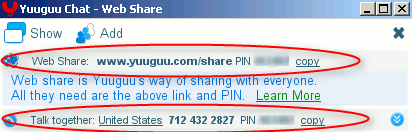
In the main Yuuguu window, there is a button labeled [Web Share]. When you click it, a window will pop up displaying a link with an access PIN and a phone number and PIN to dial in to use audio if you choose.
What They See
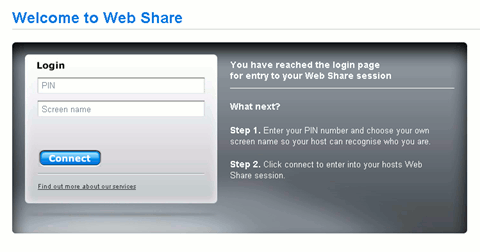
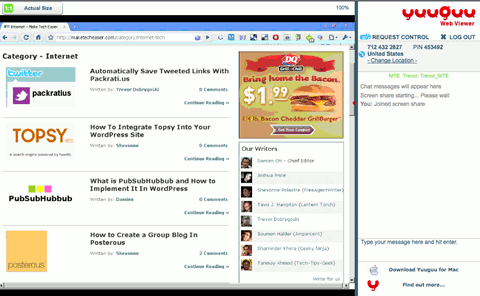
When the guest viewer clicks on or copies and pastes the link into their browser, they are asked for their name and the PIN number for the one-on-one web conference.
Once logged in, there will be a chat window to the right. In the chat window you can type back and forth while they are watching you work on the live (slightly delayed) view of your screen.
Conclusion
The free account does have some limitations to get you to move to a paid plan.
- Usage is limited to 100 minutes a month with people without a Yuuguu account
- No more than 5 people session
- 2 users per domain
In the demos and Features description, they recommend using screen sharing for sales presentations and meetings. I am sure it would be an outstanding sales tool if you cough up the monthly subscription fee.
However, if you have a need for an impromptu webcast from time to time, this is a really great free app. In my tests, Yuuguu seems a little faster and is less of a resource hog than Skype’s screen sharing.
What other free software or apps are available to host a webinar of any size?