

Startpages are websites that offer easy shortcuts to your most frequented websites. You can have a startpage load up automatically each time you open a new tab. Therefore you can open your favorite websites via 2 simple clicks: 1 to open the new tab and the next to click on the site shortcut. Compared to typing in a website’s URL, these startpages save a considerable amount of time particularly when you are using somebody else’s computer – a situation where you do not have your bookmarks stored in the browser.
“YourPort” is a unique startpage that combines all these fortes into a singular package.
Introduction
YourPort is a brilliant startpage that combines the strongest elements of all startpage types. The site offers default shortcuts as well as customized URL shortcuts with support for bookmark synchronization. Multiple search engine integration is included that lets you search different types of web content. And the best parts about it all are that the site is absolutely free to use and does not require any registrations.
Usage and Features
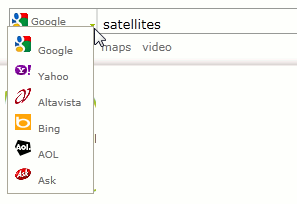
When you first visit YourPort you will view search engine features at the top of the site’s page. To search for anything you can type in your query, select the sort of results you want – web, images, maps, or video – and then execute the search.

By default the search engine is Google; this can always be changed to one of the alternatives offered: Yahoo, AltaVista, Bing, AOL, or Ask.
Towards the bottom of the page you will find the most popular web shortcuts already present by default. The site refers to these shortcuts as ‘ports.’ Clicking on any one of these shortcuts will take you to the respective website.
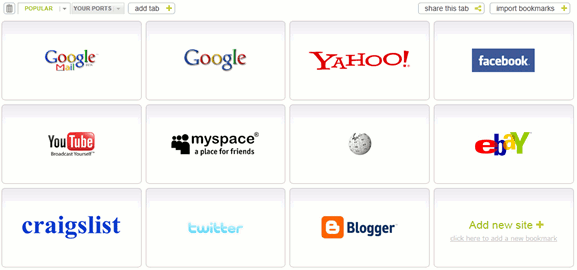
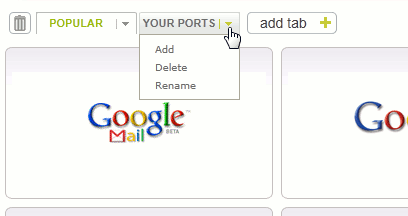
In the top left of these shortcuts you will notice buttons that let you create custom tabs that include your own shortcuts. New tabs can be created and existing ones can be renamed or deleted.
For fresh tabs you will find empty shortcut slots as shown in the image below.
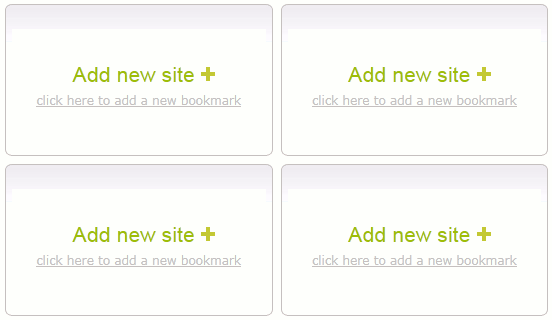
To add new shortcuts simply click on the “Add new site +” button and enter the shortcut’s URL in the subsequent window.
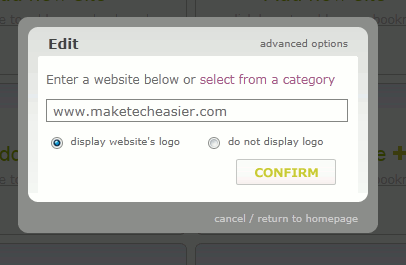
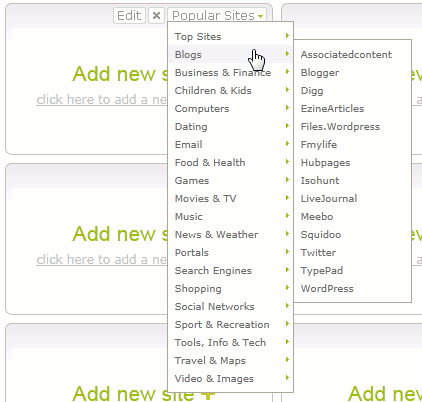
Alternatively you can select from a list of popular sites already available in YourPort’s options. To access these options place the mouse pointer in the top right of an empty slot. A ‘Popular Sites’ button will appear that will contain options to add the shortcuts for popular websites; these websites will be sorted in the menu categorically.
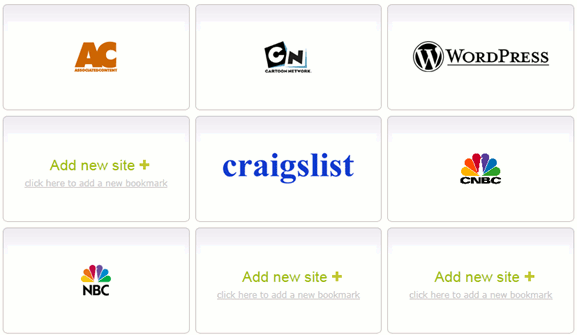
While adding site shortcuts you do not need to adhere to any positioning rules. You can start filling the shortcuts in whichever order you are comfortable with. You can fill all the empty shortcut slots or only some of them.
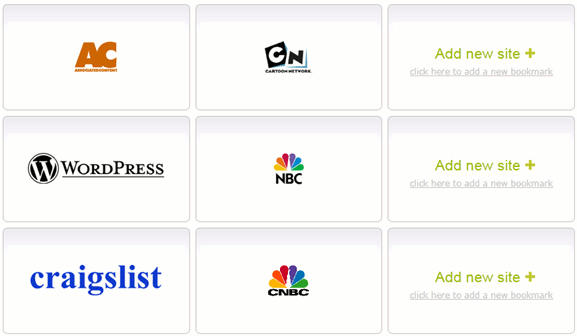
With the shortcuts created you can always reorganize them via simple click-and-drag action through the mouse.
When it comes to adding shortcuts you can save considerable time by importing your browser’s bookmarks into YourPort. This option can be accessed through the button in the top right.
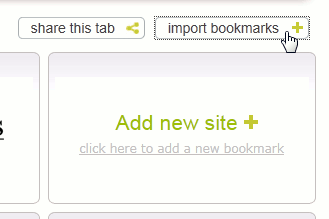
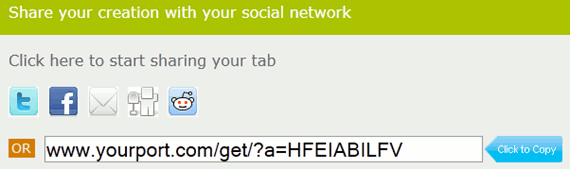
The “Share this tab” option lets you quickly share your customized tabs with your contacts. A direct URL can be obtained for the tab so you can land on your favorite ports tab rather than the default tab.
Conclusion
With its simple interface, user-friendliness, and richness of features YourPort serves as an excellent startpage. To quickly access your most frequented websites, all you have to do is start using YourPort. Once you begin using the site it will quite easily replace whichever startpage you are currently using.
Visit YourPort