

If you want to make the most out of your WordPress menus, you need to try some of the available plugins. There is quite a lot to choose from because there are plugins for various menu enhancements such as megamenus, responsive menus, menu buttons, etc. Here are eight of the WordPress menu plugins I consider best.
1. Responsive Menu
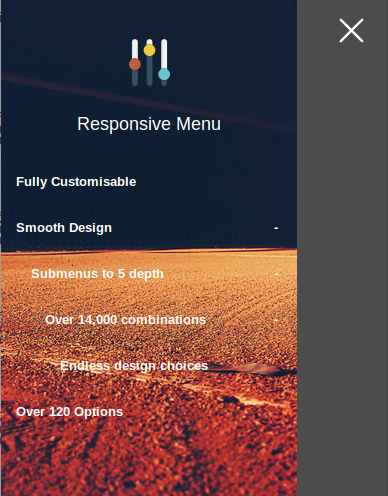
If your menus are not responsive yet, then the Responsive Menu plugin is a must for any self-respecting WordPress site owner. It’s a highly customizable plugin with free and paid versions. The free version offers quite a lot, such as the ability to change colors, fonts, font sizes, and background images; the ability to disable and re-order menu items; the ability to set the location of the menu on the page (left, right, top or bottom); etc.
2. Max Mega Menu
For sites with dozens or hundreds of categories and menu items, mega menus are a huge navigation and usability improvement. In a mega menu you can place all your items, and still it won’t clutter your interface all the time. One of the best WordPress plugins for mega menus is Max Mega Menu. The menus it creates are responsive as well as touch & retina ready.
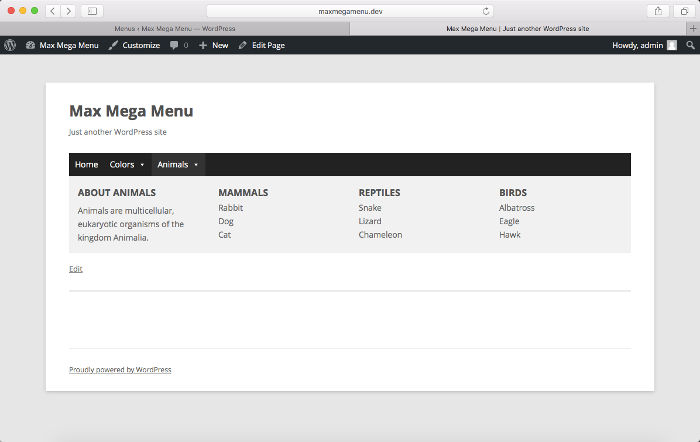
Max Mega Menu is a drag-and-drop plugin. You can have multiple instances of it on the same page. It also allows quite a lot of effects in the menu, such as hover; hover intent or click event to open sub menus; fade, fade up, slide up or slide sub menu transitions; and add icons. In addition to all these cool features you can find in the free version, there are many more in the paid one.
3. All in Menu
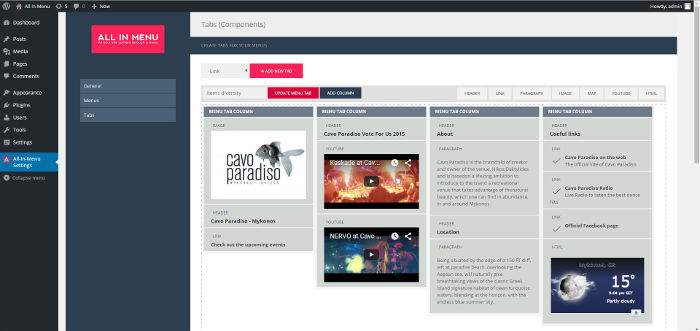
All in Menu is another mega menu WordPress plugin you can use to create dynamic and responsive header mega menus. A drag and drop plugin, too, itt isn’t as popular as Max Mega Menu and doesn’t offer as many customization options, but this isn’t a reason not to try it. You can choose the alignment of the menu items, as well as their colors and width.
4. WP Mobile Menu
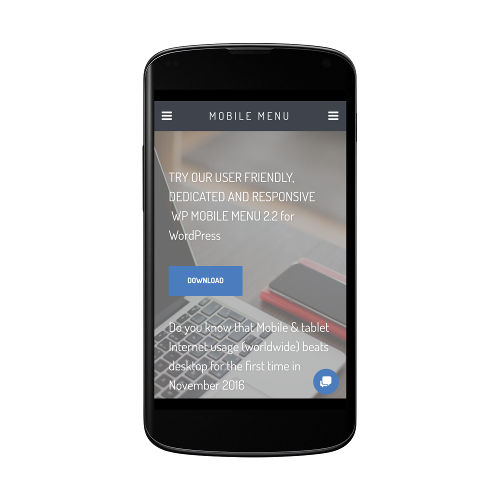
If your site enjoys a lot of mobile traffic, you are not quite satisfied with what responsive themes do for it, and you want something created specifically with mobile visitors in mind, try WP Mobile Menu. It’s a responsive plugin you can use to override your present theme’s menu options. It’s fully customizable in terms of appearance and functionality, and you can even add widgets to it.
5. If Menu
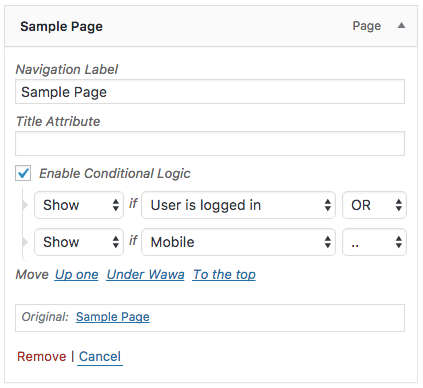
If Menu is a simple but very useful plugin. With it you can set conditions for showing or hiding menu items. The types of conditions at your disposal are user state (e.g. logged in or not), user roles (admin, etc.), page types (homepage, etc.), and device types (e.g. mobile). For more advanced users, there is also the option to set your own conditions.
6. Menu Buttons
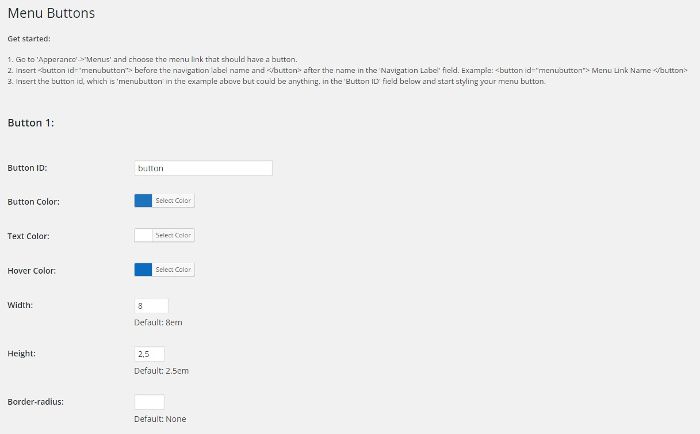
Menu Buttons is a very small and simple, yet very useful, WordPress plugin. As you can guess from its name, it adds buttons to menus. This is cool if your theme by default lacks them but you want to spice up the look of your menus a bit. With this plugin you can set the color, text color, hover color, width, height and border radius of your menu buttons.
7. Menus
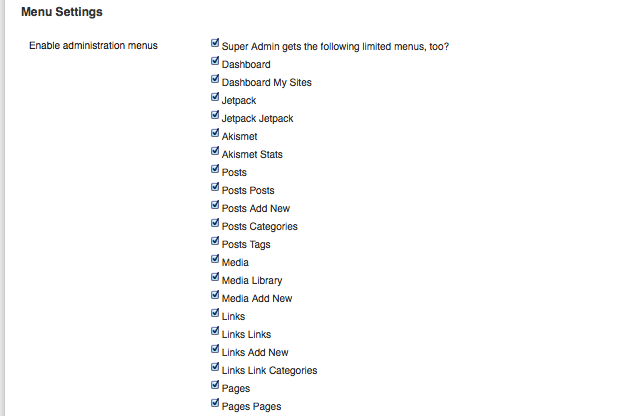
In addition to front end menus, there are backend (admin) menus, and you might want to change them a bit as well. Menus is one of these multisite-backend menus. With it you can toggle administration menus for your network of sites and even remove some of the admin bar menu items as well. It’s a neat way to minimize admin interface clutter and hide menus you rarely or never use.
8. Admin Menu Editor
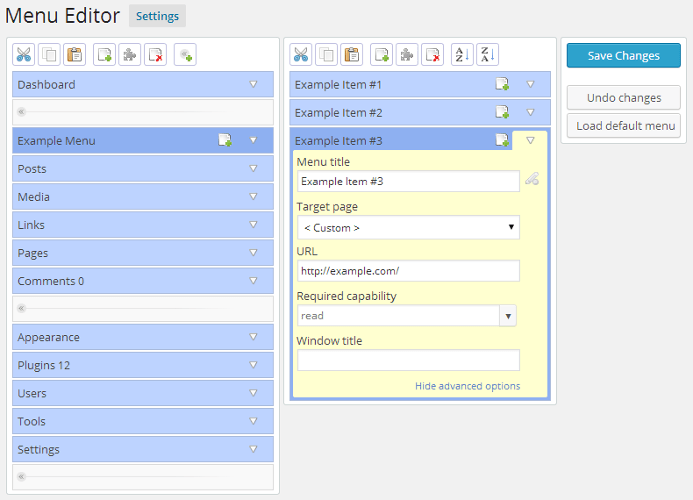
Admin Menu Editor is one more plugin to edit the Dashboard menu. With this plugin you can use drag and drop to change the order of the menus, create custom menus, show/hide specific menu items, change permissions, etc. There are free and a paid versions. Some of the more advanced features you can only find in the paid version are the ability to set per-role menu permissions, hide a menu from everyone except a specific user, and export your admin menu.
Good navigation starts with good menus. If your site is small and you have just a bunch of pages, it might not be your top concern how to structure the menus, but as your site grows, menus both on the front end and the back end can get out of control. To avoid this, put some of the plugins in this article to use – this will certainly make the lives of you and your users much easier as far as site navigation is concerned.