
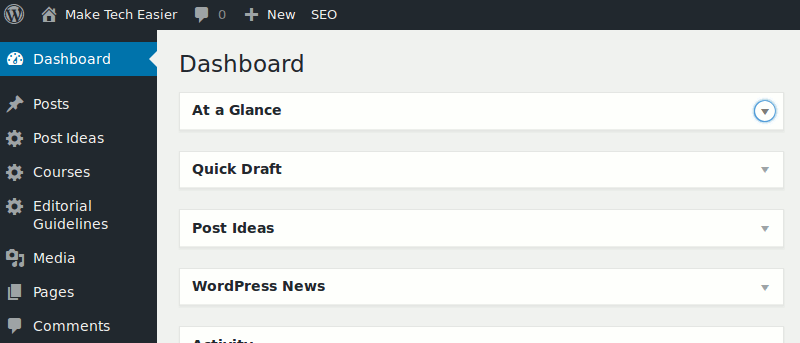

Have you ever found the WordPress dashboard too clunky or lacking in functionality? There are many plugins that can help you customize your admin experience on WordPress and also add useful features to your dashboard.
We have found eight of them which should make your WordPress dashboard much more useful and organised.
1. Client Dash

Client Dash helps you customize the WordPress admin experience for you or your clients. You are provided with a drag-and-drop system that allows you to reorganize, remove or add new items to the menu on the left-hand side. You can also choose to display or hide items on the menu from other users according to their user roles. In addition, Client Dash allows you to modify the order of widgets on the dashboard or remove them entirely.
2. Adminize

Adminize is another nifty plugin that will change the way you use the WordPress dashboard. By default there may be a few options in the dashboard that your users may not need to see or use, and it does make sense to hide unnecessary items from the dashboard, and this is where Adminize can help. The plugin makes it easy to activate or deactivate parts of the menu based on the set user roles as well as change themes or color schemes. You can even deactivate other parts such as the Text editor or Visual editor in the post screen or other menus and sub-menus.
3. AG Custom Admin
If you want more control over how your dashboard or login page looks and works, AG Custom Admin can help you customize the dashboard to a very large extent. You can remove all WordPress branding, default text and links from the dashboard and replace them with your own logo, colors and content. You can also easily remove or rename menu items or widgets as well as add new ones. If you want to give your admin area a completely new look, AG Custom Admin also comes with several premium admin themes that you can use for a small fee.
4. Admin Columns
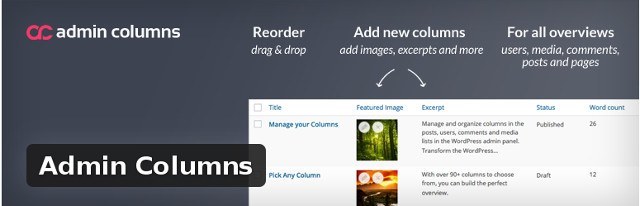
Admin Columns help you manage and customize columns in the WordPress admin panel. It is available in free and Pro versions (starts at $59) depending on your need. The plugin comes with over nI ery custom fields for posts, pages, media library, comments and user meta-data, and it allows you to display custom columns for each meta-data. All you need to do is select the correct meta-data type from the menu, and click any of its column fields to edit it or add a new custom column. You can also reorder, resize or remove any of the columns if you wish.
5. Participants Database
Participants Database gives you all you need to manage a database of people. You are allowed to enter each record manually via the “Add Participant” option in the settings or upload an already existing list in CSV format. You can also allow your users to create their own record individually through customizable forms that can be added to the front end or back end of your website.
6. Admin Dashboad Last Edits
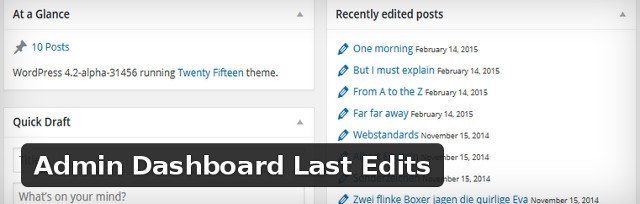
This plugin does a very simple job. It simply shows you the last edited posts and pages on your website in a widget placed on the dashboard for quick access.
7. Custom Dashboard Widget & Dashboard Contact Form
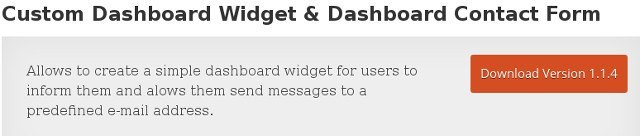
Another simple plugin, this adds a custom widget to your dashboard, which allows you to notify other users of an important message or send messages to your editors or perhaps all your users. It also allows other users to contact you via a predefined email address.
8. Dashboard Instant Finder
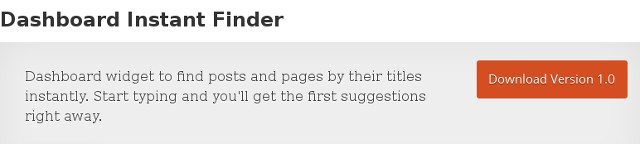
As you can probably guess, this plugin adds a nifty search box to your dashboard which allows you to locate any post or page on your website within a few moments.
Bottom Line
Hopefully this list has helped you discover one or more plugins that will help you customise the WordPress dashboard to your taste. If you know any other related plugins we should know about, please share with us in the comments.