
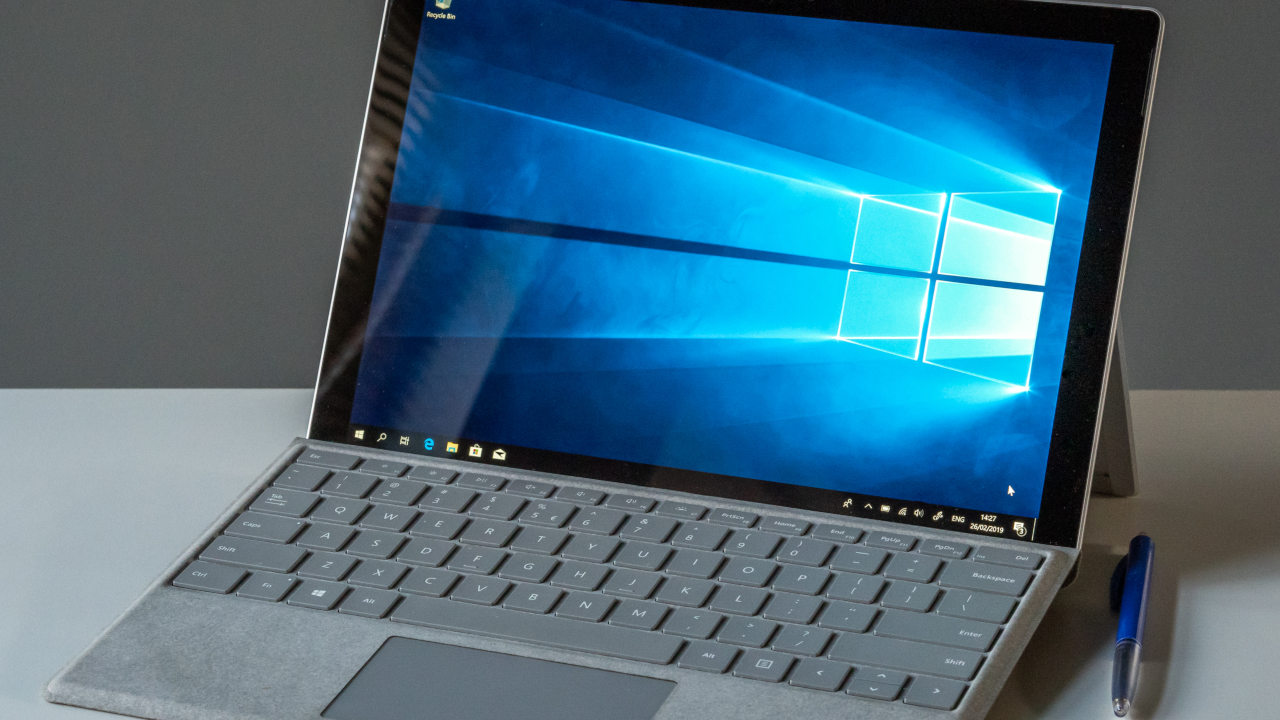

With how quickly the world is heading to the ARM processing architecture for portable computers that value power efficiency, it’s no surprise that Microsoft embraced the trend and created Windows 11 for ARM. Although it looks almost exactly like its more traditional counterpart, this new version has a few key differences, workarounds, and compromises that affect the user experience. This guide takes a look at Windows for ARM and explores how it compares to the more conventional version.
[mte_toc]Windows 11 for ARM in a Nutshell
Microsoft’s Windows 11 for ARM is the third version of Windows supporting the architecture, following Windows RT (based on Windows 8) and Windows 10 on ARM.
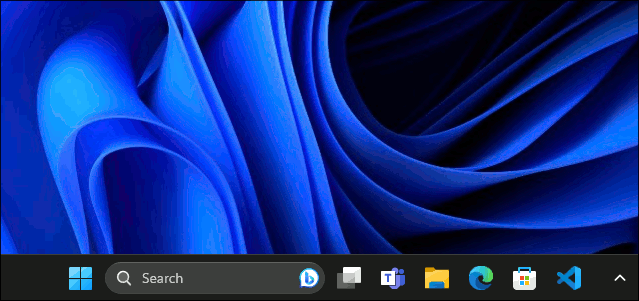
This operating system is specifically designed for ARM CPUs, which run on a reduced instruction set computer (RISC) architecture. If that sounds confusing, perhaps this slight oversimplification explains it better: Windows 11 has an edition designed to run on technology that reduces power usage and consequently extends battery life as much as possible on your devices, while delivering the greatest achievable performance per watt.
As opposed to ARM, traditional desktop experiences are built around the complex instruction set computer (CISC) x86-64 architecture. It is clunky and power-hungry because of the large amount of physical space occupied by registries and transistors that perform roles many modern applications can live without.
ARM chips are smaller, reducing traversal distance, therefore also reducing the amount of power required to perform operations. You’ll find ARM chips running on devices like the Microsoft Surface Pro X, Samsung Galaxy Book Go, Acer Spin 7, and HP Elite Folio.
These laptops, tablets, and convertible computers offer a Windows experience with much longer battery life than their ancestors. They are also generally thinner, cooler, and lighter than power-hungry x86-64 systems.
How Windows 11 ARM Runs Traditional Apps
When running native ARM software on these computers, you’d be hard-pressed to find any differences from what you’re used to on any other device. You may even notice and be surprised by the snappy performance on such a thin platform, depending of course on its specifications.
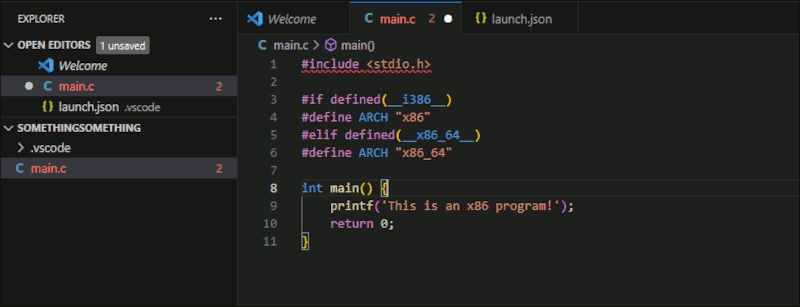
The real difference between this and the traditional x86 CISC architecture hits slightly harder when you try to run non-ARM Windows apps.
The key issue with running traditional desktop applications on Windows 11 for ARM is that it’s all emulated. This may cause slight stuttering, delays, or errors when attempting to run programs. Nonetheless, Windows’s emulation on ARM, for the most part, is pretty seamless and doesn’t have a huge impact on performance.
Where we run into serious issues, however, is when an application decides to “ask the wrong question.”
If the application you’re running, for example, is designed to throw an error when it asks for the architecture it’s running under and receives anything other than WoW64 (the response for a 64-bit desktop environment in Windows), it will refuse to run on ARM even if Windows could competently emulate it.
Which Devices Are Suitable for Windows 11?
Every device with an ARM processor that is designed for Microsoft Windows will run an ARM version of it. This includes tablets, some laptops, and convertible devices.
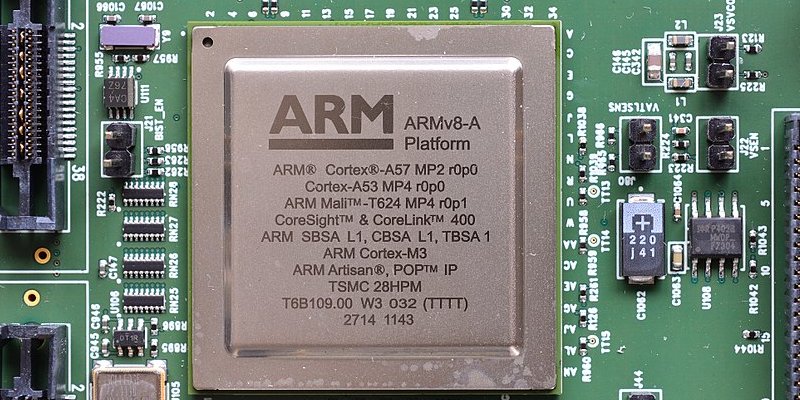
Although ARM hardware is also found in other devices like smartphones, this isn’t something that Windows 11 will actively support. Technically, it’s entirely possible to run Windows 11 for ARM on a phone, but the user interface will not work very well on such a small screen.
Technically, the operating system will run on other devices, as long as they are capable of emulating an ARM environment or, like the Raspberry Pi, run on an ARM chip. QEMU, for example, can emulate ARM operating systems in x86-64 hardware, but traditional virtual machine software will run into issues.
How Do I Obtain Windows 11 for ARM?
Windows 11 for ARM is typically sold preinstalled on devices that are supposed to run it. However, if you’d like to give it a try and emulate it on other systems or run it on ARM hardware, you can find all of its latest builds on the Microsoft Insider website. You’ll need a Microsoft Insider account to download it.
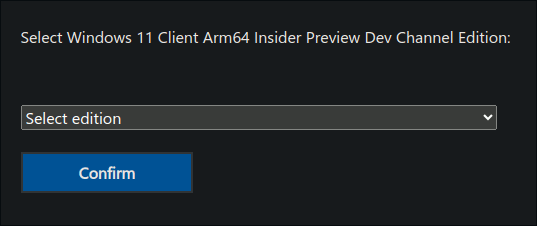
Alternatively, you can also find Windows 11 for ARM on the UUP dump website. When downloading it, if you’d like to put it on bootable removable hardware, like a USB stick, be sure to select Download and convert to ISO before downloading it.
Low Draw, High Stakes
Despite the success of recent ARM-based systems in smartphones, the addition of ARM laptops, convertibles, and tablets into the tech ecosystem is still relatively new. The Surface Pro X was released as recently as 2019, and Apple’s MacBook Air with an M-series ARM CPU came out in late 2020.
Although ARM has a remarkably low-power draw that gives it a significant advantage in portable devices over x86-64, it’s still not certain whether this will be Microsoft’s moment to go beyond the PC and server market, or whether things will play out here like they did for Windows Phone. So far, things look pretty great.
As long as Microsoft can continue to find new ways to improve its x86-64 emulation on ARM, like Apple did with Rosetta, the world is its oyster.
Image credit: Wikimedia Commons. All screenshots by Miguel Leiva-Gomez.