
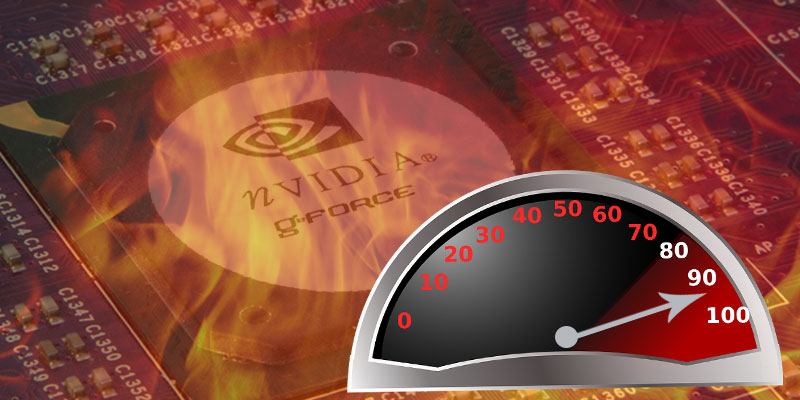

Overclocking is a very popular term used in the world of PC building, but what exactly is it? If it is a quick and free way to speed up your PC, why isn’t every user doing it?
The Basics of Overclocking
In simple terms overclocking is the act of pushing your computer’s components faster than it was originally intended by the manufacturer. Though most commonly the CPU and GPU are overclocked, other components can be overclocked as well. Quite literally, you are speeding up the clock speed. The clock speed is measured in hertz. This is why there is a speed difference between an Intel i5 1.4Ghz and an Intel i5 2.7Ghz processor, for instance. Even though they are both dubbed an “Intel i5,” they have differing clock speeds. One can essentially acquire a lower-end, cheaper processor and then overclock it to achieve faster speeds. But is this really a worthwhile modification for the average consumer?
Pros of Overclocking
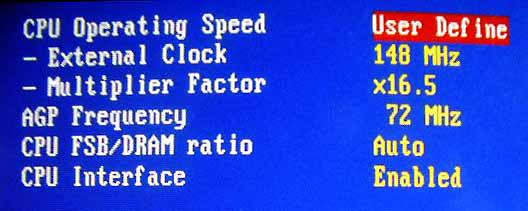
Ultimately, overclocking will make your processor substantially faster and is the main reason for overclocking. After all, doesn’t everyone want their PC to have a little extra hop in its step? In other words, if you are struggling to complete even basic tasks on your PC, it may be worthwhile to overclock your processor for a little added boost. Do remember, though, that overclocking is not necessary for basic operations such as writing and lightweight applications. However, for tasks such as rendering and editing video, you will definitely see a difference.
One can overclock a GPU easier than a CPU. A piece of downloaded software is used rather than the computer’s bios when overclocking the GPU. This way a user can directly see and manipulate the operations with the mouse rather than keystrokes on the keyboard in the BIOS.
Cons of Overclocking
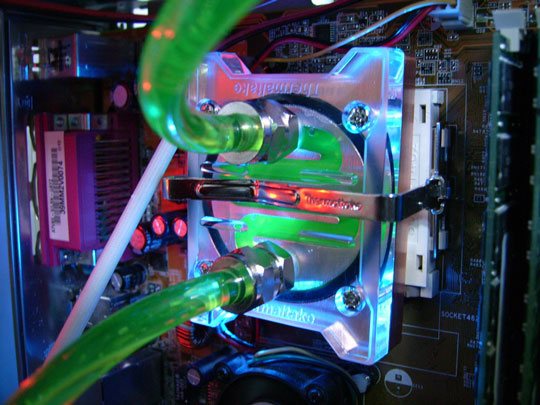
Overclocking can overheat and even fry a PC if it is set up incorrectly. In most cases manufacturers set the clock speed based on what is safe for the cooling system in use. By overclocking your machine, it is essentially mandatory to find a new cooling system. Many will opt for a water-cooling system as the network of tubes and fans is generally better at dispersing heat than a fan-based system with a heat sink. Getting a new cooling system can sometimes cost more than buying a speedier processor to begin with, in which case overclocking is not practical monetarily.
The BIOS can be a complicated place if you do not often make modifications to your PC. One wrong move can severely damage your PC and render it unusable. If you are unsure of the reason behind inadequate performance, consider upgrading RAM or cleaning your PC. Overclocking should not be the first consideration for a faster PC.
Final Thoughts
When starting a PC build, it is best to approach the project with the mentality of buying the appropriate processor for the task. Unfortunately, some will buy an under-capable processor with the knowledge of how to overclock it. However, if you are just trying to get a little bit of extra power out of your PC, overclocking the processor may be the right route for you. Just know the ins and outs of the BIOS, have patience, and be willing to learn how to go about the process on your specific PC.