
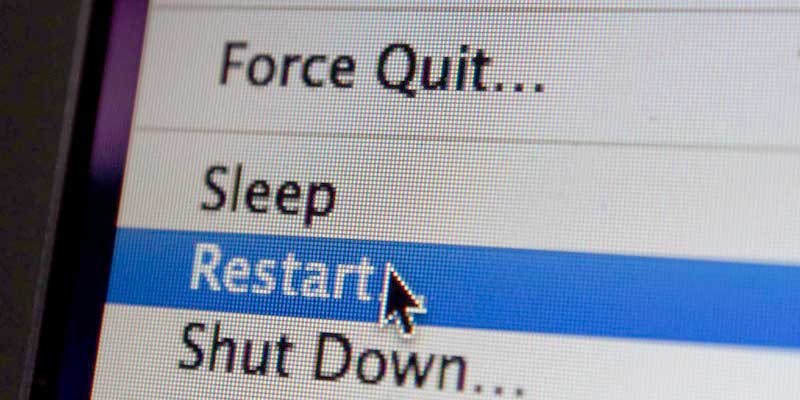

Restarting your computer is a common task. Whether for troubleshooting or software and hardware installation, most computers get restarted on a fairly regular basis. And those that don’t might start showing problems until they do get restarted. What happens when you restart your computer? It’s actually a fairly simple process involving some pretty basic commands.
What happens when you reboot?
In the abstract, a reboot is indicated by a power state flag set by your computer at the end of the shutdown process. This flag tells the motherboard to reset the attached components using the correct reset commands, then follow the normal startup (AKA “bootstrap”) process.
This reset command is nothing more than a certain value at a certain register address which the motherboard checks before moving to its “off” state. If the reboot flag is present, the computer starts the boot process as soon as the shutdown process is finished. If the flag isn’t present, the computer moves into the “soft off” state, waiting for you to come back and press the power button again.
The reboot process is only slightly different from the shutdown process. The computer “knows” to reboot thanks to the ACPI reset command, but that’s only set after the computer has completed the shutdown process. All components get reset as part of the shutdown process, so the only difference between shutdown and reboot is that the computer restarts immediately.
The shutdown process is pretty simple itself. When you select “shutdown” from the OS menu, the computer quits all apps, does a little housekeeping, unmounts the filesystem and turns off peripheral devices.
What are power states?

Much of your computer’s shutdown and restart processes are controlled by ACPI (advanced configuration and power interface) power states. Power states come in a couple flavors and are controlled by the motherboard. These power states comes fro m ACPI, or Advanced Configuration and Power Interface, which controls power management in your PC. There are a couple important power states that help us understand how the computer operates.
- G0: Power on and working; your computer’s operational status
- G1: Sleeping
- S1: RAM and CPU power stays on, but the CPU isn’t processing instructions. Peripheral devices are powered off.
- S2: CPU is powered off, but RAM power is maintained, preserving memory contents
- S3: Everything except RAM and peripherals that can wake the computer, like the keyboard, is powered off. This is your computer’s “sleep” state, which is triggered from the start menu in Windows.
- S4: RAM contents are written to disk and everything powers off. This is the “hibernate” mode. The only difference between this and G2 is the resume process: you won’t need to boot your PC to return from this power state.
- G2: “Soft off.” This is the computer’s typical off state. Power is cut to everything except devices that listen for power on.
- G3: Mechanically off, cannot be started until put back into G2.
Why does rebooting fix so many problems?
Rebooting is a key troubleshooting step because it fixes a huge variety of problems. But how?
During the reboot process, all of the computer’s logic is reset. This means that the CPU, memory, controllers and peripherals all receive their reset commands and return to their boot-up states. By wiping away anything that was happening previously, this reset can often fix problems by resetting things to their “new” state. Of course, this doesn’t mean the problem won’t reoccur. But this fresh start often removes the offending gremlin, at least temporarily.