

It seems as though virtually everything is connected to the Internet these days. Computers, home entertainment systems, video game consoles, IoT devices, and more all rely on a stable, speedy Internet connection. The most convenient method to get all of your devices online is to utilize your home or office Wi-Fi network.
Unfortunately, Wi-Fi isn’t always practical, as it often suffers from slow speeds and dead spots. Getting around the pitfalls of wireless Internet often involves hard-wiring your devices to the Internet via an Ethernet cable.
However, unless you want cables running all over your floors or to spend time running cable through your walls, hard-wiring everything probably isn’t the avenue you want to go down. Luckily, there is another solution that is much more convenient: powerline adapters.
Also read: How to Turn Your Old Router into a Repeater
What Are Powerline Adapters?
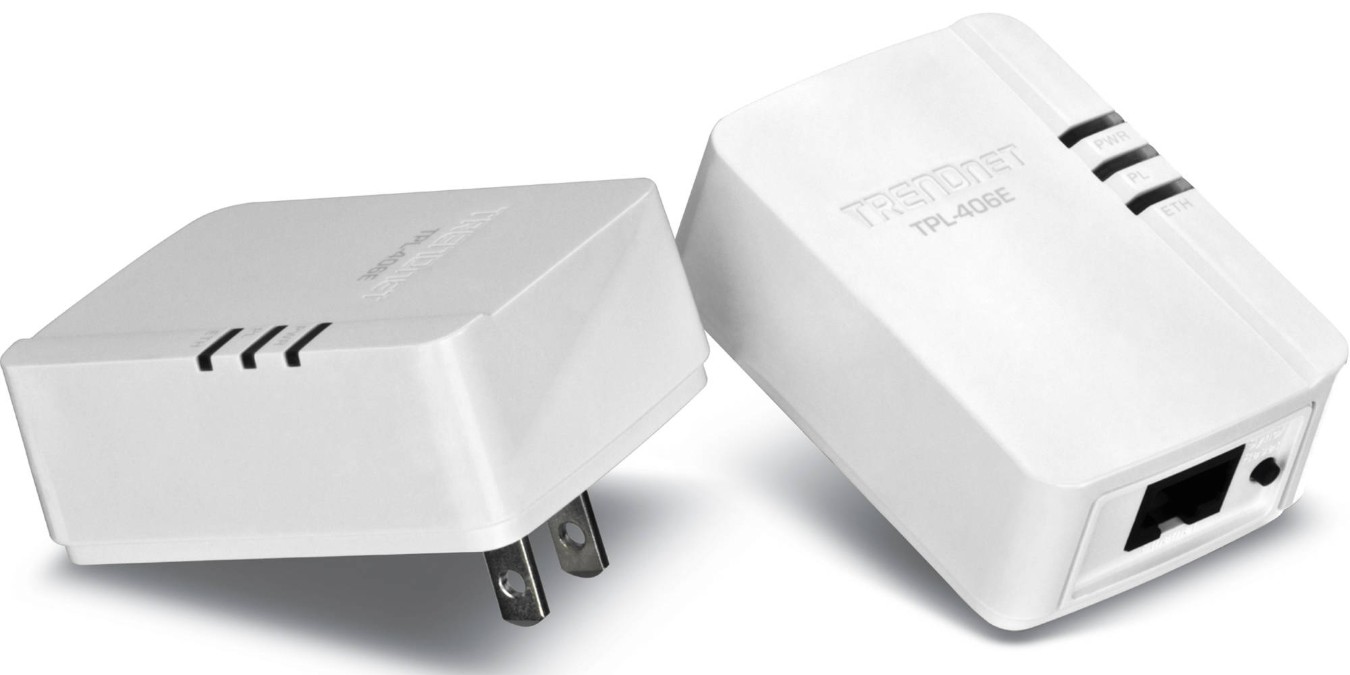
Powerline adapters are small devices that utilize the existing electrical wiring in your home to deliver a data (Internet) connection. They are affordable and easy to install, making them an attractive option for making data connections between devices and a router. Powerline adapters are a good solution for common networking issues including:
- Areas of your home or office that are Wi-Fi dead spots (e.g. your router is out of range)
- Hard-wiring a device to your router via an Ethernet cable is not possible due to the distance between them.
- Connecting devices without built-in Wi-Fi connectivity.
How Do Powerline Adapters Work?
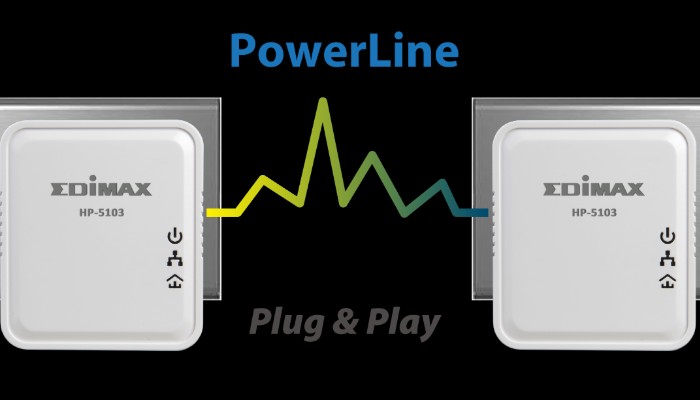
Powerline adapters are what’s known as “bridging” technology. They act as a “bridge” between an Internet access point (e.g. your router) and an Internet-connected device. A standard powerline adapter kit comes with two adapters. Connect one of the adapters to your router with an Ethernet cable, then plug the adapter into a nearby electrical outlet.
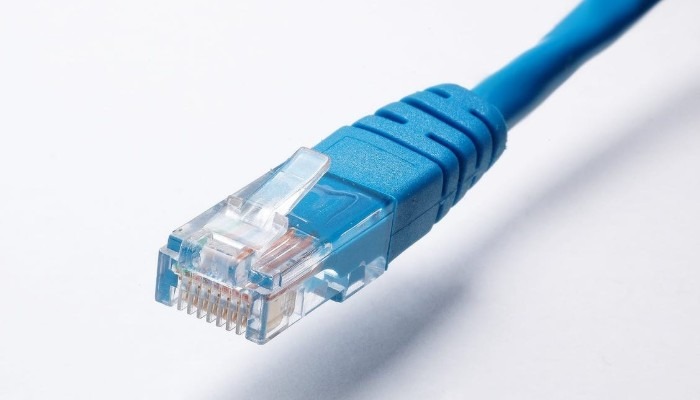
Take the second adapter and plug that into an electrical outlet near the device you need to connect to your network (e.g. a PC, smart TV, game console, etc.). Finally, connect the second adapter to the device via an Ethernet cable. The two adapters detect one another over your home or office’s electrical wiring and automatically start transmitting and receiving data. There is no lengthy configuration process or fiddling around with drivers.
Advantages of Powerline Adapters
Wi-Fi is a wireless Internet connection that transmits data over radio waves. This can be problematic, particularly for larger homes and offices. This is due to the fact wireless signals can be impeded by walls and floors.
As a result, areas of your home or office may not be able to receive a signal from your Wi-Fi router. Powerline adapters can help with networking by utilizing the existing electrical wiring in the walls of your home or office to extend data connections to devices in these Wi-Fi “dead spots.”
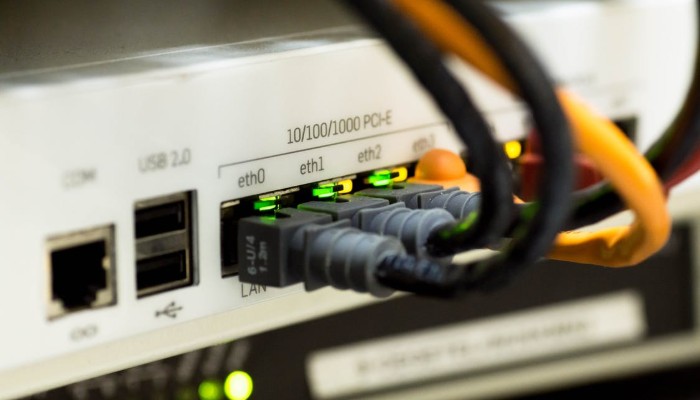
Furthermore, some devices require a more stable network connection than what Wi-Fi can provide. The data connection provided by powerline adapters is often more reliable, capable of delivering consistent speeds. This is perfect for devices like video game consoles and PCs used for gaming, where network latency (the time it takes for a data packet to get from one point to another) can make or break an online match. In addition, powerline adapters can be used to connect older devices that don’t have built-in Wi-Fi Internet connectivity.

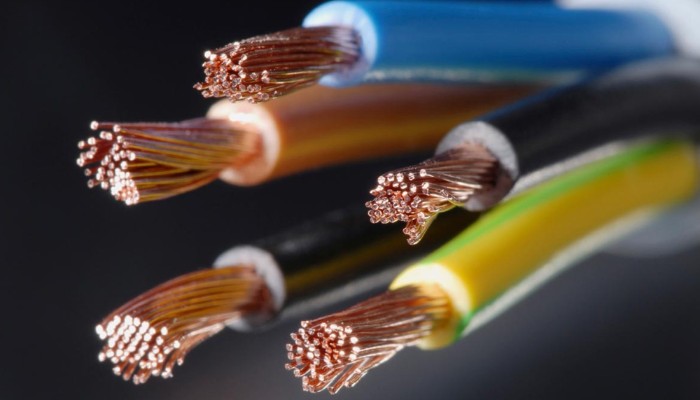
Finally, powerline adapters can be more secure than wireless networks. This is because powerline adapters utilize the copper electrical wiring in your home to transmit data. This makes it virtually impossible for hackers to gain access to devices connected to your network via powerline adapters.
Also read: How to Extend Your WiFi Coverage
Disadvantages to Powerline Adapters
While powerline adapters may seem like a quick and easy way to connect all your devices, there are some drawbacks. First and foremost, powerline adapters depend on the electrical wiring of the house. Homes and offices with older wiring may be incompatible with powerline adapters. Unfortunately, there’s really no way to test whether or not they’ll work for you. You simply have to try them out and hope for the best.
Furthermore, electrical wiring can be susceptible to electrical interference, particularly with “high load” devices and appliances. Things like vacuums, refrigerators and microwaves can all interfere with the data connection being transmitted over your wiring. This can result in dropped connections or significantly slower speeds.

Finally, the use of powerline adapters can get expensive. Most powerline adapter kits are only capable of connecting a single device to the network. This necessitates the need for more powerline adapters depending on how many devices you need to connect. Depending on your individual needs, it may be more cost effective to simply purchase a more powerful router capable of greater range and speed.
Conclusion
Powerline adapters make networking super simple. They provide a user-friendly solution for connecting all of your devices to the Internet, while delivering reliability and consistent speeds. That being said, they can be significantly more expensive depending on your needs.
Do you use powerline adapters? What is your opinion of them? Let us know in the comments!