

Do you know the difference between 16:9 and 4:3 and 1.85:1 and 1.33:1 ?? Do your videos look squished and weird and you don’t know why? Do you know the difference between pillarbox and letterbox? And how do you make your videos look like a movie just through the clever use of aspect ratio masks?
Some people genuinely either can’t tell or don’t care about the difference between any of these things, and while subtle it’s important to know the difference for professional looking video. In this article we define video aspect ratios with examples so you will always know what size your screen should be, regardless of the source or TV system.
Aspect Ratios
In terms of video, an aspect ratio is an expression of the ratio (or relationship) of the width to the height. If a video is 1280 x 720 pixels, then it can be said that it’s 16:9 or 16 units by 9 units. This ratio can also be expressed as 1.77:1, so the width is 1.77 times the height.

It’s the shape of the frame, and frames are all a specific size depending on the technology you are using to grab your images.
Twenty years ago the TV systems of the world were very different. They didn’t use widescreen images; the used old time TV-shaped images. But still the bad habits and misunderstandings created in that transition period still persist as people recycle old videos and show TV programs of the past on modern TV sets.
For example, the old standard definition TV pictures and old style “square” computer monitors were 4:3 or 1.33:1. There were (in PAL TV) 768 x 576 pixels, and that means the width is 1.33 times the height (SD images sometimes go wrong, but that depends on if the system used square pixels, and that’s a whole other article.).

See how much narrower it is than 16×9?
Crushing the Size
The reason this matters is that people sometimes get this horribly wrong. You often see videos on YouTube which are kind of squashed looking, and that’s because the creator paid no attention to aspect ratios.
Either the source material was 4:3 and they applied a ratio of 16:9 stretching it horizontally,

or the source was 16:9 and they applied a 4:3 aspect ratio squashing it horizontally.

Either approach makes the video look amateurish and can also affect performance of video editing systems because they have to process every single frame for the new size, and that takes way longer than it should.
Masking the Mask
A common way to fix aspect ratio sizes and not spoil the video is to pad the frame with black areas.
There are two types of padding: letterboxing and pillarboxing. Letterboxing is where you add black bars top and bottom to make up the difference between standard HD 16:9 and SD format 4:3. The black areas are actually part of the frame, meaning you actually have a 4:3 image, but the top and bottom of it are black, and the 16:9 aspect ratio of the image is not warped in any way.
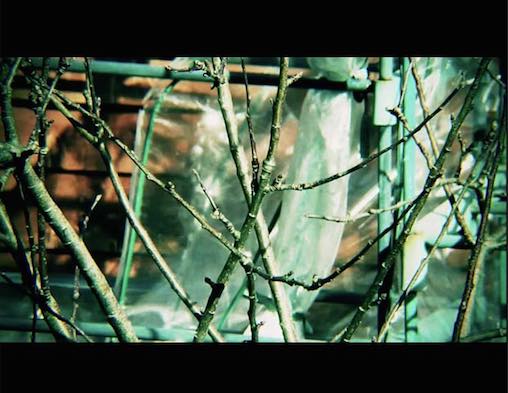
Or you can add black bars to the sides, or pillarboxing, to make up the difference between SD 4:3 and HD 16:9. The black bars at the sides pad the frame to fit 16:9 without crushing the original frame.

Of course, of the many crimes against taste perpetrated by people unaware of aspect ratio is crushing already letterboxed videos into another letterbox giving a HUGE black bar and squashed video,
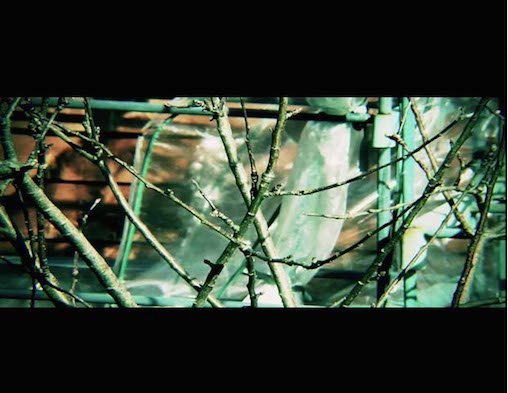
or crushing an already padded 4:3 frame with additional pillarboxing making the 4:3 image even more narrow.

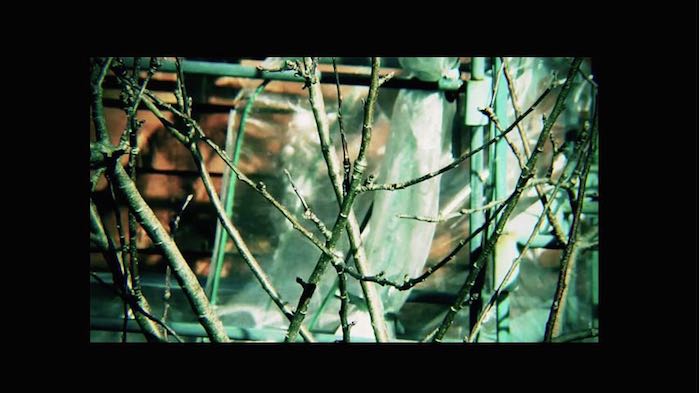
The worst crime of all? Letterpillarboxing, where you do both: make a 16:9 video fit a 4:3 frame, then pillarbox it again making a large black border all around the video:
Real Aspect Ratios
The main aspect ratio you will encounter is 16:9 or 1.77:1, as this is the aspect ratio of all TV and the size of all TV screens and computer monitors. Other aspect ratios exist for movies like 1.85:1 for a lot of movies or in extreme cases 2.35:1. These are commonly displayed with letterboxing.
Older films before there were standards for these things have a number of other formats like 14:9, but in general the ones mentioned above and 1.33:1 or 4:3 are the only ones you will encounter.
Bonus Cinema Look
One way to make aspect ratios work in your favor is to use letterboxing on a 16:9 frame to make the visible area equal to the standard movie aspect ratio of 2.35:1. This makes a video look more like a feature film.
But remember to mask (crop off with black) the top and bottom image without affecting its vertical height resulting in a 16:9 frame with a movie look,
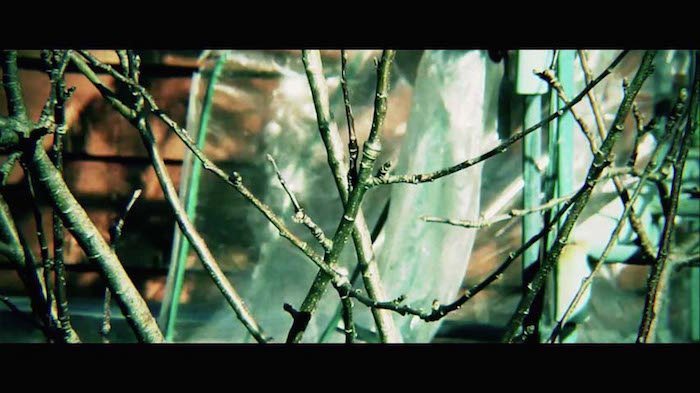
rather than doing what amateurs do and squash the source 16:9 vertically to fit a 2.35:1 frame.
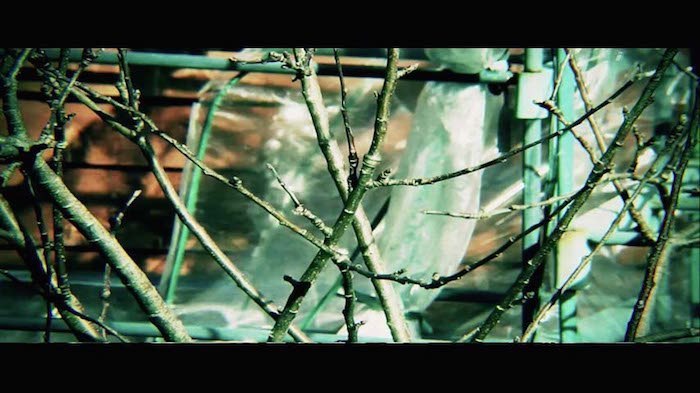
Note: many video editing software packages have an automatic 2.35:1 mask you can apply to your videos.
If you have any questions about aspect ratios, please let us know in the comments below.