

Normally when you visit a website and find words you are interested, you execute a web search and quickly research these words. These words are mostly people, places, or institutions mentioned on a webpage. Often, the same words are found interesting by other people who have visited the website. Each visitor executes his own web search and quick research about these interesting words on the same webpage they all visit. Wouldn’t it be helpful if the research information about these was share with all site visitors?
It certainly would. And that is precisely what is offered a web service called iGlue. iGlue adds a new layer of information on every webpage that automatically detects significant words and lets site visitors add informative annotations to these words.
Introduction
iGlue is a free to use web service that adds an interesting feature to all webpages – annotation. While annotating webpages has been around for quite some time, iGlue tackles the issue in a unique way: it aims to use webpage annotation to add a useful layer of information to all webpages. The tool automatically detects important words such as names of people and places on a webpage and then highlights them. You can add links to these words and view the information other people have shared about these words. This simple feature helps subsequent site visitors quickly learn about these highlighted words.
Usage
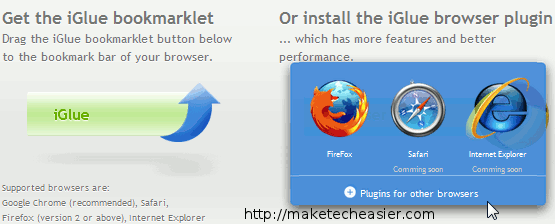
iGlue comes in the form of a browser addon for Google Chrome, Mozilla Firefox, Safari, and Internet Explorer. In some rare cases, the addon might not work ideally for your browser. In such a case you will find iGlue’s bookmarklet to be very helpful. Before you can start using these tools, you will need to sign up for an account on iGlue by entering a username, email address, and setting a password. Your account will be activated once you click on the activation link emailed to you.
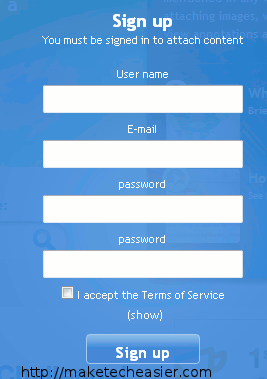
After creating your account and activating it, you can sign into iGlue and start using it. When you visit a webpage, certain words will be automatically highlighted.

You can click on a highlighted word to reveal more information about it. Usually a Wikipedia link of the term is already included in the window that pops up.
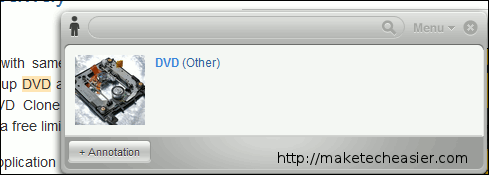
This link is one of many annotations that can be added to the word. Clicking on this link expands it and displays the information it contains.
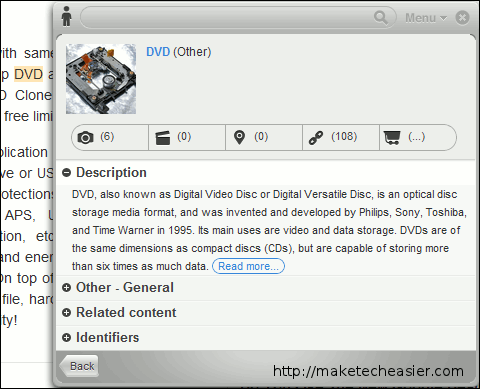
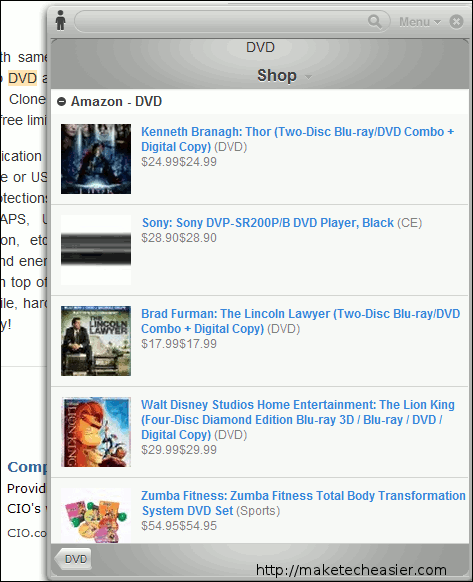
By clicking on the appropriate tabs in this window, you can view images, videos, locations, reference links, and purchase links related to the annotation.
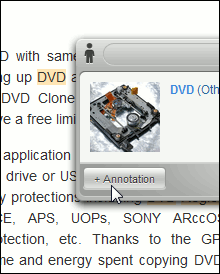
To add a new annotation, simply click on the annotation button when the pop up window first appears.
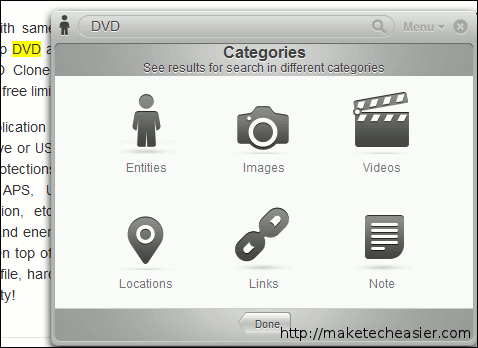
You will be asked to specify the type of annotation: entities, images, videos, locations, links, or notes.
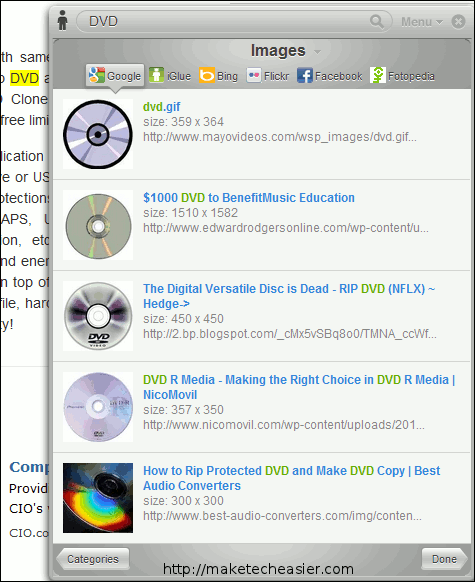
For each type of annotation, you can easily add the information you want to share and save it. Visitors to the site can click on the word and check out these annotations to better learn about the topics. Information is delivered in a friendly interface. Images, for instance, can be filtered according to the site they belong to.
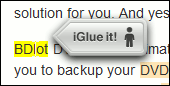
The same procedure applied to all words the website. If a word is not automatically highlighted, you can add an annotation to it by clicking on it and clicking on the “iGlue it!” icon that appears.
Conclusion
iGlue has the potential to completely change how we use websites to obtain information. By letting us view what others have annotated and by supporting various forms of annotations, iGlue has successfully added an additional and useful dimension to websites. Familiarize yourself with iGlue the soonest you can – this might be how websites will be used in the future.
Visit iGlue @ http://iglue.com/