


Featured Images are an important part of any blog post. The images will be used on the latest blog’s page, the sliders, Facebook shares, and many other online activities. But adding a featured image to a WordPress blog post requires you to upload the image to the library and choose it from there. What if the image that you want to use is located somewhere online? Do you need to download it first to your hard drive and then upload it again to the gallery? Can you use external images as featured images without all the hassle?
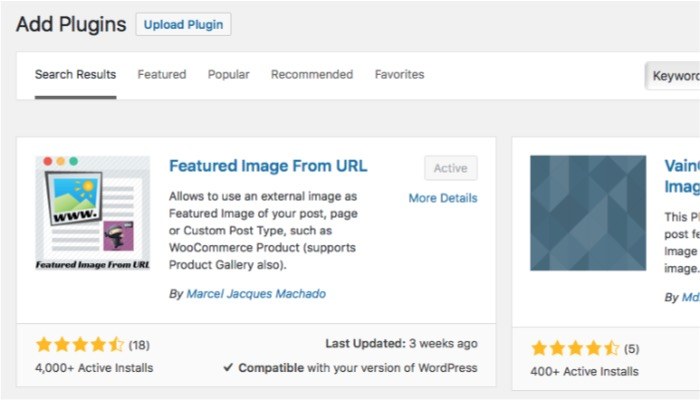
Featured Image from URL is a WordPress plugin that allows you to easily and quickly set an external image as the featured image of your post. Once activated, all you need is the URL of the external image and it will work flawlessly.
Getting Started with the Plugin
To get started, you need to install the plugin first. If you’ve used WordPress before, you know the routines: go to “Plugins -> Add New,” then search for “Featured Image from URL” and install it.
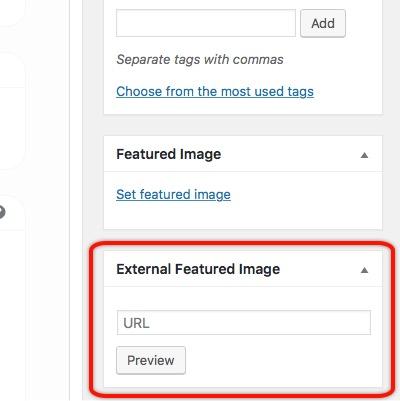
After activating the plugin, you can start using the plugin by creating a new post or editing an existing one. Go to the right-hand options and find the “External Featured Image” box. You will see the field where you can insert the image URL that you want to use.
Finding the External URLs
Words of advice prior to continuing with the process: Please remember that not everybody likes to have their images used by other sites – the popular term is “hot-linked.” Hot-linked images cost money and server resources, especially for small online publishers, but there’s no traffic that comes with the expense. All the loss without gain. So please be considerate and only use the plugin with images that are permitted to be hot-linked.
If you want to use an Instagram image as your feature, go to the Text tab in your post editor and copy the image URL.
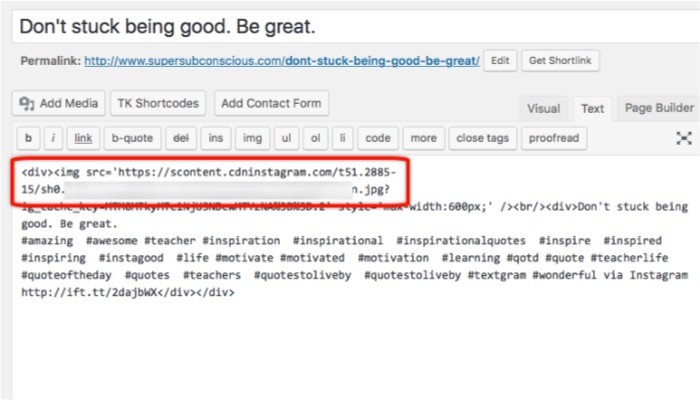
Paste it into the URL field; the Instagram image will appear and automatically be added as your post’s featured image.
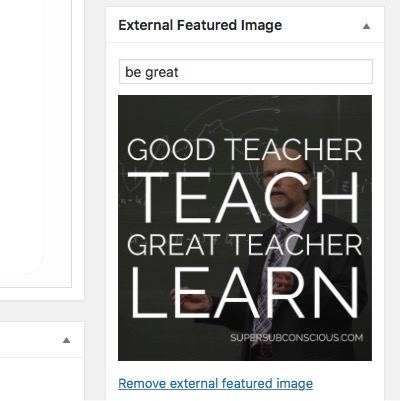
As you might already have guessed, you can use any image URL with the plugin. Since images in your library also have URLs attached to them, they are also compatible with the plugin. If you have images from your other blogs or websites, you can use them as featured images using this plugin.
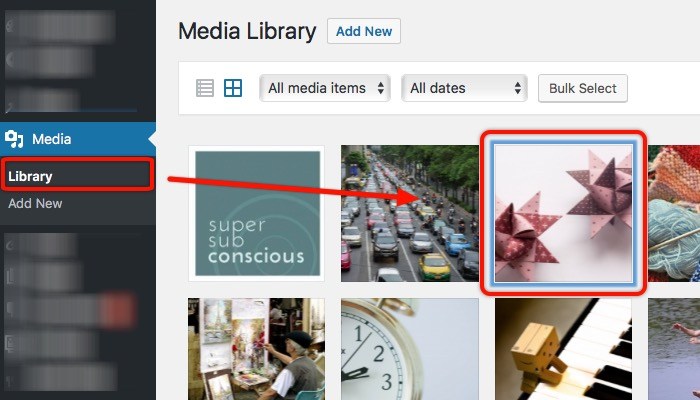
To find an image’s URL from the WordPress gallery, open “Media -> Library” and click on the image that you want to use.
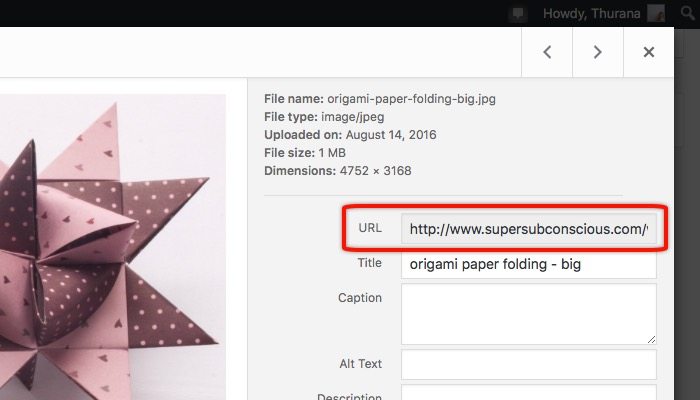
You can find the URL to the image on the right sidebar on the “URL” field.
More Features
The plugin comes with additional features. The first one is the ability to use up to four images as a slideshow to replace the traditional one image, and the second one is to use video to replace the featured image. There’s also the ability to add CSS style and hover effects. But this extra feature is only available in the premium version. If you need them, you can make a donation to the developer, and he will send the upgrade via email.
Have you ever needed to use external images as your posts’ featured images? Have you tried a Featured Image from the URL plugin? Or do you use other plugins to do it? Please share using the comments below.