

Since the last article on downloading photos from facebook, I have received several requests to come up with an article on uploading photos to Facebook from Ubuntu. Well, there are plenty of Windows apps that allow the users to upload photos to Facebook, but when it comes to Linux Ubuntu, there are not really too many choices. Below, I have come up with several ways that you can use to upload photos to Facebook.
Upload via the Facebook native uploader
The quickest way to upload photos without having to install extra apps is via the browsers, within your Facebook account.
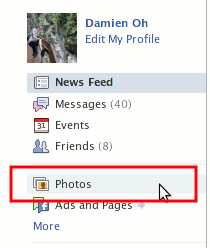
In your Facebook account, click on the “Photo” link under your profile photo.
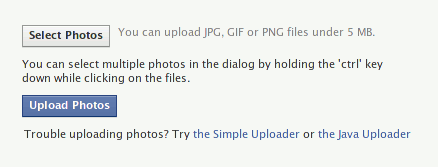
Click on the Upload Photos button.

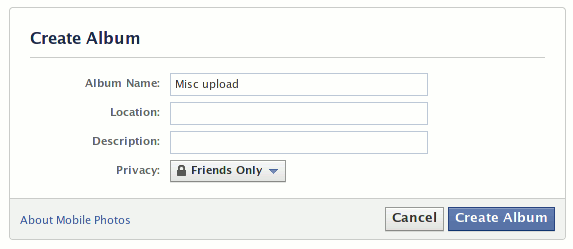
Create a new album.
You can then select and upload your photos.
Upload via Desktop Photo Managers
F-Spot
The default photo manager – F-Spot in Ubuntu also comes with Facebook upload feature. If you are using F-Spot to manage your photos, you can use the following method to upload photos to Facebook.
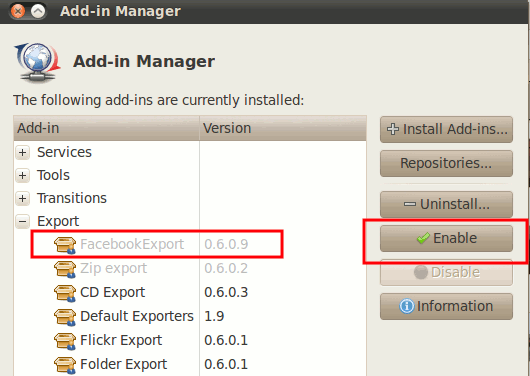
Open your F-Spot. Go to “Edit -> Manage Extensions” (The upload to Facebook feature is not activated by default).
Click on the “+” beside Export to reveal a set of export plugins. Highlight the “Facebook Export” entry (it should be greyed out by default) and click the “Enable” button.
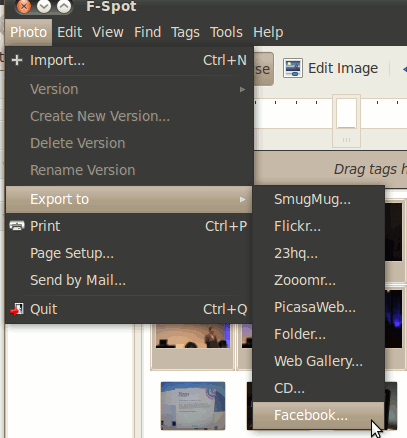
Back to the F-Spot gallery, select the photos that you are going to upload. Go to File -> Export to -> Facebook.
Click on the big Login button. You will be directed to your browser to login to your Facebook account.
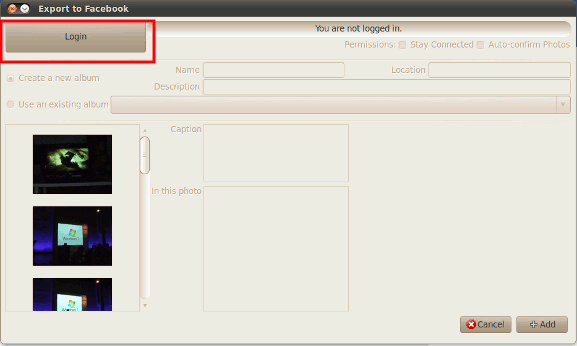
From then on, you will be able to create new album, or add your photos to existing albums. When done, just click the Add button to upload your photos.
Shotwell
Shotwell will replace F-Spot as the next default photo manager in Ubuntu, so it is good to know that it supports upload to Facebook function as well.
I have tried the Facebook upload function in Shotwell 0.5 (the default version in Lucid repository) and it doesn’t work. You will have to upgrade to the latest version for it to work. To upgrade your Shotwell version in the repository, open a terminal and type:
sudo add-apt-repository ppa:yorba/ppa
sudo apt-get update
sudo apt-get install shotwell
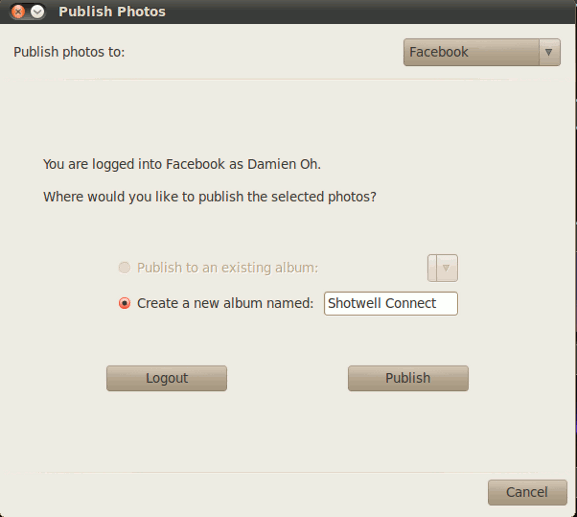
In Shotwell, select the photos and go to FIle -> Publish. Similarly, it will prompt you to login to your Facebook account.
Once done, you can then create a new album and publish your photos to Facebook.
DigiKam
KDE users can use DigiKam to export your photos to Facebook.
Desktop Facebook uploader app
If you are not a fan of photo managers, you can still use Bloom to upload photos to Facebook. Bloom is a java application, so it is cross-platform compatible (to run Bloom, you will need to install java in your Ubuntu).
Download Bloom to your desktop and double click to run it (assuming you have already installed java).
On the main screen, click the Login button to login to your Facebook.
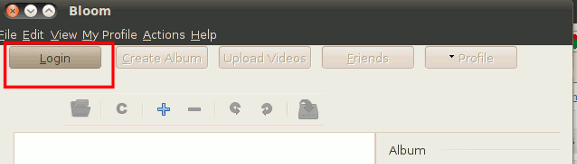
Once you have login to Facebook and granted permission to Bloom, you can then drag and drop photos to the main pane, enter the album info, set the privacy level and lastly upload the photos to Facebook.
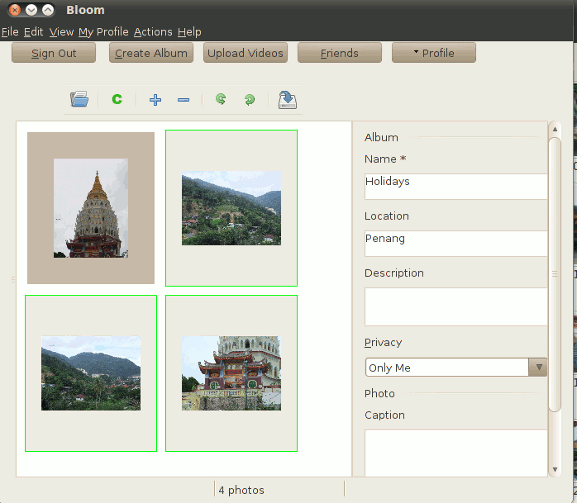
Bloom also allows you to view and download your own (or your friend’s) photo albums.
That’s all for now. If I have missed out any useful apps, tell us about it in the comments.