


With cryptocurrencies on the rise, avid cryptocurrency miners have been keen to ride the wave to riches. In fact, they’ve been so keen to make some cryptocurrency profits, their actions have caused sellouts of graphics cards as eager miners upgrade their mining rigs to take on extra workloads.
A more nefarious side to this new digital goldmine is cryptojacking, where people hijack other’s browsers and force them to perform mining operations in their stead. As a result, people are now more concerned than ever about hackers using browsers to take advantage of them. Let’s examine how to check to see if your browser is secure enough to stop a cryptojacking attack.
Also read: What Is Cryptojacking and How to Protect Yourself from It
Testing Your Browser
In response to the recent cryptojacking attacks, browser developer Opera has updated their browser to combat this new attack vector. They’re not just hogging the glory for themselves, however; they’ve also set up a website where you can test if your browser can defend itself against a cryptojacking attack.
If you want to check if you’re safe from an attack, using the site is very easy! To start the test, hit the blue “Start” button on the website.
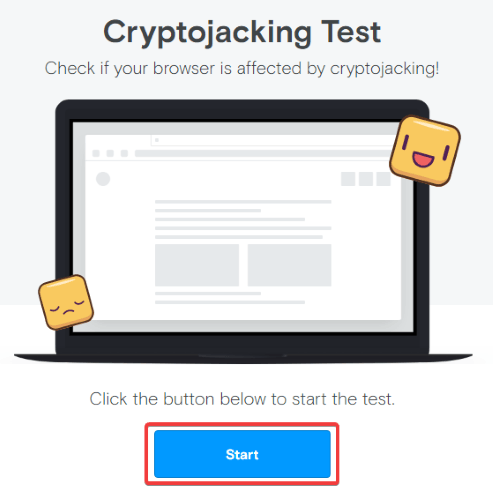
The site will take some time to test if your browser can defend itself against crytojacking. This may warm up your PC a little, like a real cryptojacking attack would.
Afterward, the site will tell you whether or not your current browser is defended against cryptojacking.
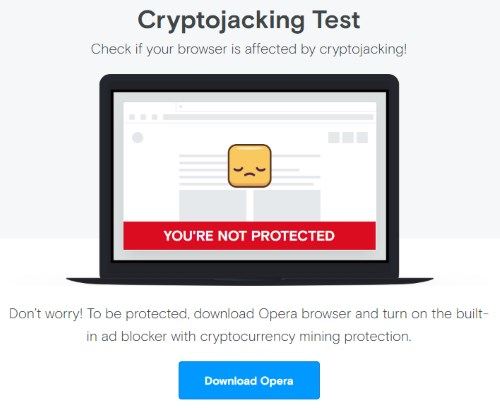
Help, I Failed!
If the test came back negative, don’t fret just yet! There are plenty of ways you can keep yourself safe from cryptojacking, even if you’re not protected right now.
1. Update your Browser
First, ensure that you’re not using an old version of your browser. If you are, be sure to update it to the current version. This should hopefully patch over the hole in your defenses and keep you safe from cryptojacking attacks. Once it’s up to date, try the above test again and see if it’s improved.
2. Use an Extension
If your browser still isn’t protected, you can try using an extension to block cryptomining scripts. These will help secure your browser while it catches up to speed with the cryptomining threat. Examples of anti-cryptojacking extensions include No Coin for Chrome and Firefox, but there are also plenty of “no script” extensions that you can tailor to stop a cryptojacking attack from hitting your PC.
3. Use a Good Antivirus
If you don’t think you can patch up the holes in your browser’s defense, you can try to ensure that your antivirus solution will be able to catch a cryptojacking attack in process. Double-check with your antivirus provider to see if it can detect and block a cryptojacking attack working through your browser. Given how prevalent cryptojacking is, hopefully your security service has some way of doing this by now!
Cryptojacking Checks
With crytocurrencies on the rise, so, too, is the amount of cryptojacking attacks on unsuspecting users. Now you know how to check if your browser is safe from a cryptojacking attack and what to do if you find out it doesn’t have defenses yet.
Do cryptojacking attacks worry you? Let us know below!