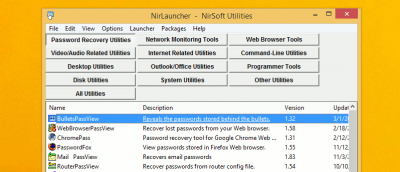
NirSoft has some of the best free and portable Windows utilities; it’s the perfect software library. Here are 15 NirSoft Utilities for you to check out.
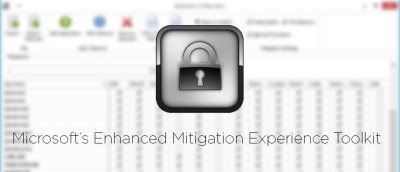
EMET (Enhanced Mitigation Experience Toolkit) is one of the best and lesser known security tools by Microsoft. Here’s an in-depth look at how to use it.
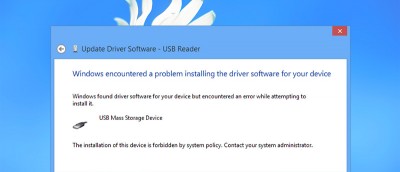
Blocking the installation of external removable devices renders them inaccessible and it is helpful in an organization environment. Here’s how it’s done.
Microsoft replaced the classic toolbar UI with the Ribbon UI in Windows 8. For those who don’t like the Ribbon UI, here are a few hacks you can use to restore the classic toolbar UI.
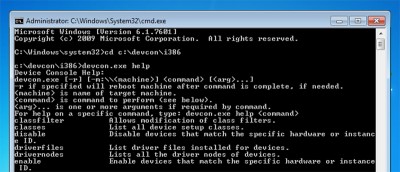
If you are in a server environment or want to control device drivers using the command line, DevCon is a good alternative for the regular Device Manager in Windows.
There are a few ways to get the BIOS version information in Windows, namely the command prompt, power shell, registry and System Information tool in Windows. Check out the details here.
If you have installed a Windows update and your PC crashes as a result, here is how you can uninstall the Windows Updates and get your system back up and running again.
If you are using the built-in Calculator and Microsoft Excel regularly, why not add the calculator to Excel for quick access? Here’s how you can do it.
Do you feel that the preview thumbnail in Windows is taking too long to show up? Here’s a simple tweak for you to change the Windows taskbar preview time.
Deleting files in Windows is easy, but recovering them is not. Power Data Recovery helps you to recover deleted data and partitions with a few clicks. Check out its review and participate in the giveaway.
If you are a system administrator and don’t want your users to mess with the command prompt, here is how you can disable the command prompt completely.