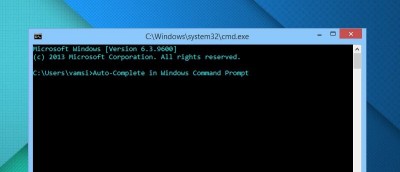
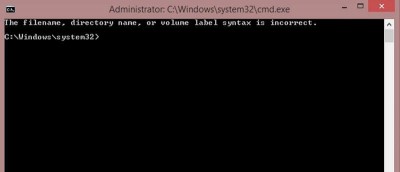
Windows Command Prompt lacks several features out of the box and auto-completion is one of them. Here’s how to enable it both temporarily and permanently.
Windows has a computer management setting that extends control over user creation & management. Here’s how to effectively create & manage user accounts.
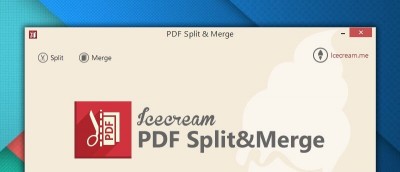
Are you looking for ways to split your PDF files or merge multiple PDFs into one document? Icecream PDF Split & Merge can get this done easily. Check it out.
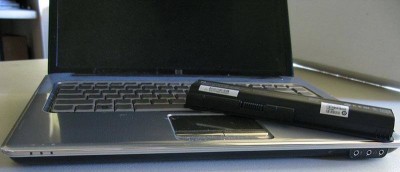
While your computer may have a preinstalled app, it is always helpful to understand how to recalibrate your laptop battery manually. Follow these steps.
When installing software in Windows, delivery can occur in a few formats: mainly .exe and .msi. What is the difference between the two? Let’s find out.
Here are three free tools for safely backing up the files on your PC and ensuring that nothing you want to vanish goes *poof* if you ever run into trouble.
If you’re a command-line fanatic, you’ll love this nifty trick that allows you to launch the administrator command prompt through a right-click option.
Learn how to set up and manage your bitcoins with Electrum locally. Make and receive payments and more. Electrum is available for Windows, Linux and OSX.
Windows Defender is a good low profile antivirus software. Here’s how to schedule Windows Defender to perform a full or quick scan on your Windows 8 PC.
Late in January 2015, Microsoft’s system chief said in an announcement that Windows 10 will come as a free upgrade. What’s with this change? Let’s find out.
One of the best security practices is to rename the Administrator account to deter attackers. Here’s how to rename the Administrator account in Windows.
Not everyone finds reading from a computer screen to be easy. Yes, Windows Magnifier exists, and here are 3 more magnifying alternatives you may prefer.