Windows 10 is a tricky operating system for seniors, and it can become overly complicated. Here’s how you can set up a Windows computer for senior citizens.
Windows 10 uses Bing as the default search engine in your Start menu search field. Learn how you can switch to Google as the default search engine in Windows.
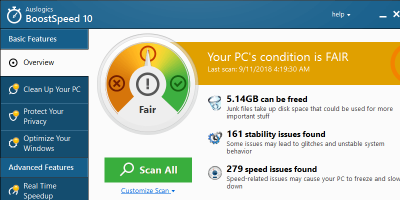
If your PC is getting slower, and you have no idea what is causing this, Auslogics BoostSpeed 10 is a system optimization tool to boost your PC performance.
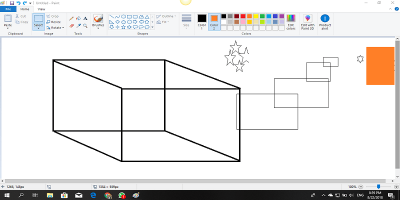
There are plenty of features added to Microsoft Paint in Windows 10. Here is some cool stuff you can do in MS Paint to turn it into proper image-editing software.
If you are a Window user and are new to Python, learn how you can easily set up Python on Windows 10 and have it up and running in a couple of minutes.
While changing computers, you can easily move your data but not the installed programs. Here is how to transfer installed programs from one Windows PC to another.
If you prefer to use the command prompt rather than the File Explorer in Windows, these are some useful commands to manage files in the command prompt.
Windows is good at auto-restarting your PC when you least expect it. Here is how you can change the auto-restart settings in Windows so you don’t get unwanted surprises.
It’s only recently that Windows started supporting HDR display technology. You can now enable HDR in Windows 10 and see the improvement in color depth and accuracy.
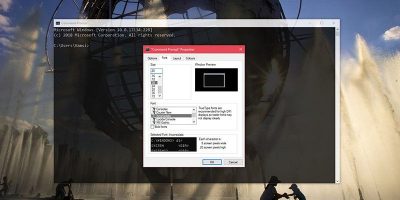
The Command Prompt in Windows comes with only a limited selection of fonts. This shows how you can add your favorite custom fonts to the Command Prompt.
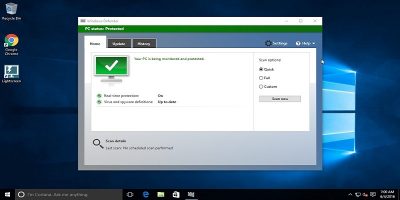
Antivirus is not a neccessity if you take the proper precautions. This article shows how to stay safe in Windows 10 if you choose not to get antivirus software.
It can be frustrating when a document gets “stuck” in the printer queue and jams everything up. Let’s look at how to clear the printer queue in Window 10.
Windows’ time and date format is pretty basic, but there is a way for you to customize it. Learn how to customize the time and date format in Windows 10.
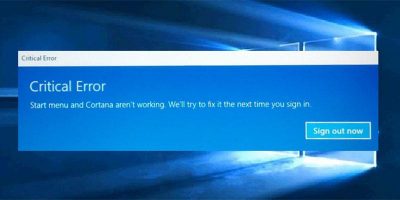
There are times when the Start menu refuses to work and has a “Critical Error” message. Learn how to fix the Start menu not working in Windows 10 issue.
A recent update in Windows 10 has allowed users to view and delete the diagnostic data Microsoft has been collecting about your usage habits and PC hardware.
Many of your favorite apps have a “dark mode” that is easy on your eyes. Find out how you can turn on dark mode for some of your most used apps in Windows.