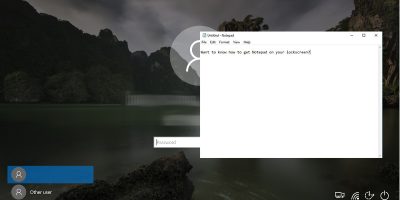
The Ease of Access button on the Windows 10 lock screen can be repurposed to access another app. Learn how you can pin and access apps to the Windows 10 lock screen.
Doing a screen capture is easy but what about a video screen capture? Find out how you can perform a video screen capture on a Windows PC with these free tools.
The Recycle Bin has been around in Windows for a long time. What you may not know is that you can tweak the Recycle Bin settings to improve its performance.
Linux vs. Windows, the age-old battle of the operating systems that caused many flame wars. Let’s take an objective look at how both OSes perform against each other.
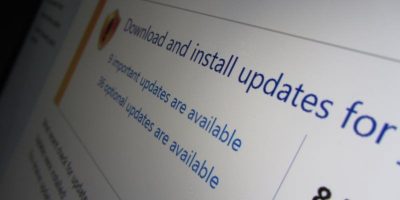
With the issues plaguing the Windows 10 update, it’s time we have another look at Windows’ automatic updates and question if they’re the best course of action.
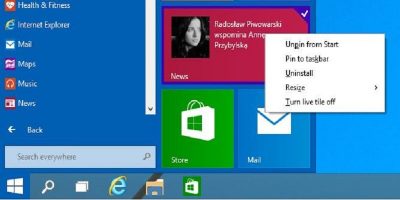
Windows 10 comes with pre-installed apps, but there’s no direct way to remove them. Luckily, you can uninstall pre-installed apps with the Powershell command.
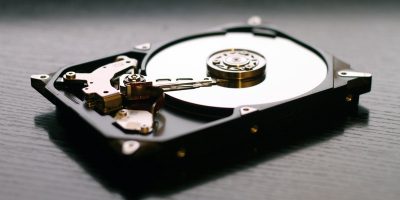
A disk collision can occur when you run two or more disks with the same disk signatures together. Here’s how you can fix the disk collision error in Windows.
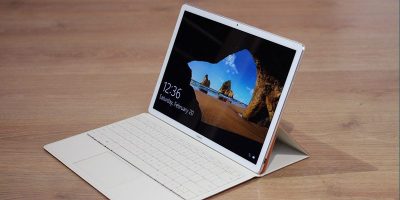
None of your data is considered secured anymore once your laptop is stolen. Here are some methods you can use to remote wipe your Windows PC and make it useless.
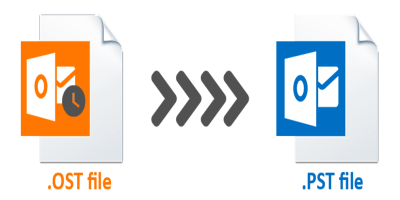
Converting the OST file to PST can come in handy when you want to migrate data from one machine to another. For this, you’ll need a reliable OST to PST converter to get the job done.
Do you wish you could make Windows 10 run faster? Windows is notorious for slowing down with time. Here are seven tips to make your Windows 10 run faster.
Microsoft now lets you install Microsoft apps remotely on its web store. All of your your devices will need to be connected to the same Microsoft account.
If you are facing errors like “Delayed write failed” or “Windows write delay failed” in Windows 10, you can try disabling the Disk Write Caching feature.
In October 2018 Windows 10 will receive a major update. This update will remove, move, or stop development on some of the features currently within Windows 10.
These days it’s almost impossible to be productive on a single monitor. Learn how to set up multiple monitors in Windows 10 to maximize your productivity.
If you don’t want your Windows 10 machine to be discoverable by other devices, one way to set that is to disable the shared experience feature in Windows 10. Learn how.
There are times when the taskbar doesn’t want to hide in Windows 10. If you have this issue, here are some ways for you to fix the taskbar not hiding issue.