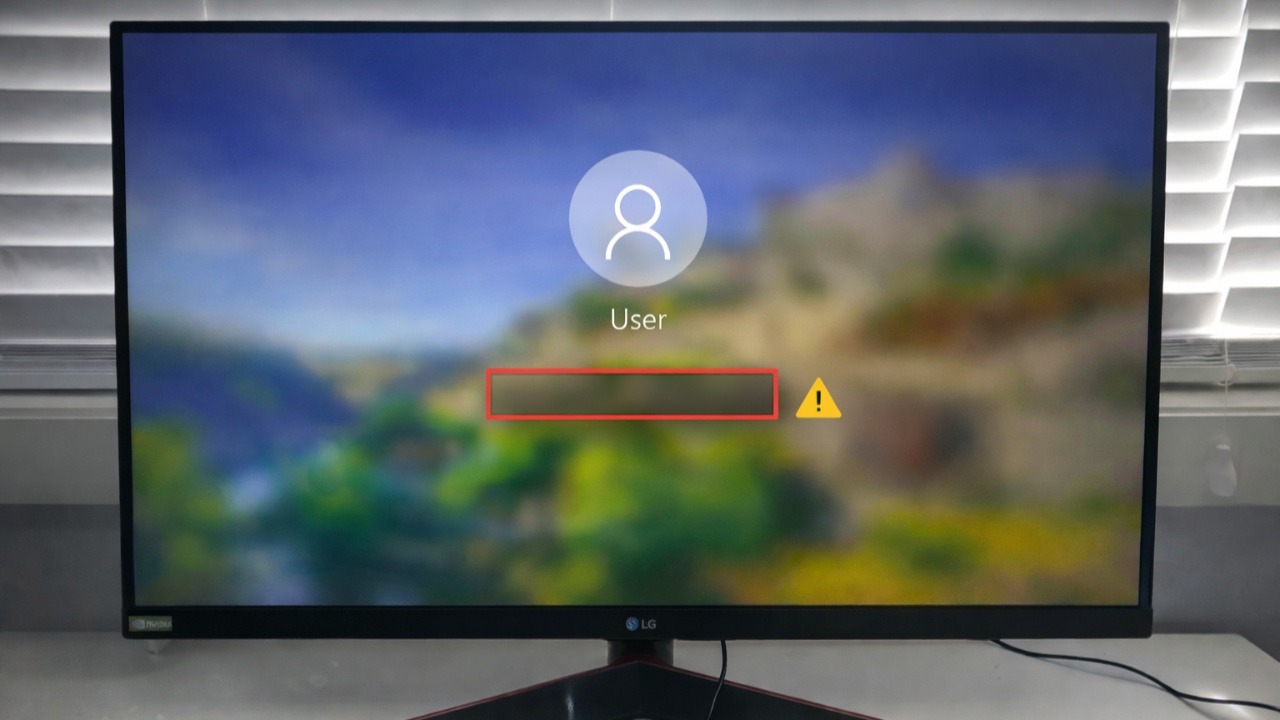
Can’t sign in because your Windows password box is missing? Here’s how you can easily fix this Windows glitch.
By Oluwatokiloba Folami – Feb 13, 2026
One-click debloat scripts can break your Windows PC — Wintoys is the safest tool to tweak Windows.
By Ali Arslan – Feb 13, 2026
Stop letting Windows dictate your workflow. Turn that cluttered Start Menu into a sleek, pinned-app-only space built for speed and privacy.
By Karrar Haider – Feb 12, 2026
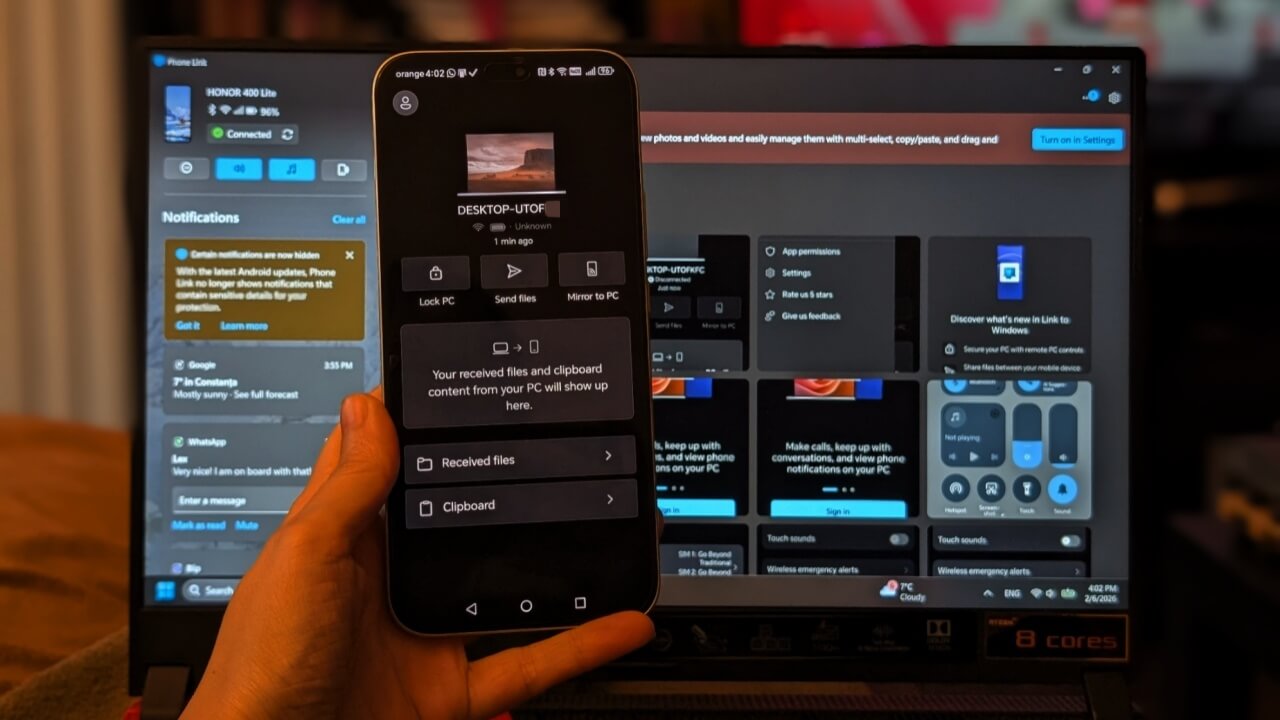
Once you connect them, you’ll be able to send texts and make phone calls from your PC.
By Alexandra Arici – Feb 10, 2026
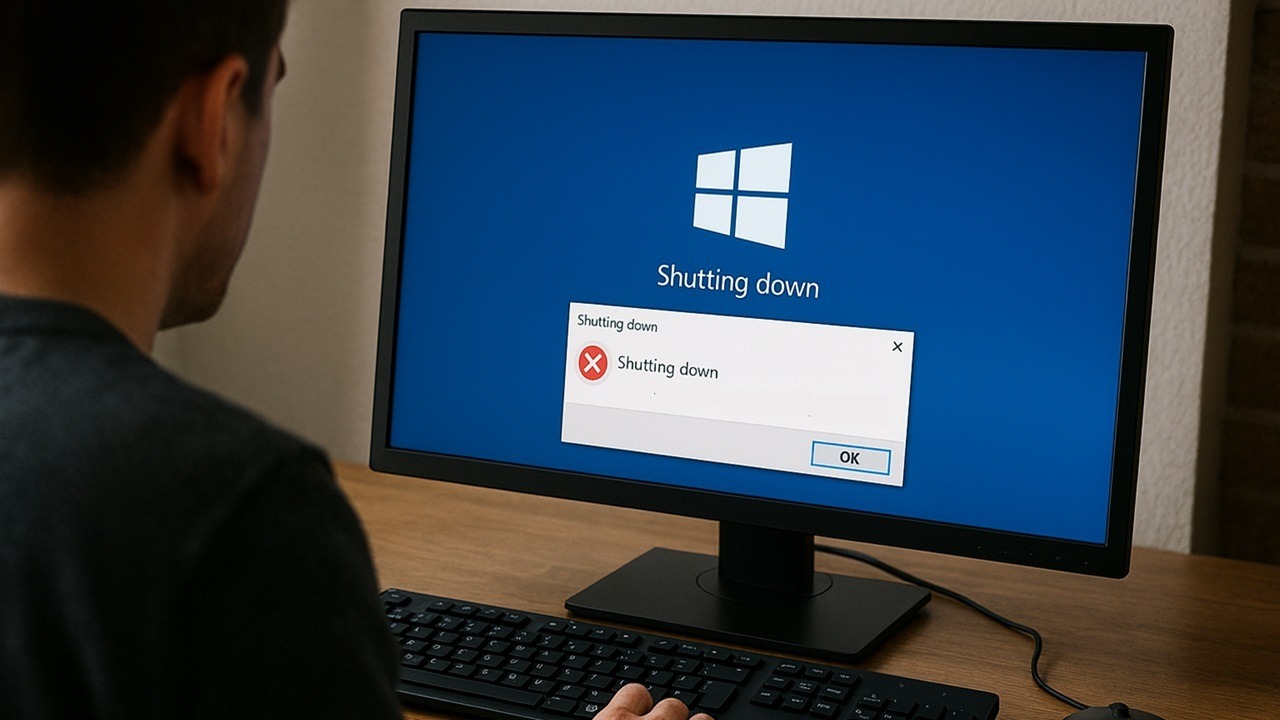
Try these tested methods to fix the Windows shutdown problem on your PC.
By Crystal Crowder – Feb 7, 2026
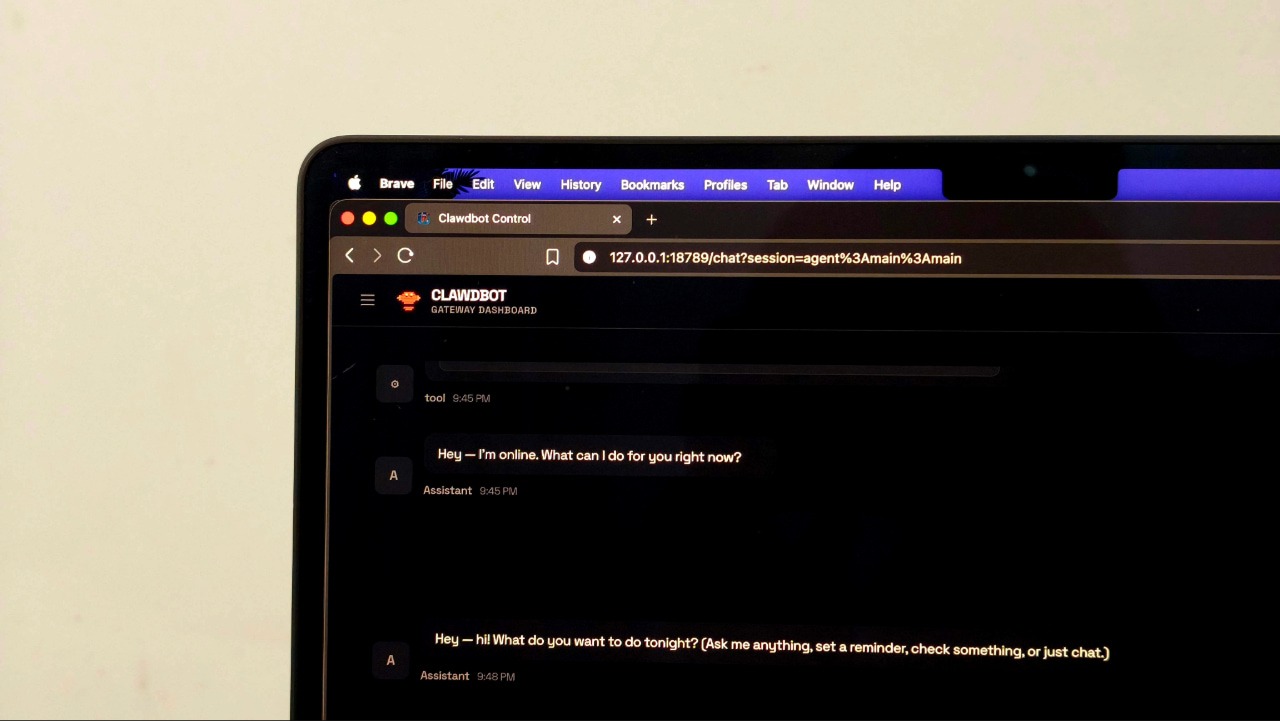
A self-hosted AI assistant that lives in your chat app, Clawdbot promises to do real work, but only if you’re willing to trust it with real access.
By Anurag – Feb 3, 2026
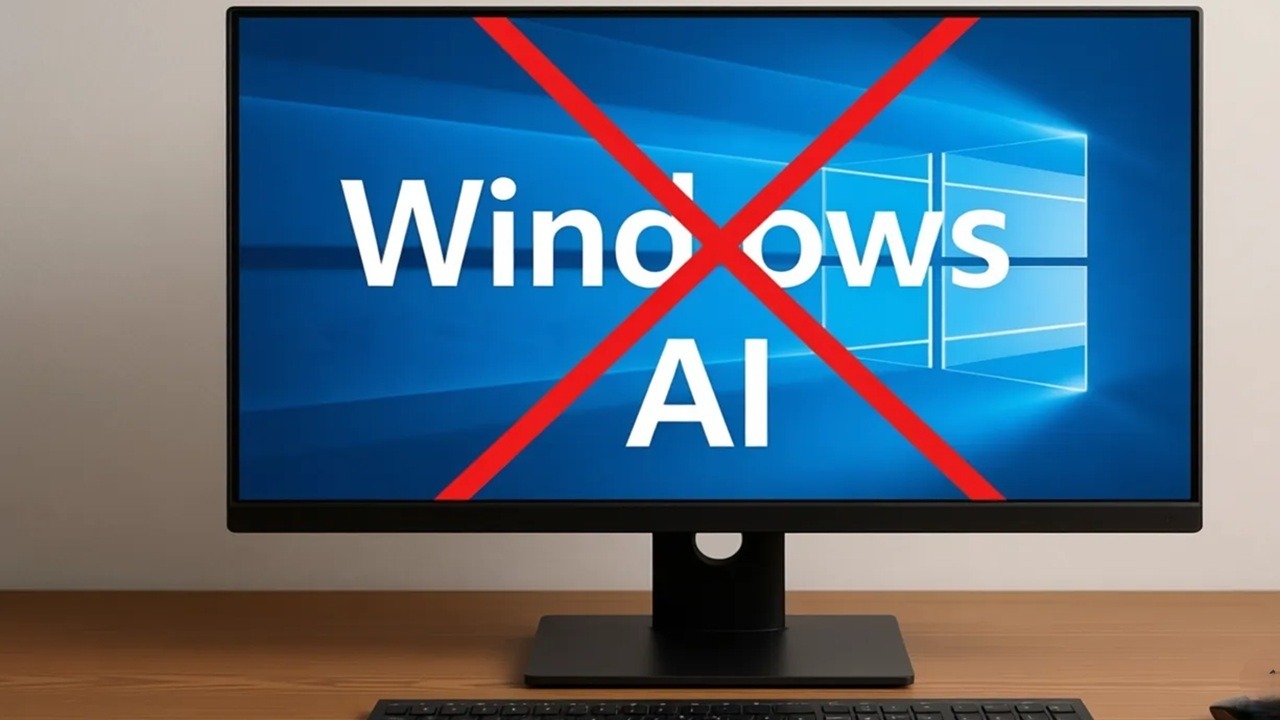
Use this one tool to remove AI from Windows all at once.
By Crystal Crowder – Feb 2, 2026
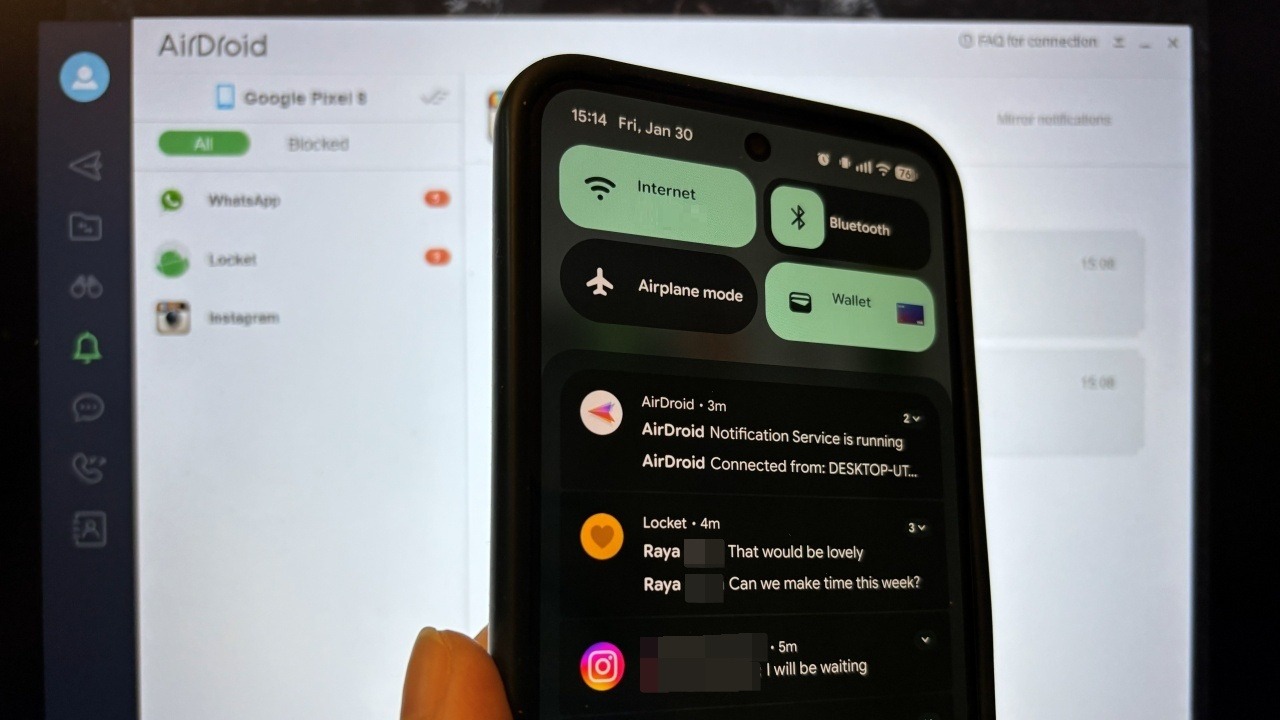
Don’t miss out on important notifications while working on PC.
By Alexandra Arici – Feb 1, 2026
Learn how to prevent your computer from sleeping at random times.
By Karrar Haider – Jan 31, 2026
If you need to access files from another computer, the best way is to map a network drive in Windows and connect to another PC.
By Karrar Haider – Jan 29, 2026
If the Wi-Fi icon is missing, use these troubleshooting steps to quickly bring it back.
By Karrar Haider – Jan 27, 2026
Learn how to uninstall Windows product key and transfer it on your new PC instead.
By Karrar Haider – Jan 23, 2026
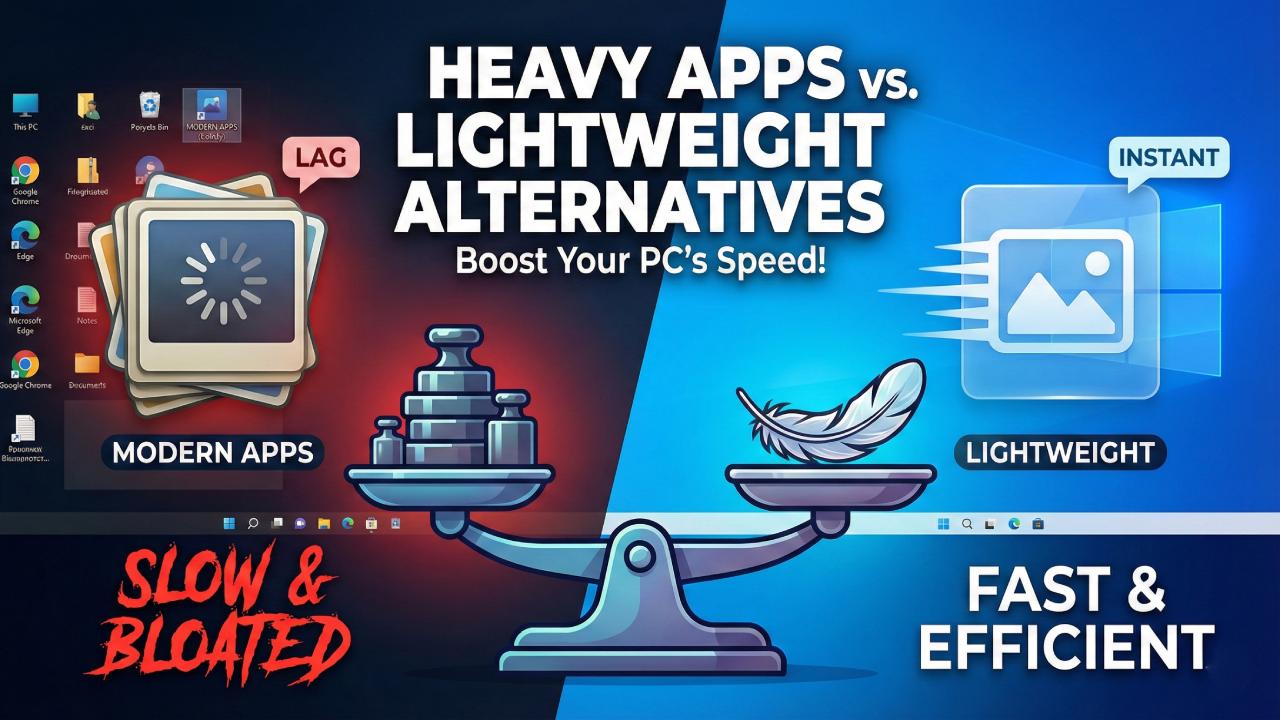
The new crop of default Windows apps is too resource-hungry and inefficient — ditch them for these lightweight alternatives to save RAM.
By Ali Arslan – Jan 22, 2026
Here are a few ways to add multiple clocks to your Windows desktop.
By Karrar Haider – Jan 22, 2026
Does your Google Chrome browser feel slow on Windows 11? You can enjoy faster browsing by disabling Efficiency Mode permanently.
By Sayak Boral – Jan 22, 2026
A slow context menu is a total productivity killer. Turn those slow clicks into instant actions with these effective system tweaks.
By Karrar Haider – Jan 21, 2026
Is your Windows Start Menu cluttered with Bing results? You can now get it to show only local results with these fixes.
By Oluwatokiloba Folami – Jan 20, 2026
Real desktop optimization happens below the surface. These Registry hacks remove the small annoyances that negatively impact your workflow.
By Karrar Haider – Jan 20, 2026
Learn how you can resize desktop icons, fonts, and a few other display items in Windows to reduce eye strain, view clear graphics, and more.
By Sayak Boral – Jan 19, 2026
These automatic driver updates can be a hassle for many PC users who want more control over driver changes. Thankfully, you can disable these driver updates while a regular Windows update continues uninterrupted.
By Sayak Boral – Jan 13, 2026
Pagination
Affiliate Disclosure: Make Tech Easier may earn commission on products purchased through our links, which supports the work we do for our readers.