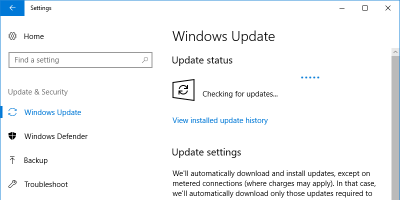
Windows has the tendency to use a lot of bandwidth while running the Windows Update. Here is an option you can set to limit bandwidth for the Windows Update.
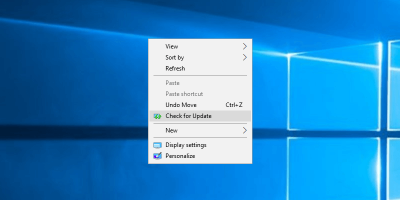
In Windows 10 you have to go to the Setitngs app to check if there’s an available update. Learn how to add a “Check for Updates” option to the context menu.
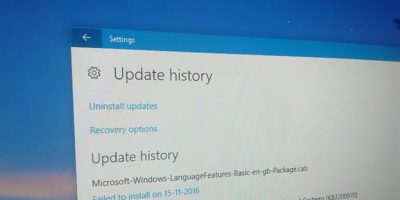
In the event you need to troubleshoot your PC, you can find the Windows update history in Windows 10 and see what has been updated and is causing the issue.
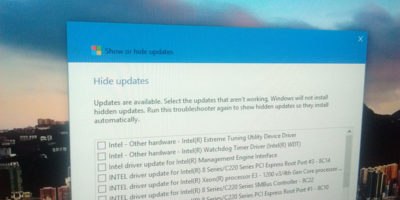
It can be annoying if Windows never stops installing the same update. Here is how you can stop Windows from installing the same update over and over again.
Downloading Windows updates individually is not only time-consuming and unproductive but is also frustrating. If you’d prefer to update Windows 10 offline, here’s how you can do that.
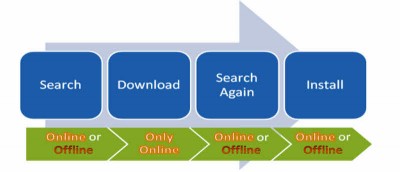
If you are using multiple computers, you may find it a troublesome to update all the computers, especially when you are not connected to the Internet. In this article, we will show you how you can download Windows updates offline and then install on multiple computers without downloading the updates again.