A screen-sharing software is a life saver when you need external help to troubleshoot your PC. Here are some well-tested screen-sharing apps for Windows.
Microsoft now lets you install Microsoft apps remotely on its web store. All of your your devices will need to be connected to the same Microsoft account.
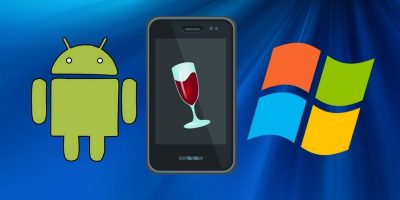
A new Wine Project has rolled out which is compatible with your Android devices. Learn how you can run Windows apps on your Android device now with Wine.
When you click on All Apps in the Windows 10 start menu it displays all installed apps. Prefer not to have this shown? Here’s how to remove the All Apps option.
Windows has all kinds of amazing features, but there is no option that lets you control how much bandwidth certain apps use. If you want to change that, here’s how to limit bandwidth in Windows 10.
One of the most improved things about Windows 10 is the new modern apps and how you interact with them. Here are six we feel are worth a try. Check them out!
Not everyone finds reading from a computer screen to be easy. Yes, Windows Magnifier exists, and here are 3 more magnifying alternatives you may prefer.
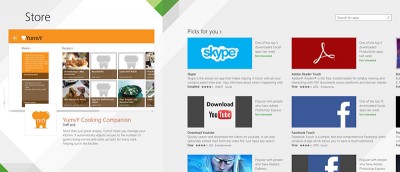
While there are plenty of apps in the Windows Store, a good number of them are fake apps that aim to con your money. Follow these 3 tips to avoid fake apps in WIndows Store.
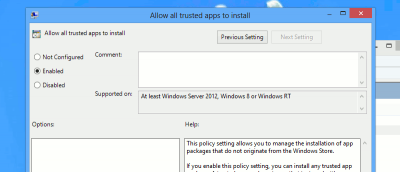
Windows 8 only allows users to install apps from the Windows Store. You will need to do a modification to install windows 8 apps without the store. Here’s the way.
Microsoft has always wanted to keep users confined to what they want you to use and the Windows Store is another example. Here, we will look at some of the best alternatives to the Window Store out there so you can have every option at your disposal for finding apps for Windows 8.
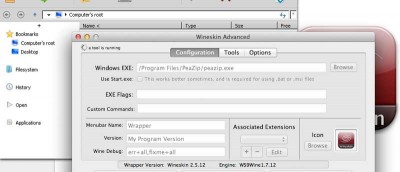
WINE is a great tool for you to run Windows apps in Linux. qt4wine made the installation process easier. Check out how qt4wine can help you easily install Windows apps in Linux.