One of the most improved things about Windows 10 is the new modern apps and how you interact with them. Here are six we feel are worth a try. Check them out!
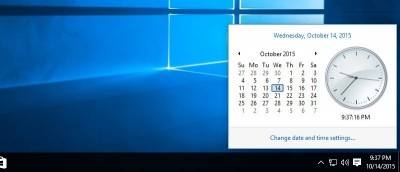
The new clock panel in Windows 10 is neat and elegant but not as appealing as the previous. If you want to bring the old clock back in Windows 10, follow this tutorial.
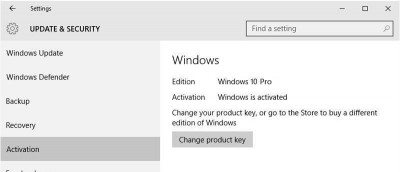
The Windows 10 activation procedure has changed; you no longer have to re-enter the same Product key during reinstallation. Here’s everything you need to know.
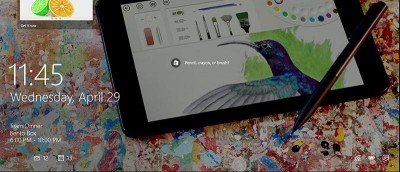
Looking to customize the lock screen in Windows 10 to suit your needs? Here’s how to customize it with widgets, quick notifications, and custom wallpapers.
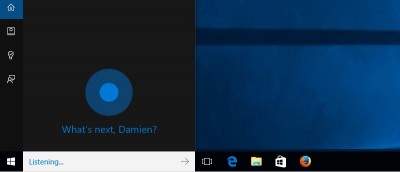
If you want to save some precious taskbar space, here is how you can easily remove the Cortana search bar and Task View icons from the Windows 10 taskbar.
Tried Windows 10 and aren’t happy with it? If you’re looking to downgrade from Windows 10 to an earlier version, this tutorial will help you with that.
If you are low on space or just want to save your bandwidth, then it is a good thing to stop Windows from downloading Windows 10 automatically. Here’s how.
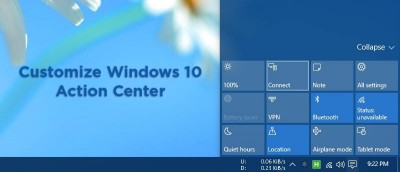
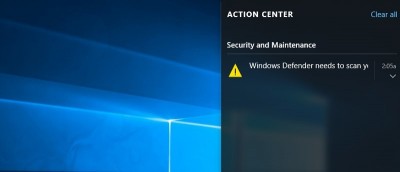
The Action Center is a new Windows 10 feature; notifications stay there until you clear them. If you don’t like that, here’s how to disable Action Center.
Unlike previous versions of Windows, you can’t change the color of window title bars with just a few clicks. Although a bit involved, here’s how it’s done.
If you are happy with your current version of Windows and don’t want to upgrade, here is how you can easily transform your Windows machine into Windows 10.