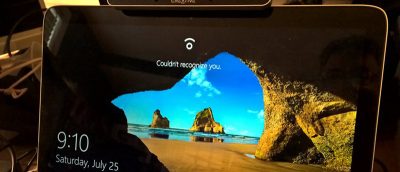
Windows 10 has a feature called Enhanced Anti-Spoofing that acts as a countermeasure for any unauthorised access via spoofing. Here’s how to enable it.
Did you know your photos give out personal info about you and your location? Luckily it’s easy to fix; here’s how to remove the metadata from your photos.
Looking to keep your Windows 10 background fresh with a new wallpaper every few minutes? Then slideshow wallpaper is perfect. Best of all, you can shuffle it!
Want to disable or remove the shutdown button from the Windows 10 login screen to prevent other users from shutting down your PC? Here’s how to do that.
AutoPlay in Windows enables you to configure how an external device or drive behaves when you plug it in. Here’s how to set Autoplay defaults in Windows 10.
Tired of your kids spending too much time on the computer? If it’s a Windows computer, here’s how you can set a time limit for a Windows 10 user account.
The Windows 10 Start Menu supports four tile sizes but doesn’t provide a quick way to customize tile icon size or change the icon. Here’s how to customize the Windows 10 Start Menu tiles.
When you log in or lock Windows, you’ll see your account details. Don’t like this? Want to hide all user details from the login screen? Here’s how to do it.
Windows 10 comes with many features to help you in your productivity, but you can make further improvements with these tips and tricks. Let’s check them out.