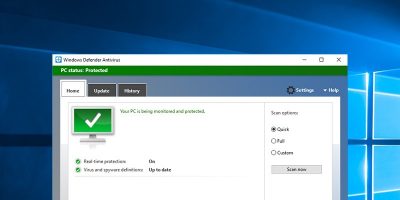
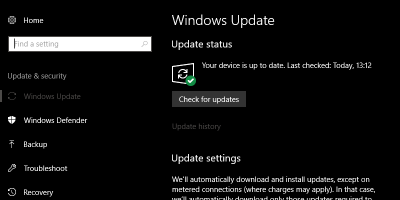
There was a complete makeover to the regular Windows Defender in Windows Creators Update. Learn how you can get the old Windows Defender’s interface back.
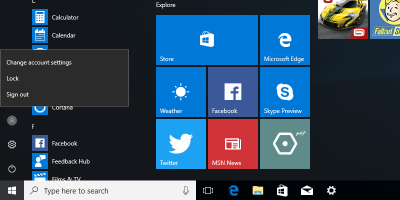
If you are not using the Fast User Switching feature or if you think it is not for you, here’s how to disable the fast user switching feature in Windows 10.
Tensorshare’s iCareFone is designed to take the place of iTunes for backing up and managing your iPhone. It’s also capable of things that iTunes doesn’t do. Let’s check it out!
There are plenty of things that Cortana can do, and you probably haven’t had the time to figure them out. Here are a few tips and tricks for Cortana that you can master easily.
For those who are privacy conscious and who don’t want Windows to automatically generate a thumbnail for files, here’s how to disable image preview thumbnails in Windows.
By default, Windows doesn’t allow you to pin custom folders to the taskbar except for File Explorer. Here’s a simple hack you can use to pin custom folders to the taskbar.
Microsoft added a Game Mode feature in Windows 10 Creators Update to make gaming faster and smoother. Here’s how you can turn on Game Mode in Windows 10.
The Windows Creators’ Update is out, and it includes some bits and bobs that will make your life that much easier. Here are some of the best features of the Creators’ Update.
Microsoft introduces the “Night Light” feature in the new Windows 10 creators update. Here is how you can enable and configure Night Light in Windows 10.
Keyboard shortcuts are really useful and help you improve your productivity. You can easily create custom keyboard shortcuts in Windows 10 for applications that don’t come with a shortcut. Here’s how.
After updating Windows, you have 10 days to revert to the last build of Windows 10 installed on your PC. Here are the steps to revert to previous builds in Windows 10.
A Windows 10 system image is useful in the event of a system-smashing disaster. Here is how you can back up and restore Windows 10 from a backup system image.
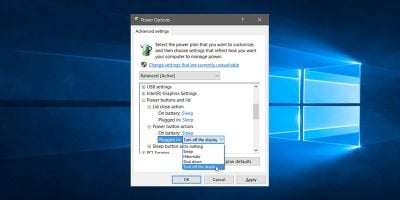
One of the settings buried deep down in Windows’ Control Panel is the ability to change the Power button to turn off the display rather than sleep. This setting can be easily configured in the Power Plan options for your laptop.