When using a virtual machine, there are times when you need to share files between the host and the guest. Learn how you can do so on both VMware and VirtualBox.
Linux provides a good platform for building a virtualization workstation for your own use. Here is how to create a Linux virtualization workstation from scratch
Virtual Machine Manager is one of the best hypervisors available for the Linux desktop. It takes virtualization on your Linux desktop to the next level.
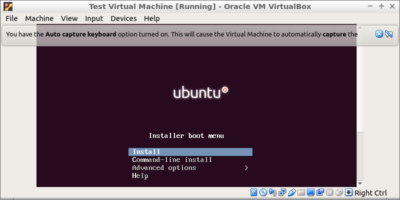
Virtualbox allows you to run a virtual machine on your PC. This shows how to install Virtualbox on Ubuntu and install and run virtual machine on your PC.
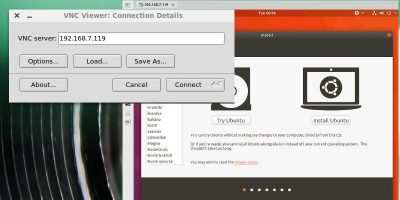
Virtual machines are great, but they can be limiting if you want to use a graphical desktop remotely. VNC is the answer. Learn to set up a virtual machine from the command line and connect to it over VNC.
For testing it is recommended to use a virtual machine so any fatal changes won’t affect your main system. Here are some virtual machines for Windows 10 that you can use.
Windows allows you to create and manage VHDs using native tools. However, if you want to make your work much easier, here’s how to mount and manage VHD using Simple VHD Manager.
Gnome Boxes helps to make virtualization easier. Does it have what it takes to beat out virtual machine programs like Virtualbox or VMware? Let’s find out.