Did you know that instead of using apps you can back up your Android data entirely using the PC? Here is how you can back up your Android data with ADB on Ubuntu.
There may be times where you need constant access to your current IP address. Here is how you can display your IP address in the system tray in Ubuntu.
Mac’s touchpad and its multi-touch gestures really put a lot of laptops to shame. This article shows you how to get the same multi-touch gestures in Ubuntu.
Even though Deb packages are popular with Linux users, it doesn’t mean it is easy to source them. Here are some of the best places to find Debian packages online.
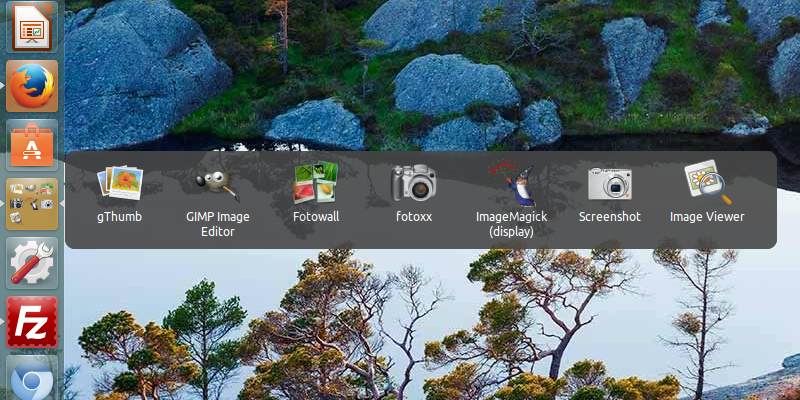
One of the issues with Unity Launcher is that it can get overcrowded with apps. Here’s how you can add an app drawer to Unity Launcher and keep it organized.
If left unchecked, your system cache might take up a big chunk of your storage and memory. Here’s how you can quickly clear the system cache in Ubuntu.
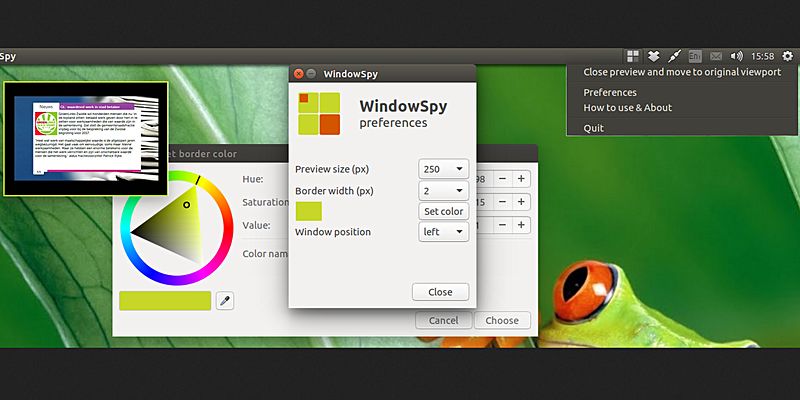
If you want to find out what’s happening in another workspace without switching over, you can now get a live preview of another workspace in Ubuntu. Here’s how.
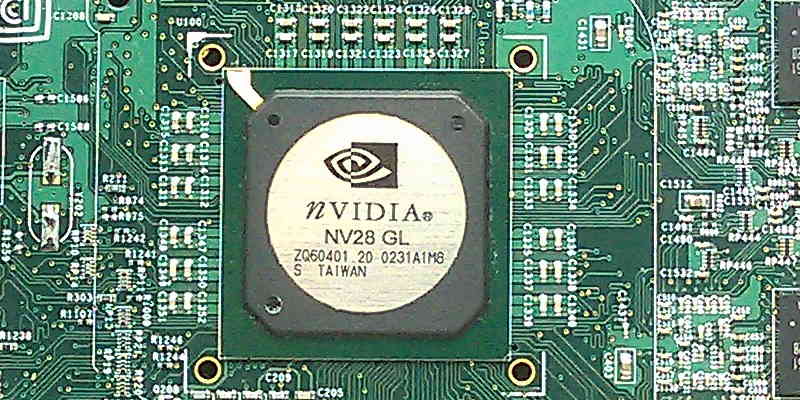
Nvidia’s NVENC allows the use the GPU to encode video streams so as to reduce video conversion time. Here’s how to get Nvidia’s NVENC working in Ubuntu.
To reduce eye strain, you should use dedicated software that prompts you to take frequent work breaks, something which is really beneficial for your eyes. Safe Eyes for Linux is one you should check out.
If you have several Ubuntu PCs connected in a LAN network, you can set up a local repository in one of them and update every computer without Internet access. Here’s how to set up a local repository in Ubuntu.
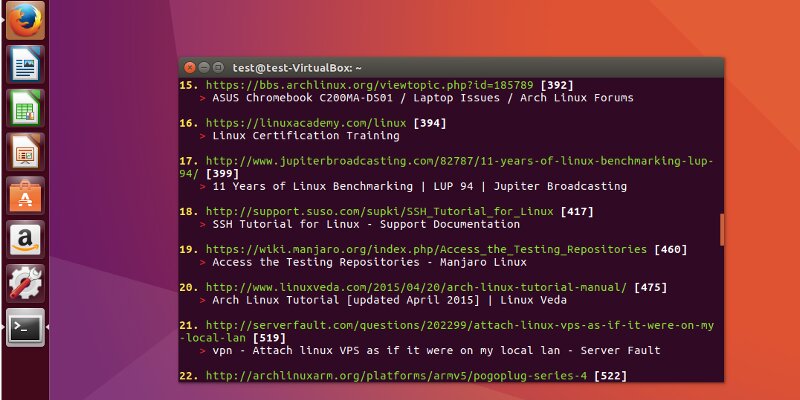
While Telegram comes with a desktop client for most operating systems, it can be accessed via the command line too. Here’s how to use Telegram from the Linux command line.
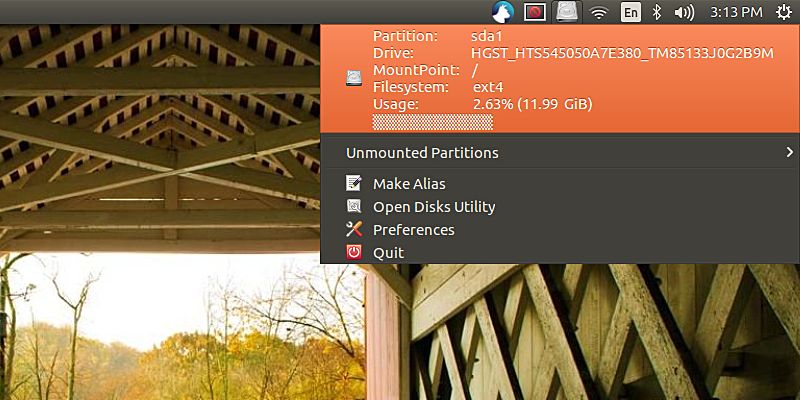
If you are a Linux system admin who needs to constantly keep track of the filesystem usage, here is a way you can display the filesystem usage information in the Ubuntu system tray.
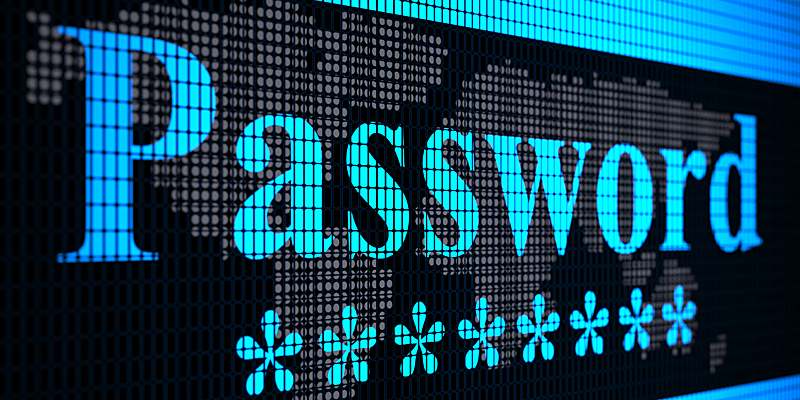
If you are always mistyping your sudo password because nothing is shown on the screen, here’s a quick fix to get asterisks to show up as your sudo password in Ubuntu.