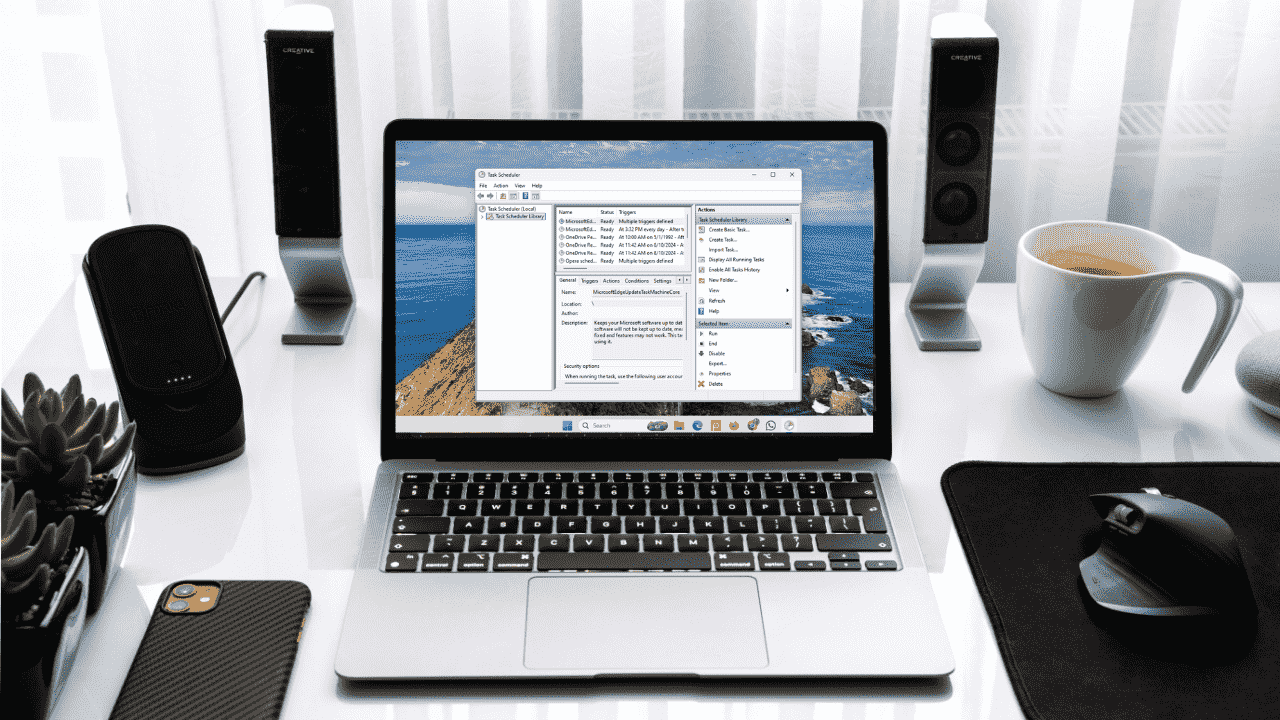
Windows Task Scheduler lets you schedule tasks to run automatically at specific times, why not use it to schedule Python scripts too?
By Anees Asghar – Sep 1, 2025
Like Windows Update, you can’t permanently disable automatic app updates in the Microsoft Store anymore.
By Karrar Haider – Aug 19, 2025
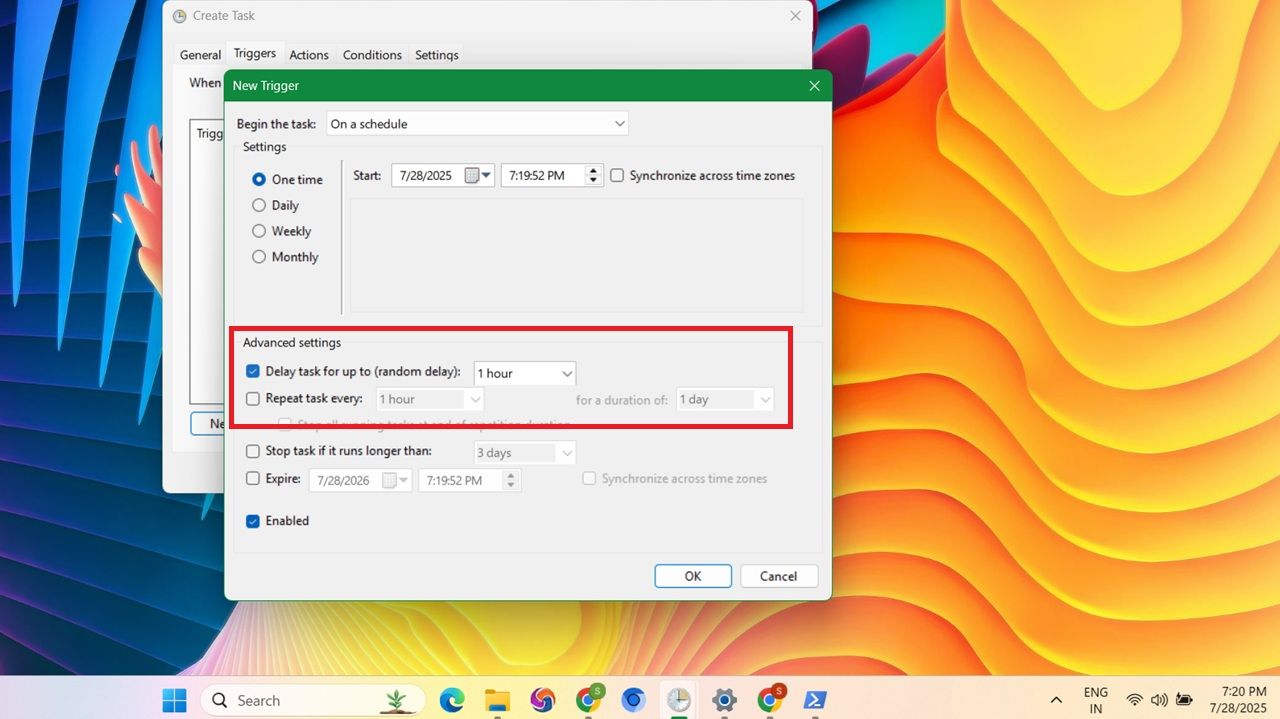
The Task Scheduler’s delay feature is super useful for postponing non-essential tasks, ensuring network connectivity before a task starts, running tasks in a specific order, scheduling updates, or performing hardware maintenance.
By Sayak Boral – Jul 30, 2025
Explore all the alternative ways of opening up Device Manager in Windows.
By Sayak Boral – Jul 18, 2025
If you don’t want your PC rebooting automatically after a Windows update, there are several ways to disable it.
By Sayak Boral – Apr 28, 2025
There’s more than one way to open Task Scheduler in Windows.
By Crystal Crowder – Jul 22, 2024
Learn how to empty Recycle Bin automatically on Windows, so that files don’t accumulated in it. We discuss various methods of doing so.
By Mustafa Ashour – Jul 16, 2023
Task Scheduler glitches are easier to overcome than you might think.
By Crystal Crowder – Sep 12, 2022
Start your favorite portable apps when Windows does.
By Crystal Crowder – Aug 25, 2022
Are you having trouble remembering your tasks? There’s help out there!
By Dharini Udani – Aug 25, 2022
Master cron and easily create recurring tasks in your Linux system.
By Ramces Red – Jun 1, 2022
It is easy to schedule your PC to start up or shut down automatically.
By Sayak Boral – Dec 9, 2021
Scheduling a task in Windows is a good way to carry out repetitive actions. Here is how to use Task Scheduler to create tasks in Windows.
By Sayak Boral – Jul 13, 2021
Tired of having to manually handle certain tasks on your computer by yourself? Check out our guide on how to schedule and automate tasks in Ubuntu.
By Sarah Adedun – Jan 6, 2020
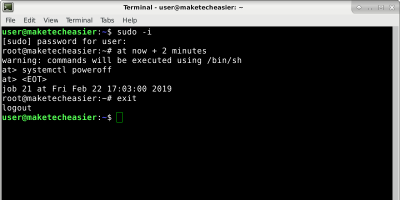
It is easy to schedule task on Linux, particularly with the “at” command. Pretty much any action you can think of can be scheduled with the “at” command.
By Alexandru Andrei – Feb 28, 2019
Affiliate Disclosure: Make Tech Easier may earn commission on products purchased through our links, which supports the work we do for our readers.