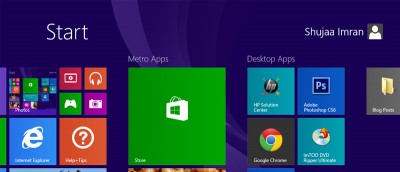
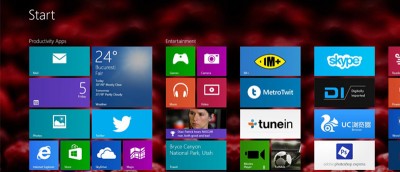
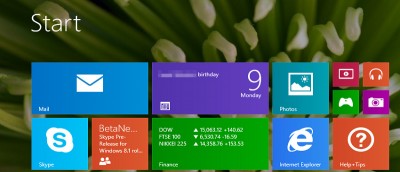
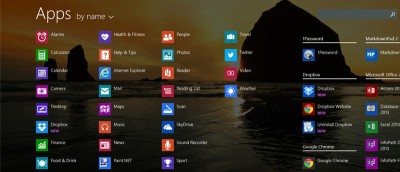
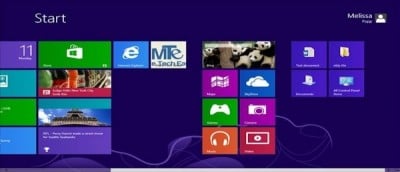
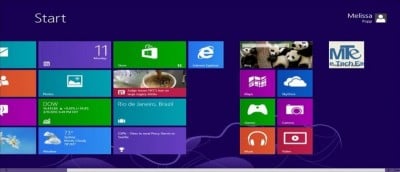
Microsoft included plenty of Start screen customization options in Windows 8/8.1. Here are our five best Start screen customization tips. Check them out.
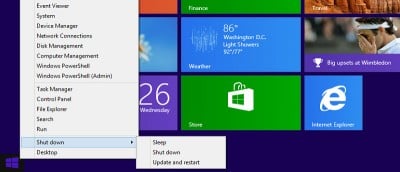
For those who are not fond of the new Start screen in Windows 8 and 8.1, you can tweak the new Start button so that it takes you to the Apps screen instead.
Microsoft has released the Windows 8.1 Pro Preview. It’s available as an upgrade to all Windows 8 users. In the meantime, users can make the choice if they want to take advantage of Microsoft’s beta test of the first Service Pack for Windows 8.
Windows 8 does not give users a way to create or pin live tiles on their own, so users must rely on third party programs to do it. WinAero’s Pin to 8 is a great solution for users looking to pin to the Windows 8 Start Screen.
Microsoft introduced the new interface in Windows 8 that make full use of live tiles, but they failed to gives users the tools to create, modify and tweak the lives tiles. Here is how you can do so.
Start Screen is a new feature introduced in Microsoft Office 2013. Like Windows 8, many people are used to the old layout and prefer to disable the Start Screen by default. Here are several ways to disable the start screen in Microsoft Office 2013.