Now you can have one signature to rule them all
By Sayak Boral – Apr 9, 2025
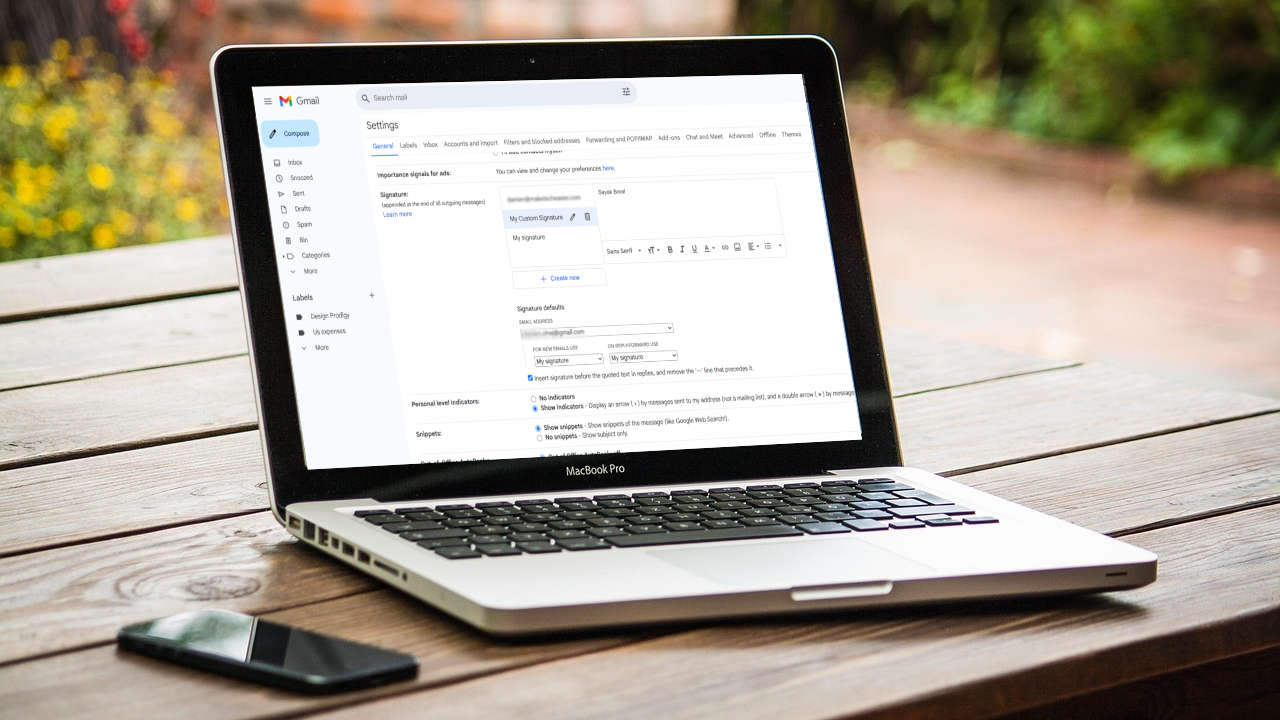
If you use your Gmail account for multiple purposes, this guide will help you create and utilize multiple Gmail signatures.
By Megan Glosson – Dec 1, 2023
Add a personal touch to your Outlook emails.
By Sayak Boral – Nov 8, 2023
Were you supposed to sign an electronic document? Come look deeper into what makes your electronic signature as secure as it should be.
By Terenz Jomar Dela Cruz – Mar 9, 2023
Sometimes you need to sign a document on the go. If you have an Android phone, learn how to sign a PDF on Android.
By Alexandra Arici – Feb 1, 2023
The next time you need to sign and/or fill out a PDF on your Mac, use the built-in Preview app. This tutorial shows you how.
By Brahm Shank – Dec 12, 2022
The Markup tool in iOS allows you to easily add your signature to documents. Learn how use it to sign a PDF on iPhone.
By Mehvish Mushtaq – Nov 28, 2022
Learn how to sign a PDF in Windows without a third-party app. You don’t even need an internet connection to add your signature!
By Natalie dela Vega – Nov 15, 2022
Are there any documents that need your digital signature?
By Mehvish Mushtaq – May 10, 2022
Why waste paper when you can sign your documents digitally? All you need is your digital signature, the PDF you want to sign, and GIMP! Let’s see how!
By Odysseas Kourafalos – Apr 4, 2020
Long gone are the days where you needed to print out a document just to sign it. Here are several ways for you to sign documents electronically.
By Corbin Telligman – Mar 1, 2017
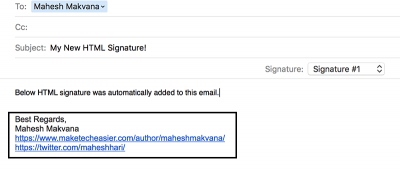
In order to create an HTML signature in the Mail app on your Mac, you need to go through a nifty trick that gets the job done for you. Here’s how it works.
By Mahesh Makvana – Feb 13, 2016
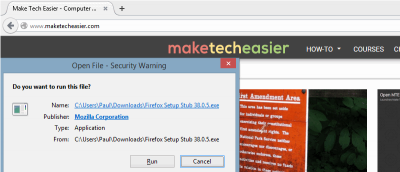
Want to learn more about the signature line on software installer windows? Read on to learn what this one line means and why you should be aware of it.
By Paul Ferson – Jul 1, 2015
What do you do when you receive a document that need to be signed? You will have to print it out, sign it and rescan it before you can send it back. HelloSign allows you to sign a document sent to your Gmail address and sign it from there.
By Kim Barloso – May 18, 2013
Affiliate Disclosure: Make Tech Easier may earn commission on products purchased through our links, which supports the work we do for our readers.