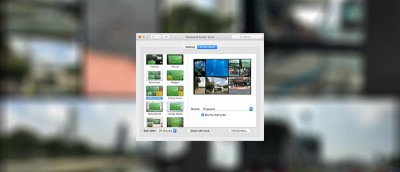
Have you ever wanted to display a website as your screen saver? You’re in luck. WebViewScreenSaver is a Mac app that turns any website into a screen saver.
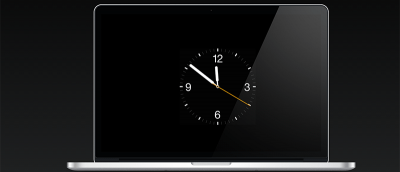
Are you a fan of Apple Watch? If so, you can now add the Apple Watch Clock Face as a screen saver on your Mac. It’s quite simple and stylish. Here’s how.
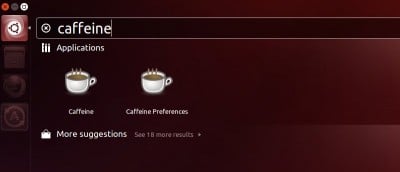
It can be pretty annoying when the screensaver pop in to take over the screen while you were watching video. What solutions do you have in Ubuntu to prevent the screen from going to sleep, or dimming down?
Do you have a favorite webpage that you like to check multiple times a day? How about turning it into your desktop wallpaper so you can quickly access to your favorite webpage without having to open your browser.
Have you noticed some of the cool new screen savers in Mac OS X Mountain Lion? Many of them have nice effects like flashing and rotating colors, moving text and photo slideshows. An elegant alternative to Mountain Lion’s default screen savers is a simple flip clock – appropriately named FlipClock. This screen saver does one thing only: displays the current time. It’s a simple, yet comes in handy and looks nice.
The usual way to deactivate a screensaver is to type on the keyboard or move your mouse. What if you can do it via your webcam when it spotted a movement? Let’s have a look!