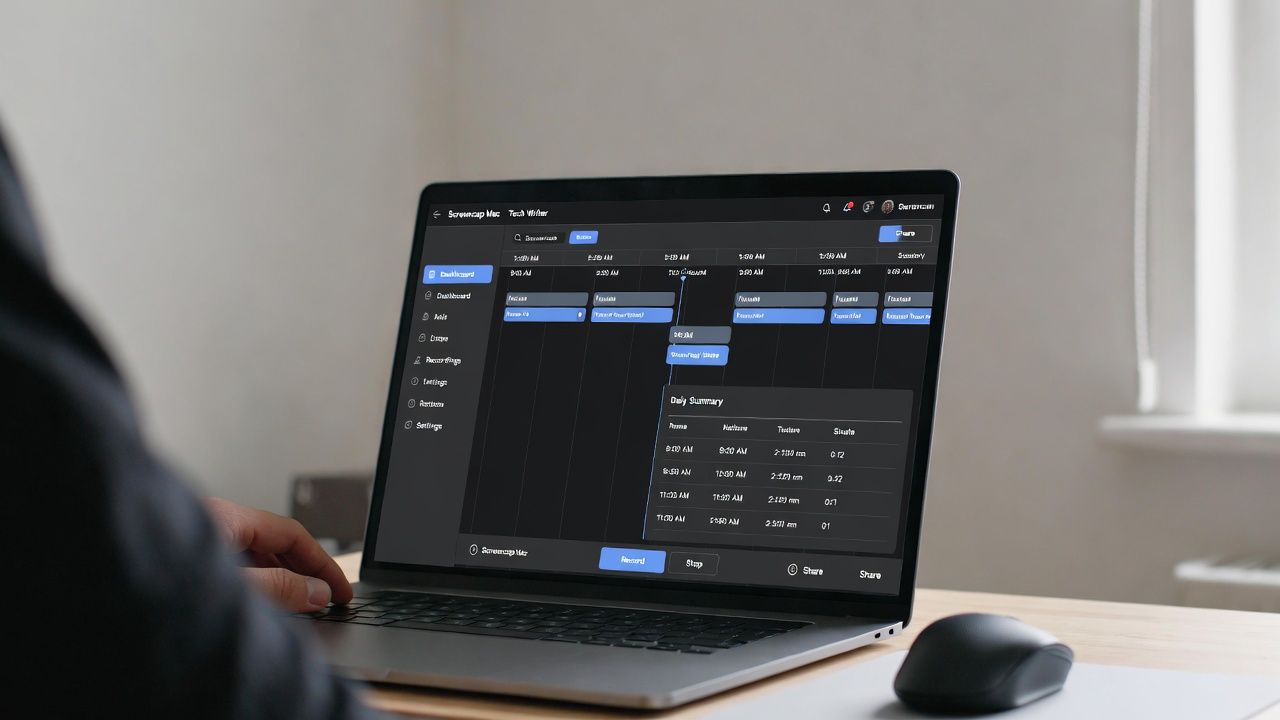
Automatically tracks your screen activity and find out where you have been wasting your time on.
By Henderson Jayden Harper – Jan 28, 2026
Nvidia Ansel is arguably the best in-game screenshot tool. Here we show you how to best use it to capture your gaming experiences.
By Christopher Harper – Dec 3, 2025
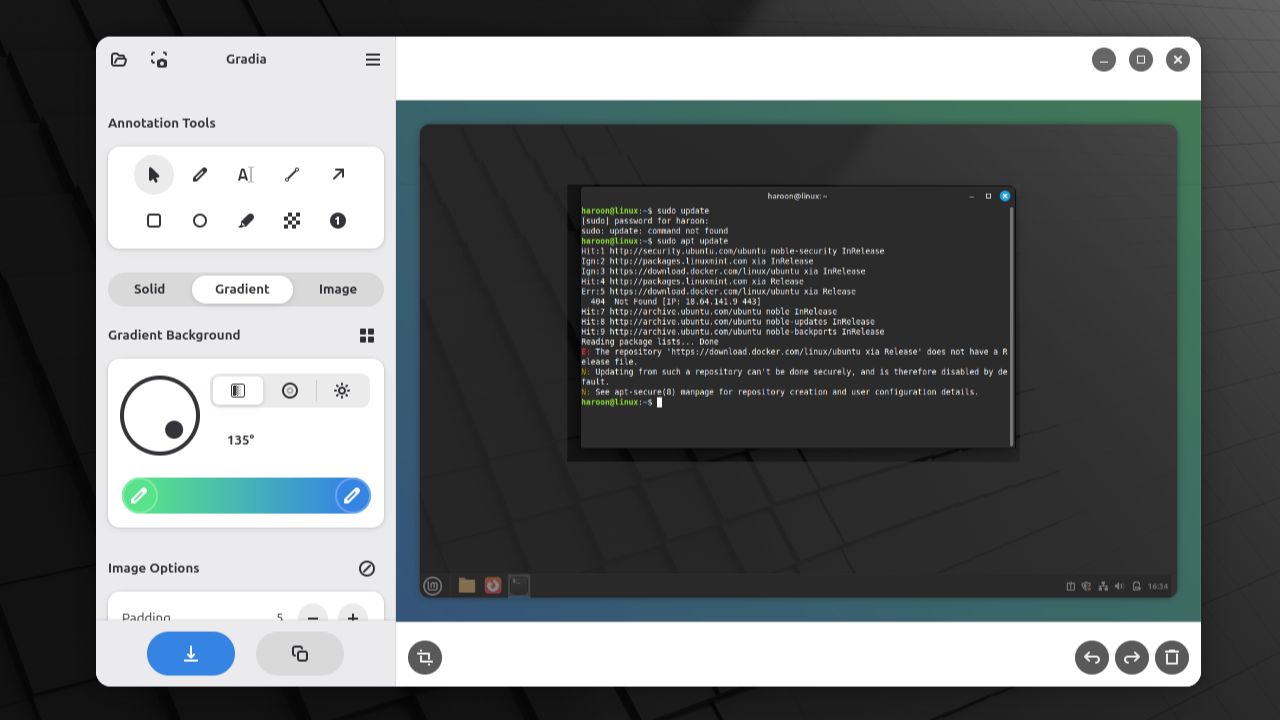
Gradia runs quickly and efficiently. It gives you full control over your screenshots, letting you add arrows, highlights, and text annotations in one place.
By Haroon Javed – Aug 4, 2025
This complete guide shows various methods to capture web page, email messages, screenshots, and handwritten and voice notes in OneNote.
By Rahul Saigal – Feb 10, 2023
Need the best ways to capture YouTube screenshots? We cover all the best ways you can snap one quickly and painlessly.
By Tanveer Singh – Jan 23, 2023
Microsoft doesn’t like you to take screenshot of the login screen, but we have the fix.
By Sayak Boral – Sep 14, 2021
Whether you want to grab a portion of the screen or the entire thing, there are multiple ways to take screenshots on a Chromebook.
By Crystal Crowder – Aug 31, 2021
If you want your mouse cursor to be included in your images, here’s how to take screenshots with the mouse cursor included on macOS.
By Isaac Norman – Apr 22, 2021
Here is our list of some of the best software available for Windows that allows you to take a screenshot with a mouse cursor.
By Sagar Naresh – Apr 12, 2021
Want to copy some text from a website, but the site owner has blocked the option? Learn how to copy text from a blocked site in Chrome.
By Crystal Crowder – Mar 16, 2021
Whether you want to capture the whole screen, a highlighted area, or a window, these are the best ways to take screenshots on your Mac.
By Mike Tee – Jul 19, 2020
A screenshot is a good way to show others what is on your screen. Let’s see how you can easily take a screenshot and annotate it with Ksnip in Linux.
By Odysseas Kourafalos – Apr 27, 2020
KDE’s screenshot tool insists on including a shadow when capturing the screen. This shows how to take screenshots without the shadow in KDE.
By Odysseas Kourafalos – Apr 8, 2020
If you are in an online study group, you should make use of tools to make your study effort productive. Here are some tools for online group study.
By Sayak Boral – Apr 4, 2019
If you find yourself taking screenshots a lot in your daily life, ShareX is a powerful screen capture tool you should use. Dig into this program and see what it can achieve.
By Simon Batt – Nov 12, 2018
Doing a screen capture is easy but what about a video screen capture? Find out how you can perform a video screen capture on a Windows PC with these free tools.
By Sayak Boral – Oct 30, 2018
macOS’s default screenshot function is good, but limited in features. If you need to take a lot of screenshots, here are some of the best screenshot apps for Mac you should check out.
By Alexander Fox – Aug 16, 2017
Capto is a screen capture app for Mac that can capture any screen image and record videos of screen activities. Here’s a closer look at its features.
By Jeffry Thurana – Jul 4, 2016
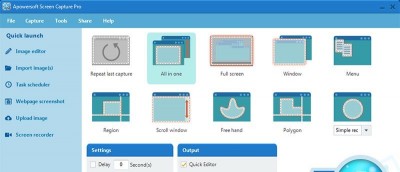
Apowersoft Screen Capture Pro is an innovative & customizable Windows software that handles screenshots with annotations, sharing options & cloud storage.
By Vamsi Krishna – Jul 23, 2015
While the screenshots with drop shadows look good, some may prefer plain captures. Here are three ways to capture a screenshot without drop shadows.
By Mahesh Makvana – Apr 27, 2015
Next >
Affiliate Disclosure: Make Tech Easier may earn commission on products purchased through our links, which supports the work we do for our readers.