Is your Windows Start Menu cluttered with Bing results? You can now get it to show only local results with these fixes.
By Oluwatokiloba Folami – Jan 20, 2026
In esports, milliseconds can make a lot of difference. Use these Windows Registry tweaks to gain the additional miiliseconds you need to dominate.
By Karrar Haider – Oct 1, 2025
If you don’t want your PC rebooting automatically after a Windows update, there are several ways to disable it.
By Sayak Boral – Apr 28, 2025
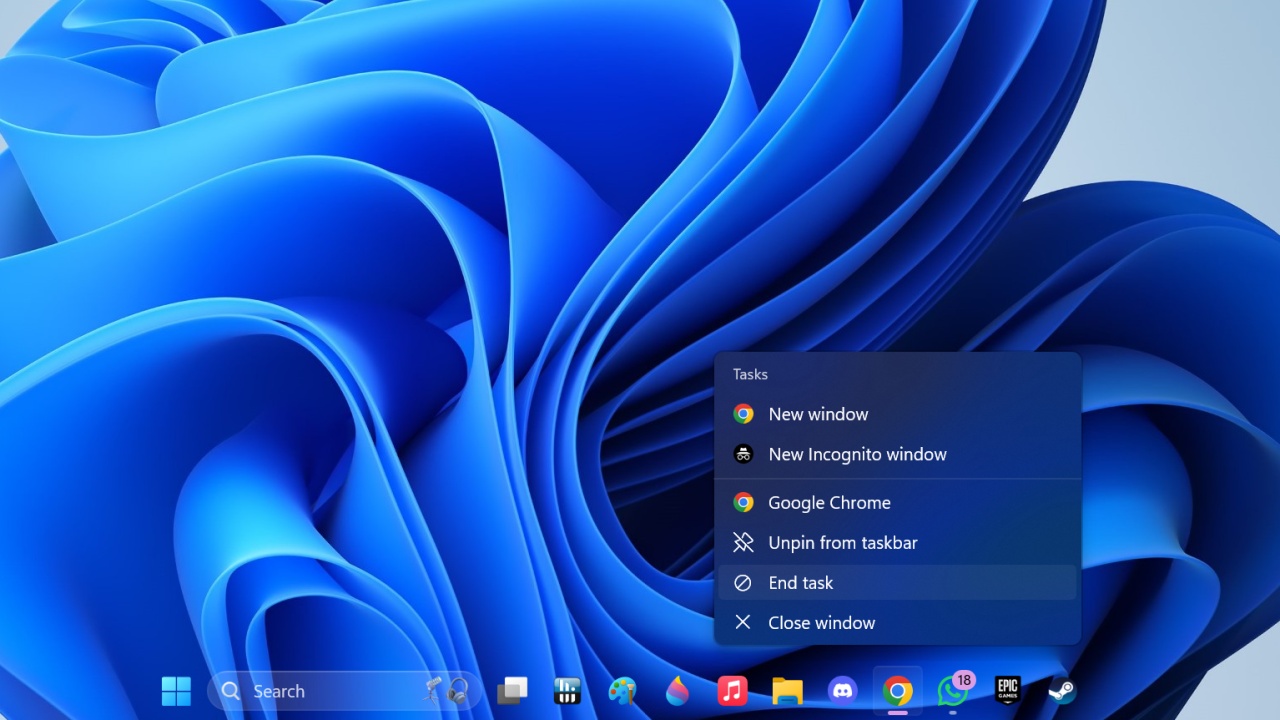
Windows 11’s hidden feature allows users to hit End Task on running apps through the taskbar itself. Here’s how you can enable it.
By Samarveer Singh – Oct 7, 2024
Need to modify some registry keys? Learn how to open Registry Editor in various ways, ranging from the very simple to the more complex.
By Meenatchi Nagasubramanian – Oct 5, 2023
When Windows Update Service is missing, it can be impossible to update your computer. Learn how to fix it and start updating again.
By Chifundo Kasiya – Aug 13, 2023
Learn how to delete files on Windows if they are large. The various methods include CMD or adding a dedicated option in the context menu.
By Mustafa Ashour – Jul 17, 2023
If you share your PC with others, you may not want other users to access all your apps. Learn how to block apps on your Windows PC.
By Mustafa Ashour – May 19, 2023
Sometimes you need to make changes to your system registry. Learn how to back up the Windows registry and restore it when things fail.
By Sayak Boral – Feb 12, 2023
If you’ve made changes to the registry, and it froze your system, here is how you can restore the registry from another user account in Windows.
By Robert Zak – Aug 9, 2018
Affiliate Disclosure: Make Tech Easier may earn commission on products purchased through our links, which supports the work we do for our readers.