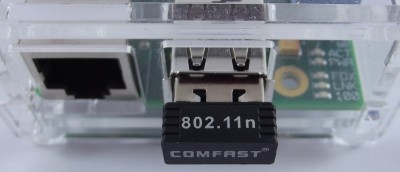
Although the Raspberry Pi comes only with an Ethernet port, it can also connect to WiFi. All it needs is a WiFi USB dongle and some simple configurations.
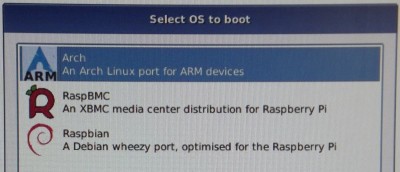
One of the attractive things about the Raspberry Pi is that you can install multiple Linux distros on Raspberry Pi and at boot time select which OS to use. Here is how you can do it.
Do you have trouble connecting to Raspberry Pi (using SSH) because you don’t know its IP? Learn how to use static IP address and setup SSH on Raspberry Pi.
If you are an audiophile, you’d scoff at the suggestion of using the Raspberry Pi to listen to music. But that’s because you haven’t yet tried RaspyFi. It’s designed for music lovers and is fully equipped to work with your HiFi gear.
Since the Raspberry Pi can run Linux and FreeBSD, it can also use the Go language. See how you can build it from source and install Go on a Raspberry Pi.
You can use the Raspberry Pi to do all kinds of geeky stuff, but one of the most interesting uses for the little device is that of a home theatre PC (HTPC).