For those who have difficulty figuring out the joystick modes and file system problems in Retropie, here’s how you can properly configure Retropie in Raspberry Pi.
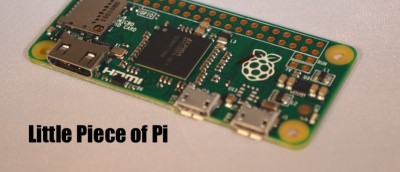
The Raspberry Pi Zero is one of the smallest full computers you can buy, but how does it stand up against its brothers in the Pi family? Let’s find out.
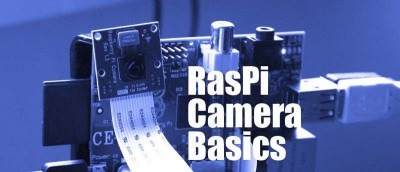
The RasPi has a cheap camera module you can just plug right into the board, and you turn it into a surveillance camera. In this article you’ll learn to fit and set up the Raspberry Pi camera and adjust the basic settings to take stills or video.
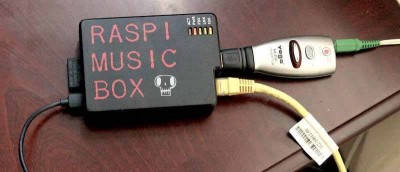
In this article you’ll learn to use the Volumio system to turn Raspberry Pi into a home hi-fi, playing music from memory sticks & streaming from Mac or PC.
A big problem on a Raspberry Pi is that the SD card needs to be in a specific format. This isn’t easy to do on a Mac, so this guide will explain it for you.
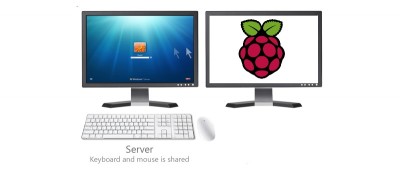
Do you have multiple computers, but only have one set of mouse and keyboard? Here is how you can share mouse and keyboard between Windows and a Raspberri Pi.
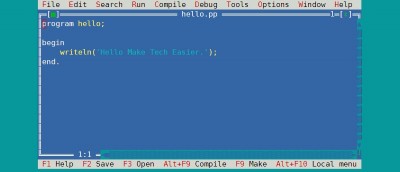
While the Pascal programming language isn’t as popular as C, it certainly has a longevity. Let’s take a look at writing Pascal Programs on a Raspberry Pi.
Tiny Core is a minimalistic Linux distro and piCore is the Raspberry Pi port. piCore is runs entirely from RAM and is only 25MB big. Let’s check it out and see how it performs.
The Raspberry Pi can support a variety of Operating Systems. For those who are keen to run FreeBSD on Raspberry Pi, here is the installation instructions.
The default configuration for Raspberry Pi is completely functional, but if your Pi is exposed to the Web, changing the default configuration is essential.
Raspberry Pi’s command line interface can play video without starting the graphical desktop. Here is how you can watch videos from the command line on the Raspberry Pi.
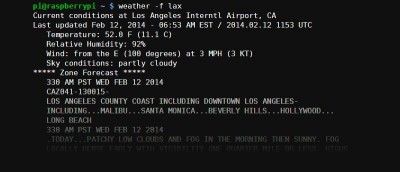
From the web to smartphones, there are tons of ways to check weather forecast. In Raspberry Pi, you can also get the weather forecast from the command line.