PCs use a lot of power and can contribute a good amount to your electricity bill. If you are thinking of saving on your electricity bill, check out these ways to reduce your PC’s power consumption.
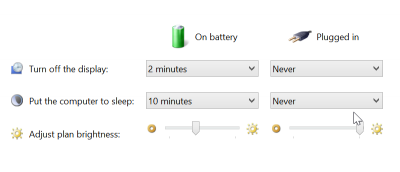
Did you know your PC might be using unnecessary power? Luckily, you can use Windows’ built-in power options to make your PC use less power. Here’s how.
Wouldn’t it be great to have your Android automatically turn on whenever you pick it up? If you like this idea, then you’ll love the Gravity Screen Off app.
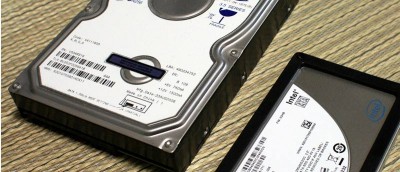
A report from the JEDEC about SSDs suggests they might not be able to retain storage over long periods of time without power. Is this true? Let’s find out.
When you are using Windows 8.1 on a laptop, you may well encounter different lighting conditions that make it difficult to see what is happening on screen. If you are experiencing problems with the way screen brightness levels are being changed for you, you can disable it so your screen or monitor remains at the same, constant brightness level.